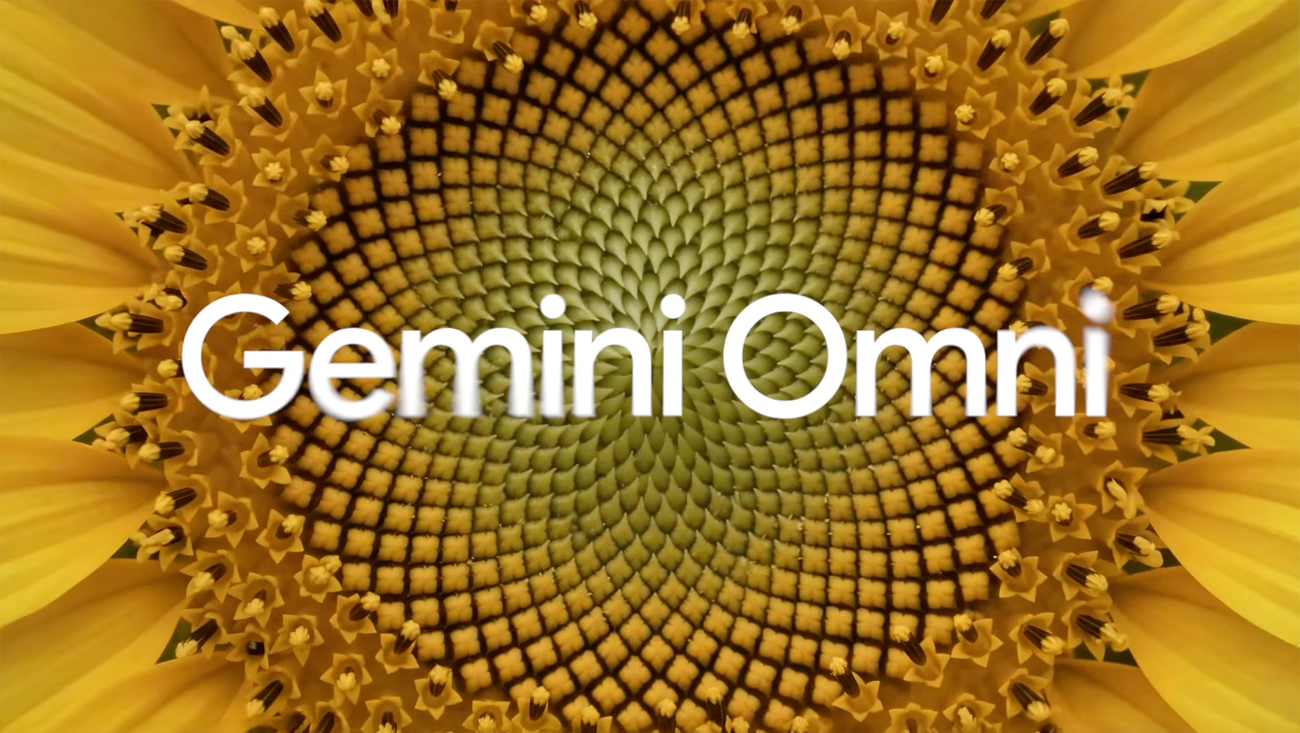

Google just put an AI video studio inside YouTube, and almost nobody noticed. Gemini Omni turns a sentence, or a few photos, into a short clip with voices, music, and sound effects. Most people assume it costs $20 a month; the free way in is hiding in plain sight.
Google retired Veo and barely mentioned it
For about two years, Veo was Google’s video model. Then Omni showed up, and Google quietly flipped the default. If you open the Gemini app today and ask for a video, Omni makes it. Veo still handles a few niche editing jobs, like stretching an existing scene, but it’s being phased out. Google even deprecated it in the developer API.
So what is Omni, in plain words? Think of Nano Banana, Google’s photo editing model, but for moving pictures. You describe a scene, and you get a clip with dialogue, background noise, and music baked in. No editing software. No stock footage hunting. The voices actually move with the words.
There’s one catch you should know upfront: every clip carries an invisible SynthID watermark. Google can tell it made the video, and so can its detection tools. That matters later, so keep it in mind.
What Gemini Omni can do right now
The feature list is longer than most people expect for a first release. Here’s what actually works:
- Text to video. Describe the scene, the camera move, the mood. Omni sticks to the script better than most AI video tools I’ve seen.
- Photo to video. Upload up to 5 photos and turn them into a moving scene. Old family pictures work, and yes, it’s a little spooky.
- First and last frame control. You decide how the clip starts and ends. Omni fills in the middle.
- Conversational editing. Change the camera angle or remove an object just by asking, like you’re texting an editor.
- Templates. One tap applies a pre-made style, which is handy when your prompt-writing skills are running on zero sleep.
- Avatars. Create a digital version of yourself that speaks with your own voice.
- Length and quality. Clips run 4 to 10 seconds, extendable to about 40 seconds in chunks. Resolution goes from 360p up to 1080p, with 4K reserved for the priciest plans.
That 10-second ceiling sounds limiting. For social video, honestly, it’s the sweet spot.
Gemini Omni vs Veo: what actually changed
Both are Google video models, so people keep asking if it’s just a rebrand. It isn’t. The table below shows the real differences:
| Feature | Gemini Omni | Veo |
|---|---|---|
| Where you find it | Default in the Gemini app, Google Flow, and YouTube Shorts | Deprecated in the developer API; a few editing jobs only |
| Editing style | Step-by-step conversation, edits build on each other | Traditional render tweaks and scene extending |
| Inputs | Text, images, video, and audio together | Mainly text and images |
| Status | Google’s video model going forward | Being phased out |
The short version: Veo was a video generator you had to manage. Omni behaves more like a collaborator that remembers the last thing you made.
The free route: YouTube Shorts
Here’s the part most coverage skips. Google rolled Omni out at no cost on YouTube Shorts and the YouTube Create app. You don’t need a subscription to make your first clips.
The steps are simple, though the rollout is gradual, so patience helps:
- 1. Open the YouTube app and swipe up to the Shorts camera.
- 2. Look for the AI video option, which lives where Dream Screen used to be.
- 3. Type your prompt. Keep it concrete: one action, one camera move, one mood.
- 4. Wait a few minutes. Generation isn’t instant, and the app tells you when it’s done.
- 5. Post it as a Short, or save it and keep experimenting.
If you don’t see the option yet, your account hasn’t gotten the rollout. Meanwhile, the paid routes below work for everyone with a subscription today.
Inside the Gemini app and Google Flow
The Gemini app gives you the full editing toolkit. You’ll need a paid Google AI plan, and you need to be 18 or older. Here’s the exact flow:
- 1. Open gemini.google.com or the Gemini mobile app.
- 2. Tap Menu, then Videos.
- 3. Optional: pick a template to start from a curated style.
- 4. Add up to 5 images and one video as references.
- 5. Write your prompt and hit submit. While it generates, which takes minutes, you can’t use that chat for anything else.
- 6. Edit by chatting. “Remove the person in the background” or “make it sunset” both work.
- 7. Under the video, tap Share to save it, export it, or push it to YouTube.
One regional quirk: uploading videos for editing isn’t available in the EEA, the UK, and some US states yet. Photos and text work fine almost everywhere.
Google Flow is the other door. It’s the creative platform built around video, and it’s friendlier for making several clips in a row. Same model, same account, different workspace.
What the plans cost
US list prices, current as of this week. They vary by country and they change often, so check gemini.google/subscriptions before paying anything.
| Plan | Price | What you get for video |
|---|---|---|
| Free (via YouTube Shorts) | $0 | Omni clips inside Shorts, limited control |
| Google AI Plus | from $4.99/mo | Gemini app video plus Flow, entry-level limits |
| Google AI Pro | $19.99/mo | Higher limits, 1080p clips |
| Google AI Ultra | from $99.99/mo | Top limits and 4K output |
Students get a decent deal: eligible US college students can claim a free year of Google AI Pro through Google’s student hub, and the offer runs until December 31, 2026. That’s $240 worth of subscription for the price of a student email address.
Where beginners can actually make money with it
This is the part you came for, so let’s be honest about it. Omni won’t print money by itself. However, short vertical video is where clients with small budgets live, and 4-to-10-second clips are exactly what they keep asking for.
Three angles that work for beginners:
- Faceless Shorts channels. Your clips are literally Shorts-sized. Niche channels (odd history, space facts, luxury kitchens) run on short loops, and Omni’s native audio means you skip the voiceover step.
- Product teasers for online sellers. Etsy, eBay, and Shopify sellers need 10-second clips for their listings and social posts. They don’t want to learn prompts. You already did.
- Local business promos. A rotating shot of tonight’s special, a storefront at golden hour. Restaurants pay for this, and most have never heard of Omni.
Start free on Shorts, make a small portfolio, then charge per clip. Realistic starting rates for beginner-made AI clips sit in the $15-40 range per short, because that’s what the market pays people without a reel. As your prompt skills sharpen, so do your prices.
One warning: don’t pitch yourself as a video studio. You’re a fast, cheap clip machine. The moment you promise a 3-minute brand film, the 10-second limit will embarrass you.
The limits nobody mentions in the announcement
Every launch post skips the fine print, so here it is:
- 10-second cap. Storytelling at any length means stitching clips, and seams show.
- Consistency wobbles. Characters and environments drift between scenes. Google’s own demo videos dodge this by staying abstract.
- The watermark stays. SynthID is invisible but permanent, and platforms can detect it. Disclose that your clips are AI-made; several platforms already require it.
- Paywalls in the app. The full experience needs a Google AI plan, and video-to-video editing is blocked in some regions.
- Usage is metered. Limits refresh on rolling windows, so heavy sessions hit walls. Plan your prompts instead of spamming them.
None of these kill the tool. They just mean you should treat Omni as a clip machine today, not a film studio.
Your first week with Omni
Day one: make one clip on Shorts, any subject, just to feel the workflow. Day two: make the same clip again with a better prompt and notice how much control you actually have. Day three: if you sell anything online, put your own product in front of the camera.
That’s the whole playbook. The free route is sitting inside an app you already have, and the paid tier costs less than lunch if you outgrow it. Meanwhile, video keeps out-performing every other format on social, and most people around you still won’t try making one. Be the one who did.
Further reading if you want to go deeper: Google’s official Gemini Omni announcement has the full rollout details, and the developer docs show what’s coming to APIs next.
If you’d rather start with other free tools, our guide to making free AI videos with Google Vids covers Google’s other video workflow. And since Omni’s avatars pair nicely with a digital you, here’s how to create an AI avatar of yourself for free.