
Most people treat Gemini Notebook as a PDF reader with a smart search bar. Upload a document, ask it questions, get answers. Useful, sure, but you are barely scratching the surface of what this tool can actually do. After testing it across several different workflows, the real power is not in reading. It is in reasoning about what you feed it.
Why Gemini Notebook is different from ChatGPT
The key distinction matters. When you ask ChatGPT or Claude a question, they pull from everything they were trained on, which is basically the entire internet. That is powerful, but it also means their answers are not anchored to anything specific. They can hallucinate, mix up sources, or confidently tell you something that sounds right but is not.
Gemini Notebook works differently. It only thinks about the sources you give it. Upload three research papers, a YouTube transcript, and a spreadsheet, and it builds its answers exclusively from that material. If the answer is not in your sources, it tells you. It does not guess. This makes it a retrieval-augmented generation engine, which sounds technical but basically means it stays grounded in your documents.
Use 1: Build a cross-referenced timeline
Got a project with dates scattered across multiple documents? Legal contracts, project plans, meeting notes, email threads. Trying to piece together a chronological view manually means opening every file, finding the relevant dates, and building a timeline by hand. It is tedious and you always miss something.
Upload everything into one Gemini Notebook. Then ask it to list every date mentioned across all sources in chronological order, with a citation for each entry. The AI pulls dates from every document, organizes them on a single timeline, and links each entry back to the exact source and section it came from. A task that would take 30 minutes manually takes about 10 seconds. I used this recently for some inheritance documents and it caught dates I had completely missed across three separate files.
Use 2: Turn SOPs into an interactive study tool
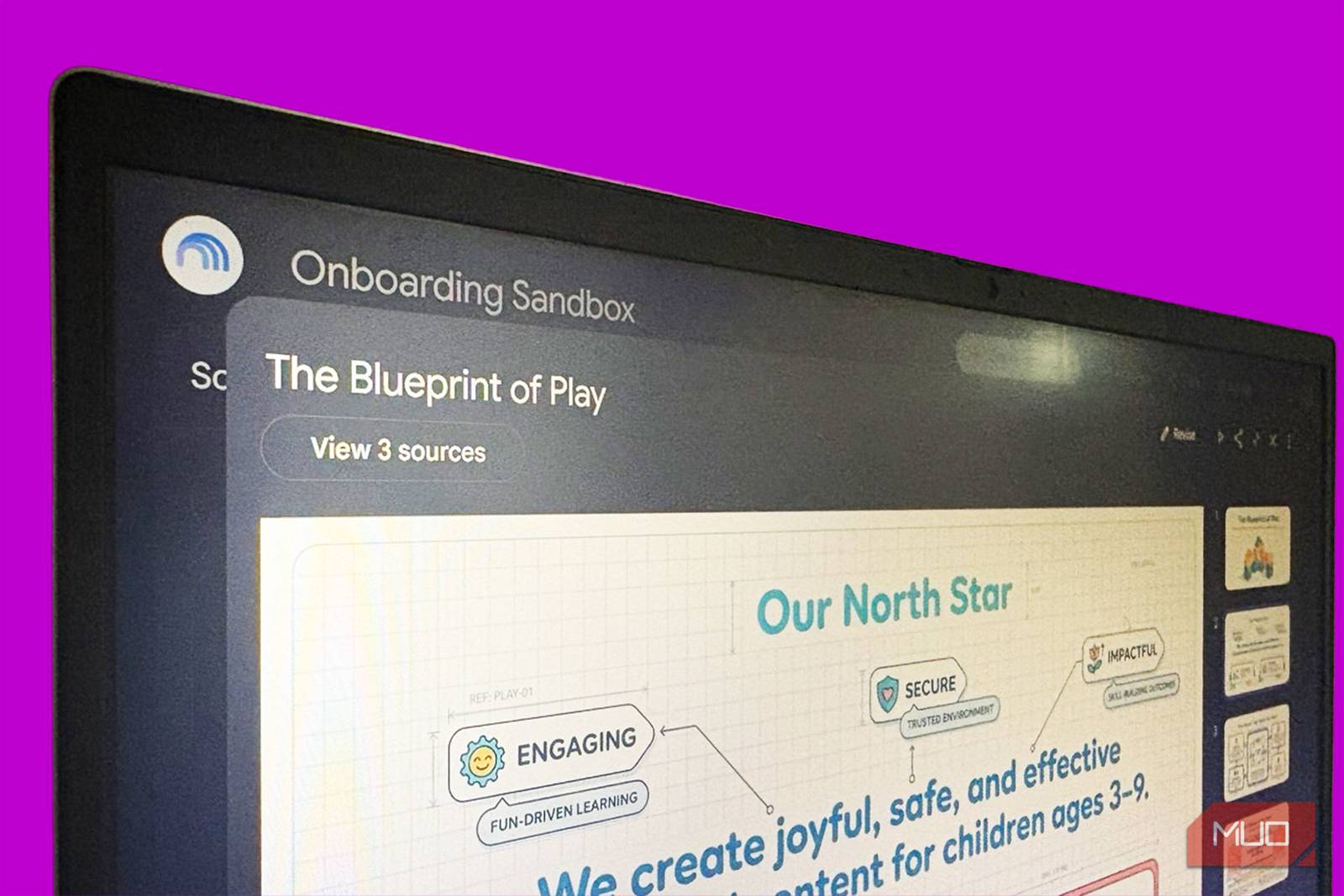
Nobody retains a 40-page onboarding PDF after reading it once. That is just not how human memory works. Most companies hand new hires a stack of documents and hope for the best. Some add a quiz at the end. Neither approach works particularly well.
Instead, upload your SOPs, employee handbook, or training materials into a Gemini Notebook and have it generate an interactive quiz. Not a static PDF quiz. An actual back-and-forth where the AI asks one question at a time, tells you if you are wrong, and points you to the exact section you need to reread. Because Gemini Notebook stays grounded in your sources, it will not generate plausible-sounding wrong answers. It quizzes you on what is actually in the document, nothing else.
Use 3: Stress-test your writing before publishing
Here is a use that catches people off guard. Before you send a proposal, pitch, blog post, or report into the world, upload it as a source and ask Gemini Notebook to find every weak point in your argument. Tell it to play devil’s advocate and build the strongest counterargument it can, using only the material on the page.
Why this works so well is because it cannot bring in outside knowledge. It has to find holes in what you actually wrote, not what it thinks you should have written. The result is a brutally honest critique of your own document, grounded in the exact text. It is like having an editor who only cares about logical consistency. I have used this on pitch decks and the weak spots it finds are almost always the ones I was secretly worried about but hoping nobody would notice.
Use 4: Find patterns across unrelated sources
This is where Gemini Notebook genuinely outperforms other AI tools. Say you upload five competitor analysis documents, three customer interview transcripts, and two market research reports. None of these were created together. They use different formats, different terminology, different levels of detail. But buried across all of them might be a pattern that no single document reveals on its own.
Ask Gemini Notebook to find recurring themes, contradictions, or unexpected overlaps across all sources. Because it is working from a shared index of everything you uploaded, it can spot connections between a customer complaint in one transcript and a product limitation mentioned in a competitor analysis that you would never have linked yourself. That kind of cross-pollination is where the real research value lives, and it is nearly impossible to do manually when you are dealing with more than three or four documents.
Use 5: Prep for meetings like a researcher
Before a meeting, upload the agenda, any relevant documents, notes from previous meetings with the same people, and any background research. Then ask Gemini Notebook to generate a briefing sheet: key topics, decisions that need to be made, open questions from last time, and any positions or preferences mentioned by the other participants.
The result is not just a summary. It is a strategic overview built from actual context, not generic meeting prep advice. You walk into the room knowing exactly where things stand, what the other side likely wants, and what questions you need answered. Compared to spending 20 minutes skimming five different documents and hoping you remember the important parts, this is a different league entirely.
The only real limitation
Gemini Notebook cannot help you with things outside your sources. If you upload a marketing plan and ask about industry benchmarks, it will tell you it does not have that information. That is a feature, not a bug, but it means you need to be thoughtful about what you upload. The quality of the output is directly tied to the quality and completeness of what you feed it. Garbage in, garbage out still applies, even with AI doing the processing.
Start using it as a reasoning tool, not just a reading tool. Upload a messy collection of documents and ask it to find the connections you are too overloaded to see. That is where Gemini Notebook actually saves time, and it is the reason it keeps getting installed on the machines of people who swore they would never use another note-taking app.