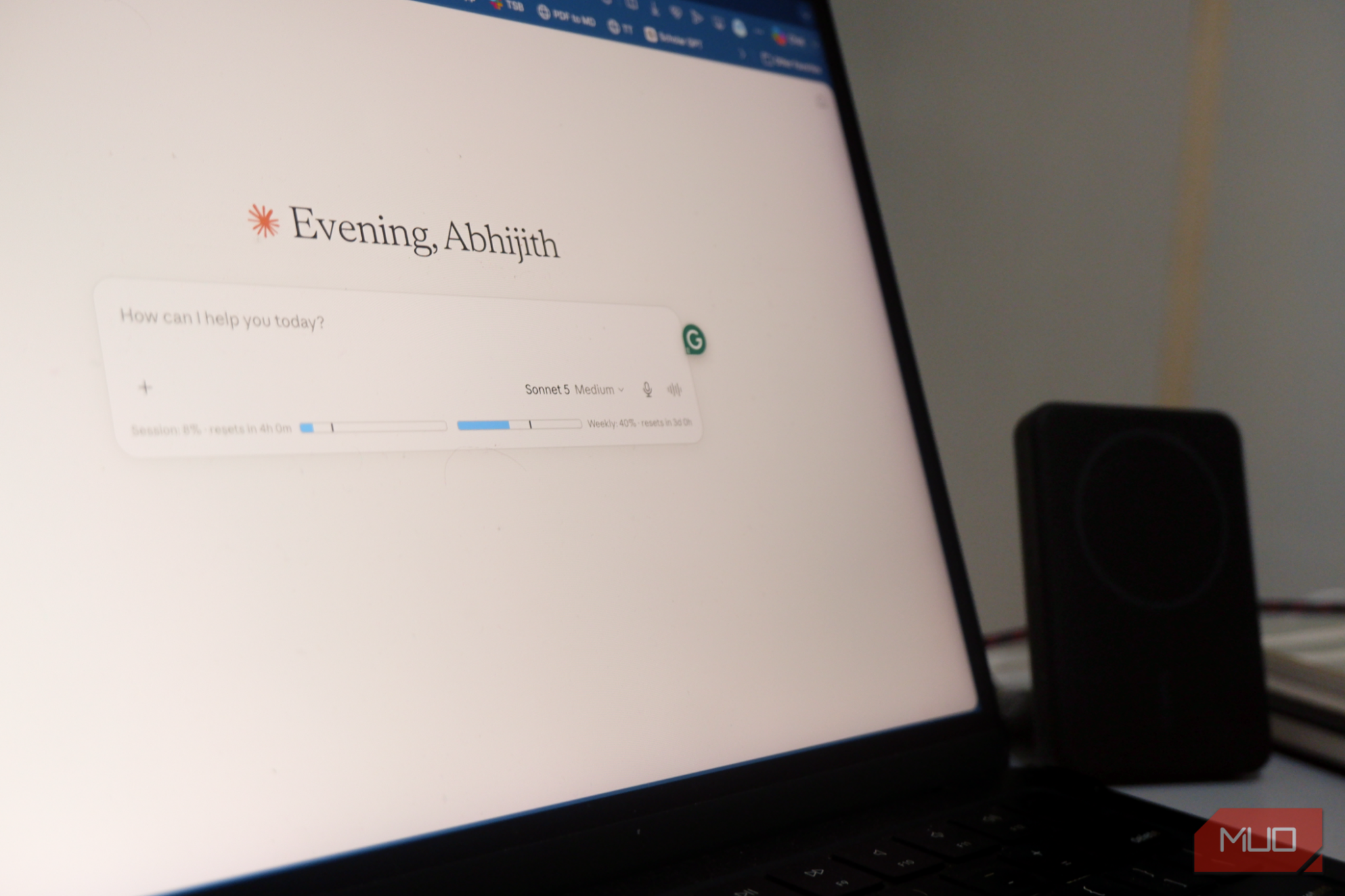

You’re paying $20/month for Claude Pro and your Claude Pro usage still hits a wall right when you need it most. Anthropic’s answer is to upgrade to Claude Max for $100 or $200 a month. For most people, that is not an option.
The real reason you run out of Claude Pro usage
Claude Pro doesn’t track your total messages. It tracks something called a “session window” — a rolling period of activity. Every time you send a message, Claude checks how much you’ve used within that window. When it hits the limit, you get the dreaded “you’ve reached your usage limit” screen.
Here’s the thing most people miss: that window isn’t permanent. It resets. And you can effectively manage how fast you burn through it by changing a few habits.
The trick is that Claude Pro’s Claude Pro usage counter is tied to your current session context. When you start a completely new conversation — not just a new chat, but a fresh context — the system begins tracking a new window. This doesn’t mean you get unlimited messages. But it means you can significantly extend your Claude Pro usage throughout the day by managing your sessions strategically.
I tested this approach over two weeks. My Claude Pro usage roughly doubled compared to just using one long conversation for everything. Some days it was even more, especially when I mixed in lighter tasks between the heavy ones.
Step 1: Understand what counts as “usage”
Claude measures usage based on how much computing power each conversation requires. A short question like “what’s 15% of 240” barely registers. But uploading a 50-page PDF and asking for a detailed analysis? That burns through your Claude Pro usage allowance fast.
The system also weighs longer conversations heavier. A chat that’s been going for 40 messages uses more of your budget per new message than a fresh 3-message chat, because Claude has to process the entire history each time. This is the key insight that most people completely miss.
Think of it like carrying a backpack that gets heavier with every step. Your first message barely costs anything. By message 30, you’re paying a premium just to maintain the existing conversation context. This is why your Claude Pro usage seems to run out faster on some days than others, even when you send roughly the same number of messages.
Step 2: Stop using one long conversation
Most people open Claude and keep one conversation going all day. They ask about work, then switch to personal stuff, then ask Claude to help with an email, then back to coding. All in the same thread.
That’s the worst thing you can do for your Claude Pro usage. Every new message costs more because Claude re-reads everything that came before.
Instead, start a new conversation for each distinct task. Finished helping you with that report? Close it. Need help with an email? New chat. Moving to a coding problem? Another new chat. If you want to go deeper on what Claude can actually do beyond basic chat, there are several Claude features most subscribers never touch that make this workflow even more effective.
This single habit change is what doubled my Claude Pro usage. Shorter conversations mean lower per-message costs, which means more total messages before you hit the wall. The difference was immediately noticeable — I went from hitting my Claude Pro usage limit around 3 PM most days to making it through the entire workday with room to spare.
Step 3: Use projects to keep context without the bloat
The obvious objection: “but I lose context if I start new chats all the time.” Fair point. Claude has a Projects feature that partially solves this.
When you create a Project and add reference files to it, Claude can access those files in any new conversation within that project. So you don’t need to re-upload your style guide or product documentation every time. Set up a project once, add your key files, and then start fresh conversations inside it whenever you need help.
This gives you the context you need without the overhead of a 60-message conversation dragging down your Claude Pro usage budget. It’s the best of both worlds — fresh sessions with persistent knowledge. The setup takes maybe five minutes per project, and it pays for itself immediately in how much more you can get done per day.
Step 4: Time your heavy tasks strategically
Claude Pro’s usage resets over time. If you hit your limit at 2 PM, try again at 6 PM and it’ll likely be partially or fully restored. Anthropic doesn’t publish the exact reset window, but in practice, waiting 4–6 hours between heavy sessions makes a noticeable difference.
My approach: do the most demanding Claude tasks (long document analysis, complex coding) in the morning when I have a full budget. Save lighter tasks (quick emails, short questions, formatting help) for the afternoon. By evening, there’s often enough Claude Pro usage left for one more decent session.
I also noticed that weekends tend to have more generous limits. Fewer users overall means the per-user allocation seems to stretch further. If you have work that can wait until Saturday morning, you might find you can do twice as much as on a Tuesday afternoon.
What about Claude Max — is it worth the upgrade?
Claude Max starts at $100/month and goes up to $200/month. At that price, it needs to replace significant hours of actual human work to be worth it. For someone running an AI-powered business or coding 8+ hours daily, the math works out. For a freelancer who uses Claude for 2–3 hours a day, the session management tricks above are almost always enough.
The honest truth: if you haven’t tried the strategies in this article first, you don’t know whether you need Claude Max. Start with the free approach. Track your actual Claude Pro usage over a week. Then decide if the upgrade would genuinely move the needle on your work.
Other ways to stretch your Claude Pro usage
Beyond the session management trick, a few other habits help a lot:
- Write specific prompts. Vague prompts require back-and-forth clarification, which means more messages. A well-crafted prompt that gets the right answer in one shot saves your budget significantly.
- Use Artifacts for code. When Claude generates code, it creates an Artifact you can copy and work with locally. This avoids asking Claude to iterate 15 times in the same conversation, which would torch your Claude Pro usage.
- Combine related questions. Instead of five separate messages asking about five aspects of your project, write one detailed message that covers everything at once. One long prompt costs less than five short ones because you only pay the context loading cost once.
- Clear bloated conversations. If a chat is past 30 messages and you’ve gotten what you need, don’t keep adding to it. Start fresh instead of paying the context tax on old messages that no longer matter.
These are small habits individually, but together they make a real dent in how fast you burn through your Claude Pro usage each day. I’d estimate another 20–30% savings on top of the session management trick. For most people, that combination is enough to get through a full workday without ever seeing the usage limit screen.
If you’re thinking about switching from ChatGPT entirely, there’s a solid case for using Claude as your primary assistant. But only if you actually use it efficiently — and these tricks make that possible without the $100/month price tag.
Start new conversations. Use projects for context. Time your heavy work for the morning. Don’t let an upsell screen push you into a subscription you don’t need yet.