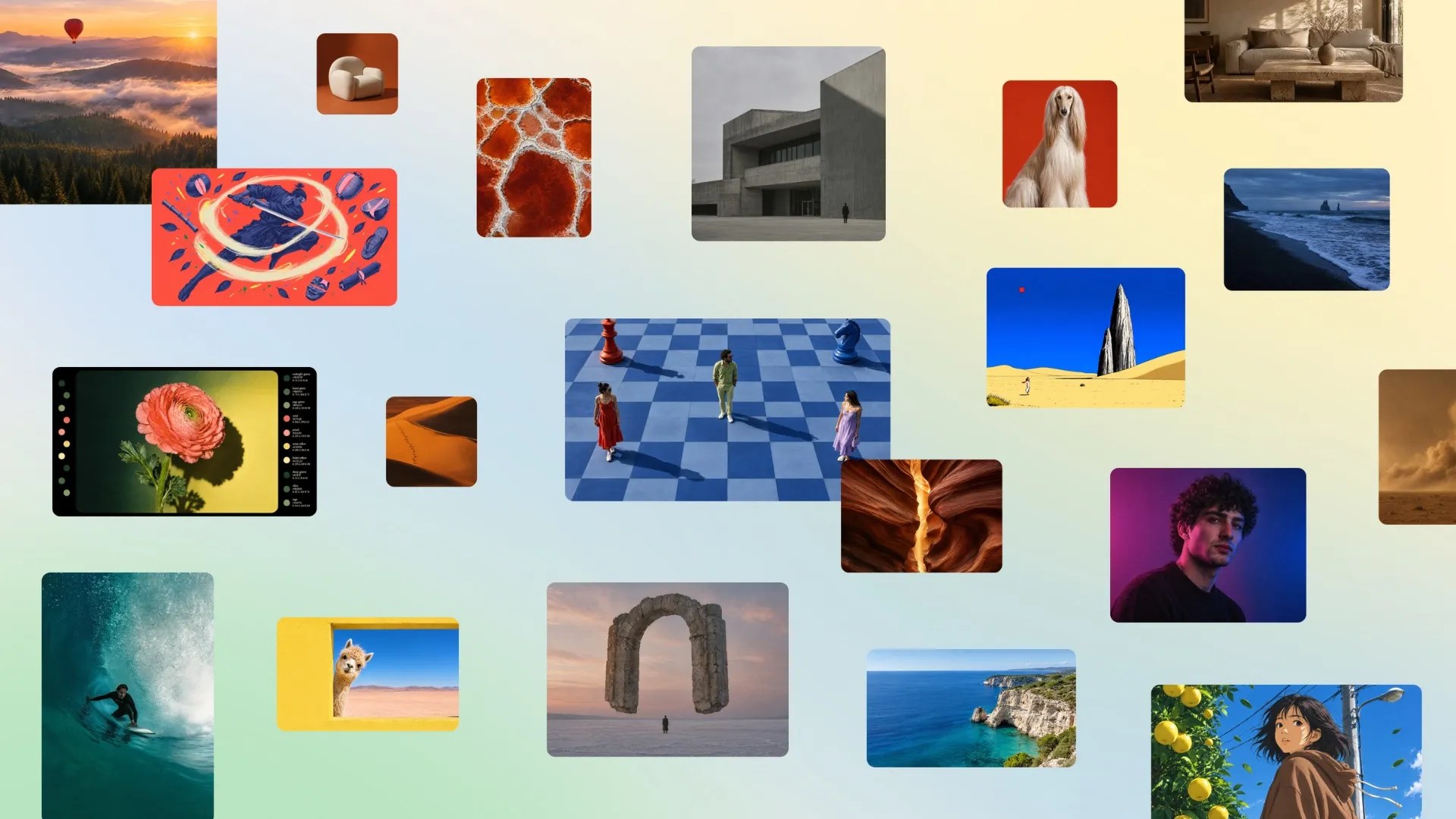

Ask any AI image generator for a poster and you’ll get gorgeous art covered in gibberish words. Canva Craft is the first major model built to end that specific embarrassment. It’s live now, every Canva user has access, and your first 20 prompts are free.
What Canva Craft actually is
Canva spent years renting image models from other companies. This month it stopped. Craft is the platform’s first in-house image model, built by Canva Research (the company’s own AI lab), and it rolled out to every Canva user globally on October 22.
If the name Dream Lab sounds familiar, that’s because the tab already existed: Canva launched it back in October 2024, powered by Leonardo AI’s technology. Craft is the first time the model inside is Canva’s own, and it’s already the default in that panel.
The training data is the interesting part. Instead of scraping photos, Canva trained the model on human-designed templates from its own library: posters, social posts, presentations, infographics, menus, and typography-heavy layouts. So it learned design, not just pictures.
Canva also came out swinging on benchmarks, claiming the #4 spot among image models on DesignArena and the #1 rank for People and Portraits out of 87 models. Those are Canva’s own numbers, so mild suspicion is healthy, but the sample outputs look legitimately clean.
The two tricks that make it different
Most image models paint first and think later. Canva Craft does it backwards, and that’s why your text comes out readable.
The model works in two stages. Stage one reads your prompt and builds a plan: where elements sit, how big they are relative to each other, what the visual hierarchy should be, and what text needs to appear. Stage two generates the image using that plan. Because the layout gets decided before a single pixel renders, words land where they should, spelled correctly.
Second trick: precise edits. You can change one element without wrecking the rest of the image. Anyone who has tried to fix a single wrong hand in another generator knows how rare that is.
Then there’s the design superpower. Canva Craft outputs can be converted into layered, editable designs through Canva Magic, the company’s image-to-design transformer. You generate a poster, and it becomes real text boxes and shapes you can tweak. That blurs the line between “AI picture” and “actual design file.”
How to generate your first image
1. Go to your Canva homepage and look for Dream Lab in the bottom left panel. Can’t see it? Type canva.com/dream-lab straight into your browser.
2. Type what you want. Specifics win: “a lemonade stand poster, hand-drawn style, price $2, sun in the corner” beats “lemonade poster.”
3. Pick from four options. Dream Lab generates four images per prompt, so you get variants without paying extra.
4. Refine with plain English. Follow-ups like “make the car blue” or “move the text to the top” work on whichever image you pick.
5. Hit Boost resolution when you’re happy, then drop the winner straight into a design.
Developers get the model through the Canva API too. Canva also plans to pipe it into third-party chatbots like ChatGPT and Gemini through its MCP integration, which means you might eventually generate on-brand images without leaving the chat window.
Limits before you get excited
| Free Canva | Canva Pro / Teams | |
|---|---|---|
| Dream Lab prompts | 20 total (one-time) | 500 per month |
| Images per prompt | 4 | 4 |
| Boost resolution | Uses AI allowance | Uses AI allowance |
| Layered design export | Yes | Yes |
The free tier’s 20 prompts go fast when every experiment costs one, so spend them on your best idea, not your first. K-12 education accounts can’t use Dream Lab at all, users under 13 are blocked, and team admins can restrict access for their whole organization.
One more reality check: Canva Craft is design-first. For photorealistic scenes, cinematic lighting, or fine-art experiments, the big names still hold an edge. Canva Craft wins where words and layout matter.
Can you sell what you make?
Short answer: yes, with one catch. Canva’s AI Product Terms let you use AI-generated images for commercial work on every plan, free included. The catch: you can’t resell the raw output as-is. Drop it into a design (a flyer, a product page, a menu) and you’re fine.
Ownership is yours too. Canva doesn’t claim rights over what you generate, and Free or Pro users’ content only trains their models if you opt in. Teams and Enterprise content stays out entirely. Just know the limits of that ownership: under current US copyright guidance, purely AI-generated images can’t be copyrighted, so a competitor could legally reuse something similar. For menu boards and Instagram posts, nobody cares. For your brand’s core logo, hire a human.
When to use Canva Craft instead of the big names
Use it for anything a small business actually ships: flyers, menus, Instagram posts, presentation covers, product mockups with readable labels. The templates it learned from are the same formats you’re trying to make, which is exactly why the outputs feel usable on the first or second try.
Our verdict: if you already pay for Canva Pro, this is a quiet upgrade worth 10 minutes of your week. If you’re on the free plan, burn your 20 prompts on one real project (a menu, a flyer, an event cover) and judge from there. We compared Canva against Google’s prompt-based design tool a while back, and Craft shifts that math in Canva’s favor.
Want to keep the whole stack at $0? We’ve also tested FLUX 3 Image Klein for running image models on your own GPU, plus PhotoCraft, the free Photoshop clone. Between those and Canva Craft, your design budget can stay untouched.