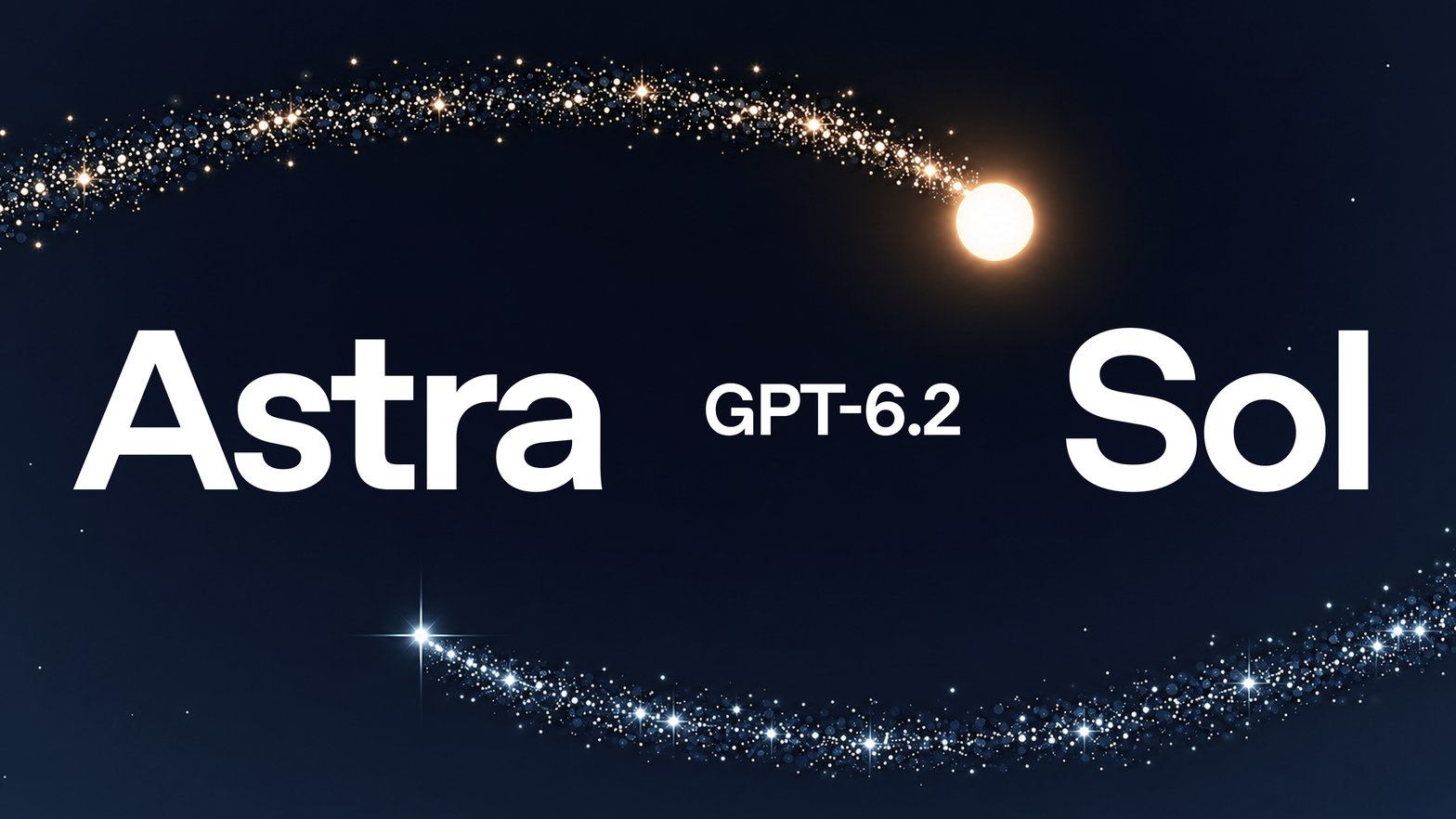

OpenAI just cut the price of its smartest model, and its cheapest one now matches last month’s flagship at a fraction of the cost. Most people will keep paying for the wrong one anyway. GPT-6.2 Astra and Sol both dropped this week, and picking the wrong one quietly drains your budget every single month.
What OpenAI actually shipped
On November 17, OpenAI replaced the top of its lineup with two new models. GPT-6.2 Astra is the new flagship for hard, professional work. GPT-6.2 Sol is the everyday model, and it’s the one most of us should actually be using.
Here’s the short version of why this matters. Sol scores about the same as September’s GPT-6 Astra on Artificial Analysis’ independent tests, at roughly 15% of the cost per task. Read that again. Same brain, 85% off.
Astra, meanwhile, pushes further ahead. It sits at number two on the Intelligence Index with a score of 62, just behind Claude Fable 5.2 at 65. Anthropic still owns the single smartest model. OpenAI now owns the smartest models per dollar, which matters a lot more for anyone with a budget. This race moves fast, by the way. Our Gemini 4 Argon vs GPT-6 comparison from a month ago already reads like ancient history.
GPT-6.2 Astra and Sol at a glance
Here’s the full picture of GPT-6.2 Astra and Sol before we talk money. Both models are live for Plus, Pro, Enterprise, and Edu users in ChatGPT Work and Codex. There’s no free-tier access as of this writing.
| GPT-6.2 Astra | GPT-6.2 Sol | |
|---|---|---|
| Best for | Decks, spreadsheets, legal docs, science, 3D and web design | Everyday writing, coding, most agent workflows |
| API input (per 1M tokens) | $8 ($0.40 cached) | $2 ($0.10 cached) |
| API output (per 1M tokens) | $40 | $10 |
| Context window | 1M tokens | 1M tokens |
| Output cap | 128K tokens | 128K tokens |
| Ultrafast mode | Pro 500 plans | Pro 500 and Pro 200 plans |
| API model name | gpt-6.2-astra | gpt-6.2-sol |
One small perk worth flagging. Pro 200 subscribers get Ultrafast for Sol, which is a first for that tier.
The price cuts, decoded
GPT-6.2 Astra and Sol handle pricing very differently, and it’s easy to miss the interesting part.
First, the obvious move. Astra’s token prices dropped 20% across the board, and cached input got a much deeper 60% cut. That puts the old GPT-6 Astra at $10 per million input tokens and $50 per million output. The new one does a better job for $8 and $40, and cached input runs just $0.40.
Second, the quieter one. Sol kept its predecessor’s pricing exactly: $2 in, $10 out, $0.10 cached. Same price, clearly better results. That’s a raise you didn’t have to pay for.
Cached input is the part beginners ignore, and they shouldn’t. When you send the same long instructions or documents with every request, the repeated portion gets billed at the cached rate. On Astra that’s $0.40 instead of $8. Twenty times cheaper. If your app reuses a system prompt, this cut alone changes your math.
Which model for which job
My rule after reading every benchmark I could find: default to Sol, escalate to Astra.
Sol earns that default spot because the gap is embarrassingly small for most work. On Cognition’s FrontierCode 2.0, which tests whether real codebase changes would get merged by maintainers, Sol landed within 0.5 points of Astra at about a fifth of the cost. On OpenAI’s own LifeVal test of messy everyday tasks (shortlisting kindergartens, planning meals for a relative’s new diet), Sol beat the previous flagship at about a seventh of the cost.
So when is the expensive one worth it? When output quality is the product. Astra more than doubled Fable 5.2’s pass rate on the Harvey legal benchmark at about a sixth of the cost. It set a new high on Terminal-Bench-Science, scoring 9 points above the previous Astra for a third of the price. Its slides, spreadsheets, and documents follow templates and industry conventions noticeably better, using 22% fewer output tokens on OpenAI’s GDPval v2 test.
If a client sees your deck, your memo, or your contract, pay for Astra. If it’s a draft, an email, a script, or background automation, Sol does the job and you keep the difference.
The reviews are messy, and that matters
Honesty time. This launch got an unusually rough reception from people who test models for a living.
Matt Shumer, who builds AI agents, called the models essentially unusable after weeks of testing, and said his own Opus and Fable agents rejected much of Astra’s subagent work. Others flagged odd behavioral artifacts, the kind of quirks you pick up from heavy reinforcement learning training. OpenAI’s response, in essence: the benchmarks are the benchmarks, and early impressions are noisy.
Both things can be true. The measured results look genuinely strong, and real-world feel can lag the leaderboard. My take for beginners: don’t rebuild your whole workflow around Astra on day one. Try it on your actual work, compare outputs side by side, and keep Sol as your daily driver until Astra proves itself on your tasks, not on a chart.
How to switch without wasting money
GPT-6.2 Astra and Sol are both sitting in your model picker right now, and switching takes about five minutes. Here’s the exact sequence.
- In ChatGPT, open the model picker in ChatGPT Work and set GPT-6.2 Sol as your default. Most daily tasks belong here.
- In the API, change your model string. Swap
gpt-6-astraforgpt-6.2-solin your code, and move anything genuinely hard togpt-6.2-astra. Prices apply per million tokens, so update your cost estimates while you’re in there. - On Ultrafast, check your plan first. Pro 500 gets it for both models. Pro 200 gets it for Sol only.
- Set up caching before you scale anything. OpenAI’s own caching guidance says to keep your prompt prefixes unchanged and append new instructions to the conversation instead of rewriting them. That keeps the cache warm, which means lower cost and faster responses.
That fourth step is where most people leave money on the table. Cached input on Astra costs $0.40 per million tokens instead of $8, and on Sol it’s $0.10 instead of $2. Same prompts, 20x cheaper.
What it means for your API bill
Let’s put real numbers on it. Say your app processes 10 million input tokens and 2 million output tokens in a month.
On new Astra, that’s $80 in input plus $80 in output: $160. The old GPT-6 Astra ran the same workload for $200. Sol handles it for $40.
Same app. Three different bills. The gap between the priciest and cheapest pick is $120 a month, every month, for the same output volume. Now add caching. If half those input tokens repeat (a shared system prompt, the same reference docs), Astra’s bill drops to $122 and Sol’s drops to about $30.50.
That’s the GPT-6.2 Astra and Sol decision in one set of numbers. Picking Sol for routine work is the single easiest cost cut available in AI right now, and nothing about it feels like a downgrade. For comparison, we saw the same pattern with Qwen4-Max cutting per-task prices and with Claude Opus 5.5 dropping flagship costs by 40%. Cheap keeps catching up to good.
Your next move
Open ChatGPT and set GPT-6.2 Sol as your default today. Run one real task through GPT-6.2 Astra this week and judge it on your work, not on the hype or the backlash. If you pay per token, pull your last invoice, find your biggest repeated prompt, and make it cache-friendly before your next billing cycle.
Cheap and good beats expensive and great most days. This week, OpenAI made that trade even easier to win.