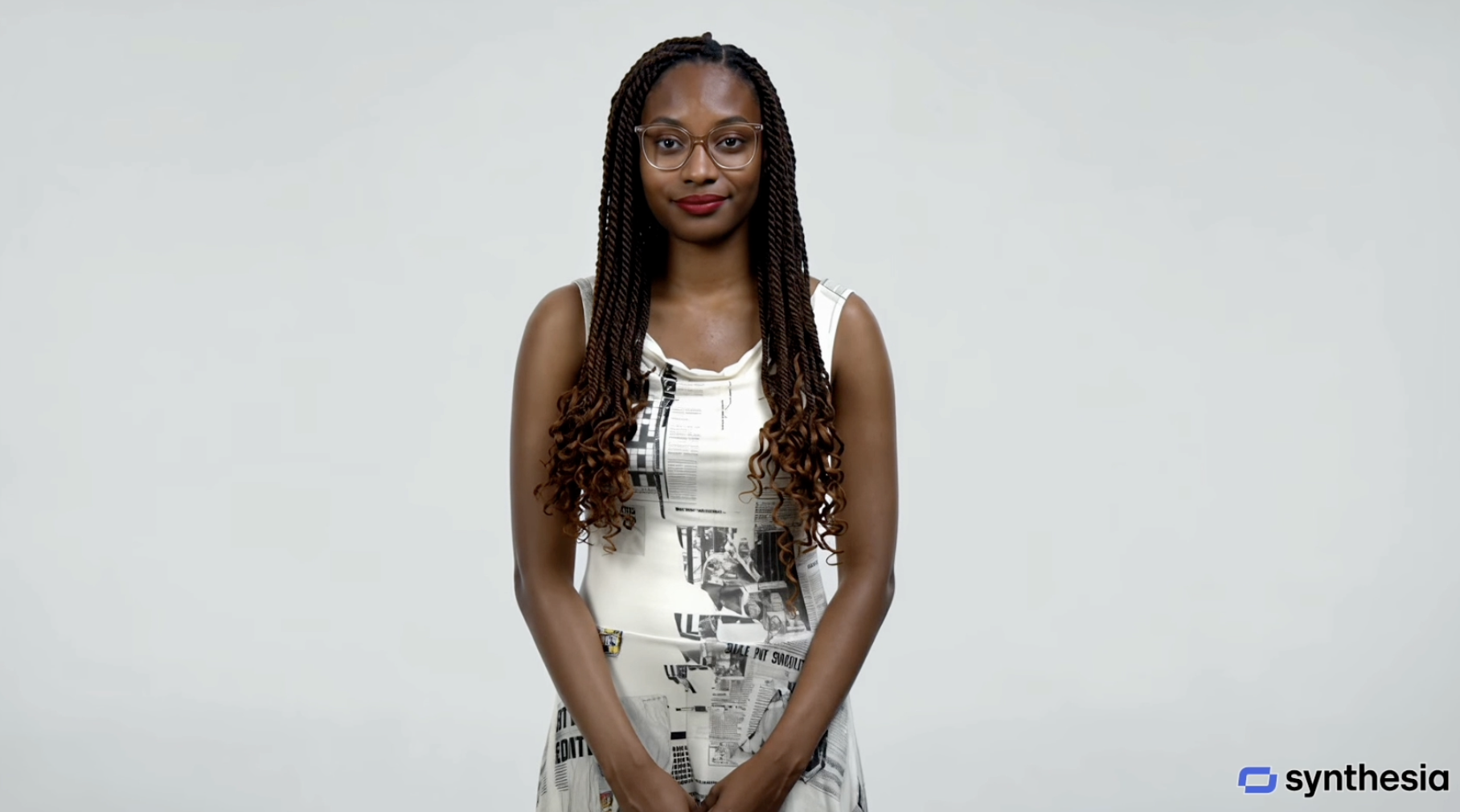

A TechCrunch journalist just talked with a digital copy of himself, and the copy answered questions back. Synthesia built it from photos and a two-minute voice recording. You can create an AI avatar of yourself this week without spending a cent, and the setup takes about 15 minutes.
What an AI avatar actually is
Strip away the sci-fi language and it’s four models working together. One turns your speech into text. Another figures out the reply. A third speaks it aloud, and a fourth animates a face doing all of it. That face is yours.
Synthesia, the company behind the TechCrunch demo, crossed $100 million in annual revenue and a $4 billion valuation on this exact tech. HeyGen, D-ID, and Colossyan sell similar systems. Enterprises use them for training videos. Creators use them for faceless YouTube channels, course intros, and product explainers.
For this guide we’ll stick to the two tools beginners actually start with: Synthesia and HeyGen. Both have free plans. Both let you build a personal avatar that looks and sounds like you.
Choose your tool first
Comparison before setup, because the free plans are quite different:
| Feature | Synthesia Basic | HeyGen Free |
|---|---|---|
| Monthly output | 10 minutes of video | 3 videos, 1 min each |
| Stock avatars | 9 | 500+ |
| Personal avatar | Limited trial access | 1 custom video avatar included |
| Downloads | No | Share links (720p) |
| Watermark | Yes | Yes |
| Languages | 160+ | 30+ |
The trade-off is simple. HeyGen gives you a personal avatar on the free plan, which means you can look like yourself from day one. Synthesia’s free tier is better for testing stock avatars and more languages, but your digital twin needs a paid Starter or Creator plan.
Ready to pay? Synthesia Starter costs $29 a month, or $18 if billed yearly, with 10 monthly minutes, downloads, and logo removal. Synthesia Creator runs $89 a month for 30 minutes, API access, interactive videos, and 5 personal avatars. HeyGen Creator costs $29 a month, $24 billed annually, and includes 600 credits, 1080p exports, watermark removal, and voice cloning.
One warning before you pull out a card: Synthesia’s unused minutes don’t roll over. Miss a quiet week and that allowance evaporates at renewal.
Create your AI avatar in 5 steps
- Sign up free. Both tools need only an email. No card for the free tiers.
- Record your voice. Find a quiet room. Read a script naturally for about two minutes. Both companies use this to clone your voice, so speak like you talk, not like a documentary narrator.
- Capture your face. Good light, plain background, look at the camera. Some workflows want photos, others a short webcam clip. Follow the checklist the app gives you and consent to the avatar creation when asked.
- Type, don’t film. This is the magic moment. Write a script, any script, and the avatar speaks it with your face and voice. Fix a typo instead of re-recording. Change the ending after you’ve seen the analytics. That’s the entire point.
- Upgrade only when blocked. Hitting the watermark or the download wall? Then Starter or Creator makes sense. Not before.
An interactive avatar, one that listens and answers questions live like the TechCrunch demo, needs more setup. Synthesia trains it on a document, and their Sessions product handles the back-and-forth. It’s a genuinely different product tier, so treat it as step two, not step one.
Where people actually use these
Beginners often assume avatars are for big companies. Wrong. The smartest uses are small and personal.
Faceless YouTube channels top the list. You test ten video ideas a month without ever fixing your hair. Course creators record lesson intros once and regenerate them for every new module in other languages. LinkedIn creators post talking-head updates without a camera crew. One AI avatar can carry an entire content calendar if you feed it good scripts. Job seekers, oddly, use the tech as a communication trainer, practicing answers with an AI that plays the interviewer, in the same spirit as the AI resume builders we compared last week.
One honest note from the TechCrunch piece: his friends found the avatar “interesting and creepy.” Some audiences will bounce off a synthetic presenter. So A/B it. Run one avatar video and one real video, compare retention, and let the data decide rather than your ego.
Voice-only automation counts too. If your use case doesn’t need a face at all, Gemini’s text-to-speech conversion can turn scripts into natural audio for podcasts and drafts, no avatar required. And when Napster started cloning teachers with AI, the debate looked identical to this one.
Three mistakes beginners make
The expensive one is building everything on a free plan, then discovering it forbids commercial use. Synthesia’s free tier is personal use only, and HeyGen’s free videos are meant for testing. If the content earns money, read the license before you publish.
Mistake two is sloppy audio. Garbage in, garbage out, because the voice clone copies your pauses, your filler words, and that sip of coffee. Record slow and clean once. Every future video benefits.
Mistake three is going full synthetic overnight. Audiences forgive an avatar delivering a product update; they’re less forgiving when your “personal” newsletter arrives as a robot. So blend it, label it when it matters, and keep some real face time on the calendar.
The catch worth knowing
Synthesia’s free plan restricts you to personal use, 9 stock avatars, and no downloads. HeyGen’s free tier caps each video at 1 minute. Neither free plan is a production studio. They’re test drives, and that’s exactly how you should use them: validate that you’ll actually publish these videos weekly before any subscription.
Then there’s the weird factor, which fades fast. Avatars already read the news in some markets and staff corporate training libraries everywhere. The TechCrunch experiment got mainstream coverage precisely because a newsroom let it happen. Early-adopter advantage is real here, and it decays as adoption spreads.
Takeaway
Pick HeyGen if you want your own face on the free plan, or Synthesia if you want the deeper toolset and more languages. Record two minutes of audio, capture your face in good light, and create an AI avatar this week while it still impresses people. Then put it to work on one video you’d otherwise never film.
Sources: TechCrunch, Synthesia pricing, HeyGen pricing