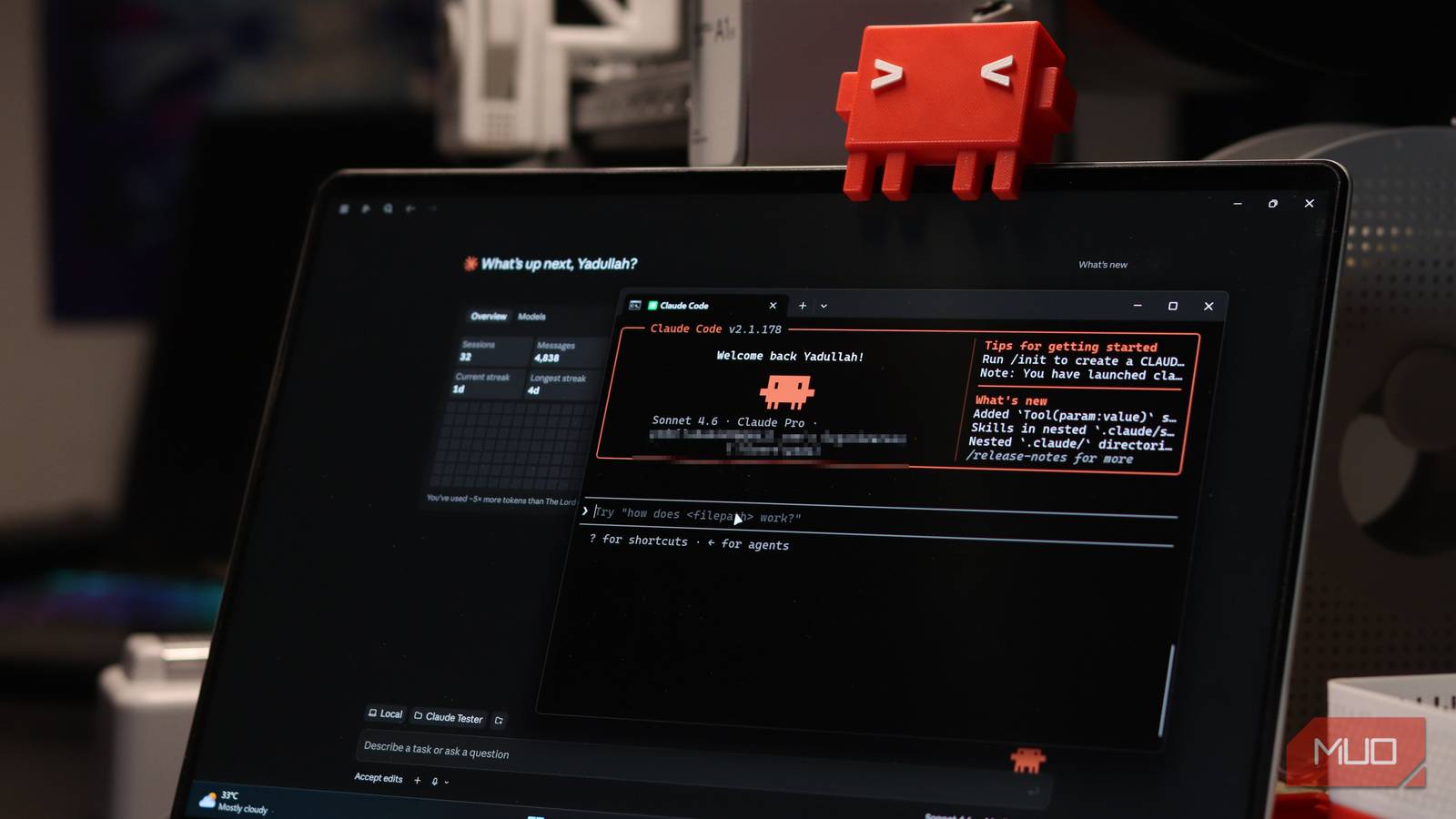

Running two Claude Code sessions used to mean playing messenger between your own terminals. Claude Code cross-session messaging fixes that: your sessions now pass findings and plans to each other while you watch. One plans, one builds, and nobody copy-pastes a wall of text ever again.
What Claude Code cross-session messaging actually is
Here’s the basic problem. Claude Code is great at one job at a time, but real projects rarely come that way. You want one session exploring the codebase and proposing changes, while another one implements the parts you’ve already approved. Until recently, that workflow meant you were the relay: read the planner’s output, retype the important bits into the builder’s terminal, repeat forty times a day. As a result, the “AI does the work” promise quietly turned into a data-entry job for you.
Claude Code cross-session messaging removes the middleman. Sessions discover each other automatically and can send messages, ask questions, and hand off plans without your fingers touching the keyboard. Therefore your job shifts from “copy-paste operator” to “manager who approves things.”
Two clarifications worth 30 seconds each. First, this isn’t the experimental agent teams feature (more on that below). Claude Code cross-session messaging connects sessions you launch yourself, and it works without any experimental flags on supported versions. Second, version matters: you need Claude Code 2.1.224 or later on macOS, Linux, or WSL2, or 2.1.234 or later on Windows. Run claude --version before you try anything else. If you’re behind, an update takes one command.
Setting up a planner and builder pair
The classic setup is two terminals with two roles. It takes about a minute.
- 1. Open terminal one and run
claude --name planner --permission-mode plan. Plan mode lets this session explore your codebase and propose changes without touching source files. Naming is optional, but it makes messages way easier to address. - 2. Open terminal two and run
claude --name builder. This one gets normal permissions because its whole job is writing code. - 3. Type
/list-agentsin either session. You’ll see which sessions are reachable. Think of it as checking who’s on the call before you start talking. - 4. Ask the planner to explain its plan to
@builder. That’s it. Claude handles discovery with a ListAgents tool and delivery with a SendMessage tool. You never run those manually.
Want a concrete example? Say you’re adding authentication to a web app. Give the planner a tight brief: investigate the existing routes, propose the smallest sensible implementation, and wait for my approval before messaging the builder. The brief should include relevant file paths, agreed behavior, constraints, and acceptance tests. In other words, the handoff message needs to stand on its own.
That last point is the whole game. Claude Code cross-session messaging carries text only. No conversation history, no attached files, none of the sender’s context travels with it. So a lazy handoff like “do the auth thing we discussed” arrives at the builder as gibberish, because the builder was never part of that discussion. A good handoff reads like a mini spec.
Handing off work without losing context
Once the pair is running, the rhythm matters more than the commands. Let the planner think while the builder waits its turn. The builder should not improvise while requirements are still moving. If the builder discovers something unexpected, like an existing API that handles expired sessions differently than you assumed, it can message those findings back to the planner. That feedback loop is what makes this setup genuinely better than two unrelated chats.
Implementation informs planning. Planning informs implementation. Meanwhile, you stay the approval gate.
One boundary worth respecting: permissions stay local to each session. Another Claude cannot approve actions on your behalf, and honestly, that’s a feature. It might feel slow at first. It will save you from the one-wrong-yes problem, where an agent approves a destructive change in a session you weren’t watching.
Agent teams: the whole office, still in beta
When two sessions aren’t enough, Claude Code also ships an experimental agent teams mode. A lead agent coordinates teammates that each have independent context windows, and they can message each other directly. Enable it with one environment variable:
CLAUDE_CODE_EXPERIMENTAL_AGENT_TEAMS=1
From there, you might ask the lead to spawn a backend implementer, a frontend implementer, and a reviewer, each with explicit ownership boundaries. Where Task tools are available, teammates share a task list with dependencies, so blocked work can’t get claimed prematurely. That’s coordination built in, which Claude Code cross-session messaging doesn’t give you automatically.
The comparison is worth spelling out:
| Cross-session messaging | Agent teams (experimental) | |
|---|---|---|
| Setup | Stable feature, no flags needed | Requires env variable flag |
| Who talks | Sessions you launch yourself | Lead agent plus spawned teammates |
| Shared task list | No | Yes, with dependencies |
| Context | Each session keeps its own | Teammates have independent windows |
| Best for | Planner-builder pairs, quick handoffs | Bigger jobs with separable work |
| Maturity | Stable | Beta, disabled by default |
My honest take? Start with messaging. Agent teams look impressive, but coordination overhead is real, and a beta flag plus three teammates is a lot of moving parts for someone still learning the tool.
The catches nobody mentions
Messaging doesn’t stop two sessions from editing the same file. Neither does agent teams, by the way. File collisions are still your problem. If two independently launched sessions need to touch one file, run claude --worktree feature-name to give each session its own checkout and branch. A message about a change doesn’t move that change into another worktree; integration happens later in a Git step you control.
Delivery isn’t an interrupt button either. An active session reads incoming messages between tool calls, not mid-edit. An idle session can start a new turn when a message lands. Sessions can accept, hold, or refuse inbound messages. So if your builder goes quiet, investigate before you fire off five more prompts. A held message isn’t a crashed session.
Tokens are the quiet cost. Two sessions burn roughly double the tokens of one, and agent teams add coordination traffic on top. If you’re on a Pro plan and watching your limits, reserve multi-session work for tasks that genuinely need it. Our breakdown of AI subscription plans and Claude value covers where the usage limits land if you want the math.
Also, skip the AI committee meeting for small fixes. A one-line CSS change does not need a planner, a builder, and a review round. You’ll know the tasks that fit: auth flows, refactors with clear boundaries, migrations, anything where “explore” and “implement” are naturally different jobs.
When this actually saves you time
The productivity gain comes from one place: you stop relaying context between sessions by hand. If you already run multiple Claude Code sessions (and plenty of people do), the relay tax was probably 20 to 30 percent of your attention. Kill that and the same setup feels twice as fast.
It pairs well with a couple of things we’ve covered before. First, the community mods that fix what the default Claude Code version ignores, which handle some of the rough edges this feature still has. Second, if you’re curious about running several agents in parallel from a purpose-built interface, our look at the Superset IDE shows the heavier-duty version of the same idea. And if any of this ends with you shipping more code than you review, our piece on Claude Code usage rules covers the lines you don’t want to cross.
Quick sanity checklist before you go all-in:
- Update to 2.1.224+ (2.1.234+ on Windows)
- Launch planner in plan mode, builder in normal mode
/list-agentsto confirm discovery- Write handoffs that stand alone
- Use
--worktreewhen two sessions share files - Keep approval authority with you, always
Takeaway
Set up a planner and builder in two terminals today and give one real task to the pair. Write the handoff like a mini spec, approve the plan, and let the builder run. Once you feel the difference, try agent teams on a genuinely separable project, and keep your token budget in mind while you do it.
If you want the official feature docs, they live on the Claude Code documentation page at Anthropic, and they’re updated whenever a new version changes the tooling.