
Photoshop AI metadata just cost a bunch of professional photographers their favorite editing tool. The New York Times emailed its contributing photographers this week with a blunt instruction: stop using Photoshop 2027 on assignments. And the reason is even blunter. The newest version stamps edits with AI metadata, and the paper wants nothing that looks machine-made anywhere near its photos.
If you shoot for clients who care about authenticity, this affects you even if you’ve never sold a single image to a newsroom. Let’s break down what happened and what to do about it.
What the New York Times actually ordered
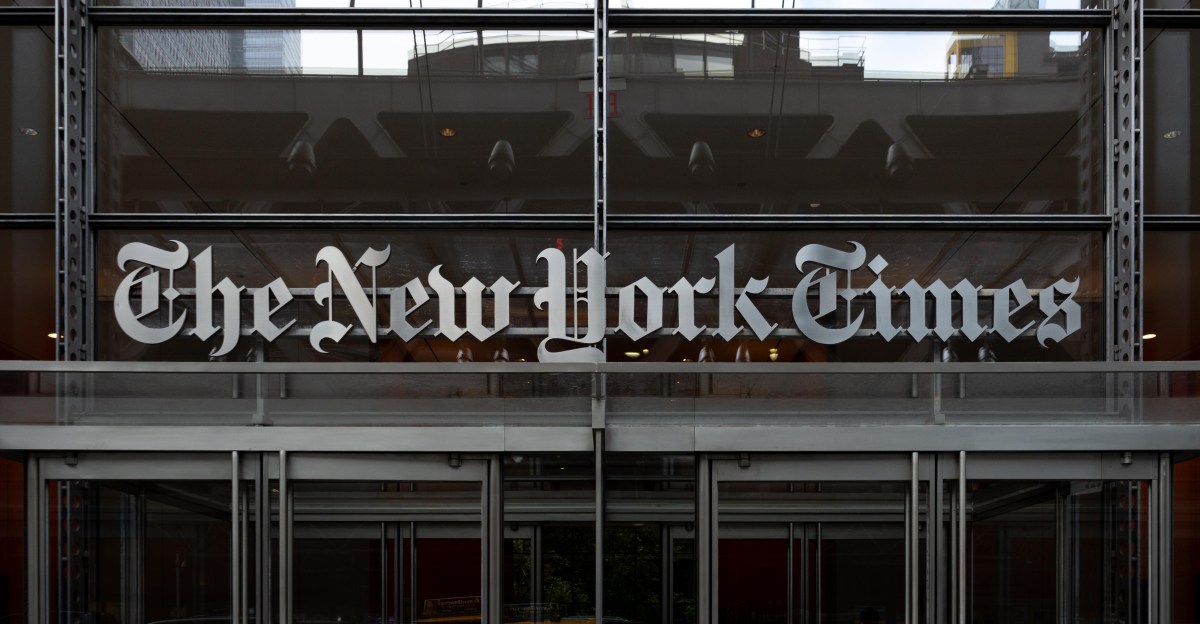
Meaghan Looram and Josh Haner, two of the Times’ photography leaders, sent the email. The Verge got a copy, and it’s pretty clear: all contributing photographers must avoid Adobe Photoshop 2027, meaning release 28.0.0 and anything after it, while working on assignment for the paper.
The worry isn’t that photographers are secretly generating fake images. It’s quieter than that. Photoshop’s latest update weaves AI into features that used to be plain tools, and some of those features now attach metadata marking the file as AI-generated or AI-edited. The Times’ email said these features “can result in metadata identifying photographs as AI-generated.” For a newsroom that promises readers it doesn’t retouch or manipulate photos, an accidental AI tag on a legitimate photo is a trust problem, so the paper just banned the tool version entirely.
A Times spokesperson confirmed the policy. Adobe didn’t comment.
Photoshop AI metadata: why your edits carry receipts
Here’s the backstory. Adobe started rolling out C2PA metadata support across its apps in August. C2PA is an industry standard that attaches a signed, tamper-resistant record to a file showing where it came from and what was done to it. The nice name for it is Content Credentials. Camera makers like Leica and Nikon have joined in, and the idea sounds great on paper: fight AI slop by proving what’s real.
Then Photoshop’s November update landed, and it got messy. The 28.0 release packed in a pile of new AI features:
| Feature | What it does | The catch |
|---|---|---|
| AI Assisted Editor | One toolbar with all AI tools up front | Easy to use AI without noticing |
| Prompt to edit | Type a sentence, the whole image transforms | Full generative edit |
| Generative Recompose | Reflows the image for new canvas sizes | AI repositions subjects and backgrounds |
| Firefly Upscaler 2 | Enlarges photos for print while preserving faces | Generative upscaling |
| Remove tool upgrade | Deletes objects plus shadows, reflections, ripples | AI inpainting |
| AI Assistant | Step-by-step editing guidance in beta | Agent inside the app |
The trap is that the line between “AI feature” and “regular tool” has blurred into invisibility. Automated selection tools, the kind photographers have clicked without thinking for a decade, may now count as part of Adobe’s AI suite. You could use one, never feel like you “used AI,” and still end up with a file that says otherwise. The metadata is a blunt instrument describing what happened in post-production, and a machine-readable label can’t tell the difference between a crop and a generative edit, so it tags generously.
What it means for freelance work
Newsrooms will copy this. That’s the part to plan for.
The Times is the first major outlet to put a version ban in writing, but its photo standards are famously strict. AP, Reuters, and others run comparable rules about manipulation, and their photo desks are almost certainly watching how this plays out. When one big client sets a standard, agencies and corporate clients tend to follow within months. Wedding and commercial clients won’t check metadata, sure. But editorial clients, brands doing “authentic” campaigns, and stock platforms? Those are exactly the buyers who’ll start asking.
There’s a money angle too, and it runs both ways. Some buyers will pay a premium for verified human-made work. That’s an opening if you can prove it: your images become “credentials-verified, minimal edit” products in a market flooded with generated filler. Others will simply reject files that carry any AI flag, including ones you didn’t know you triggered. Same tool, opposite consequences, and the difference is whether you knew what your software was doing.
Meanwhile, if you ever lean on AI for speed (removing a tourist from a landscape, upscaling for a print job), you’re now in a labeling regime whether you like it or not. Photoshop AI metadata can include the app version, your name or connected account, and the list of edit types. Export without them and some clients will distrust the file anyway. Damned if you do, damned if you don’t, unless you actually read the settings.
How to protect your photography business
Practical steps, in order of urgency, to keep Photoshop AI metadata from costing you a client:
- Check what version you’re running before your next client job. Photoshop’s version 28.x is the flagged one. Version 27.x, from before the big AI push, doesn’t have the new labeling stack.
- Learn where Content Credentials live in your export settings. You can toggle categories off or export without credentials. Do this deliberately, for each client, instead of discovering it from a rejected delivery.
- Ask every editorial client what their AI metadata policy is. Get it in writing with the assignment. Awkward conversation now, or unpaid invoice later.
- Keep a pre-AI workflow available. An older Photoshop version or a non-Adobe editor (we tested PhotoCraft, a free Photoshop clone) as your fallback for strict clients.
- Watch what else triggers the label. Adobe’s own release notes list generative features as automatic credential sources. Selection tools might get swept in. Test with one file before a big delivery.
This isn’t a reason to quit Photoshop. It’s a reason to know exactly which buttons stamp your files.
The bigger picture for creators
Step back and this fight is about trust infrastructure. C2PA was supposed to help audiences tell real from fake, and Adobe’s CTO even argues the goal is proving what wasn’t AI-made, not punishing what was. Fine in theory. The NYT’s move shows the flip side: the moment labeling exists, institutions start requiring its absence, and the label itself becomes a liability for honest users who didn’t opt in.
We’ve been tracking this all year: Grok’s deepfake mess pushed states toward lawsuits, and Spotify’s artist protections came after AI clones flooded the platform. Each platform is building its own defense, and Photoshop AI metadata is Adobe’s version. It just showed that provenance tools don’t only protect creators. They can quietly complicate workflows.
Your move: before your next paid job, open Photoshop, check your version number, and read the Content Credentials export settings once. Ten minutes now, and no client email ever surprises you.