
Every Monday morning, someone on your team exports a spreadsheet, wrestles it into a deck, and posts it where half the company never looks. Slack Surfaces just made that ritual optional. You ask Slackbot for a dashboard in plain English, and it builds a live, clickable one right inside the chat.
What Slack Surfaces actually is
Slack rolled out Surfaces on September 10 alongside its Slackforce announcements, and the launch post makes the pitch in one line: describe what you need, and Slackbot builds the interface for you. Not a wall of text with numbers buried in it. A real dashboard, report, deck, poll, calculator, or even a tiny microsite you can click around in.
The data comes from the conversation you’re already having, plus whatever apps your workspace has connected to Slack. Think Salesforce numbers, Google Drive docs, or three months of channel arguments about the Q4 forecast. As a result, “let me export that and get back to you” stops being the default answer.
Here’s the detail that wins me over: every Surface shows its sources. Anyone who’s watched a meeting derail over “wait, where did this number come from?” knows how valuable that is.
Where it fits with Slackbot’s year of upgrades
Some context, because Slack has been stacking these moves all year. Slackbot got a proper AI overhaul earlier in 2026, so it now summarizes channels and schedules meetings. Then August brought Slack Code, where your team and AI agents build side by side. Surfaces is the third step: Slackbot going from answering questions to actually building tools.
If you’re wondering what counts as a Surface, Slack’s launch covers a wide range:
| What you can ask for | What you get |
|---|---|
| A pipeline or metrics dashboard | An interactive view with filters |
| A status or GTM document | A shareable report or exec-ready deck |
| A team decision or sentiment check | A poll with live results |
| A quick unit converter or ROI math | A calculator built into chat |
| A launch hub for one project | A microsite pinned to the channel |
How to build your first Slack Surface
If you’ve ever tried to build a dashboard in Slack before this, you know it meant wiring up a third-party analytics app and hoping the embed held. This is faster. The whole thing takes about two minutes.
Step 1: Open Slackbot
You’ll need Slackbot enabled in your workspace, which it already is on most plans. Start a DM with it or mention it in a channel.
Step 2: Describe what you want in plain language
No formulas, no drag-and-drop builder, no ticket to the data team. Slack’s own examples start from “Create a surface report for…” and go from there. Here’s a full prompt you can steal for a support queue:
“Create a surface report for our support queue. Show open tickets, SLA breaches, and case severity, grouped by customer tier.”
Step 3: Let it pull from your stuff
Slackbot gathers information from relevant conversations and connected apps. One guardrail matters here: it only touches data you’ve given Slack’s AI permission to access, so your compliance folks can relax a little.
Step 4: Check the sources
Click through the citations before you share anything. A dashboard nobody trusts is just decoration.
Step 5: Pin it where the team works
Drop the Surface into a channel and pin it. Now it’s not a file one person hands off. The whole team can filter it, comment on it, and act on it together.
One heads-up about freshness: Surfaces are designed to stay wired to their data sources, so they update automatically instead of going stale the day after you build them. However, that live wiring is still rolling out, and The Verge reports live data arrives in October. Until your workspace gets it, ask Slackbot to rebuild the Surface when the numbers move.
5 Slack Surfaces worth building this week
Slack shared several real examples with the launch, and each one starts as a single Slackbot dashboard prompt. These five Slack Surfaces map directly to pain I’ve watched teams live with for years.
A sales pipeline you actually open
One rep turned their pipeline into a daily, prioritized view, customized with their favorite space theme. Each deal shows up as its own object, moving at a speed that reflects how it’s actually trending. Stalled ones sit still, impossible to ignore. That beats a spreadsheet tab nobody has opened since Friday.
A support queue triage board
A service leader turned their queue into a live triage board that surfaces SLA breaches, case severity, and customer tier the moment they matter. Instead of chasing a status update, the team reads the board. The board replaces the update.
An AI spend tracker
This one’s my favorite, honestly. An IT team built a Surface tracking AI adoption and token usage, so a fresh version lands in Slack automatically and runaway usage gets caught before the surprise bill. Given how many companies are just now discovering what their AI tools actually cost, expect this use case everywhere.
A leadership deck from a messy doc
Hand Slackbot your go-to-market document and it comes back as an executive presentation, with pilot proof points, targets, and sign-offs built in. What used to mean a request to the design team and a two-day wait is now a chat message.
A forecast people can read in seconds
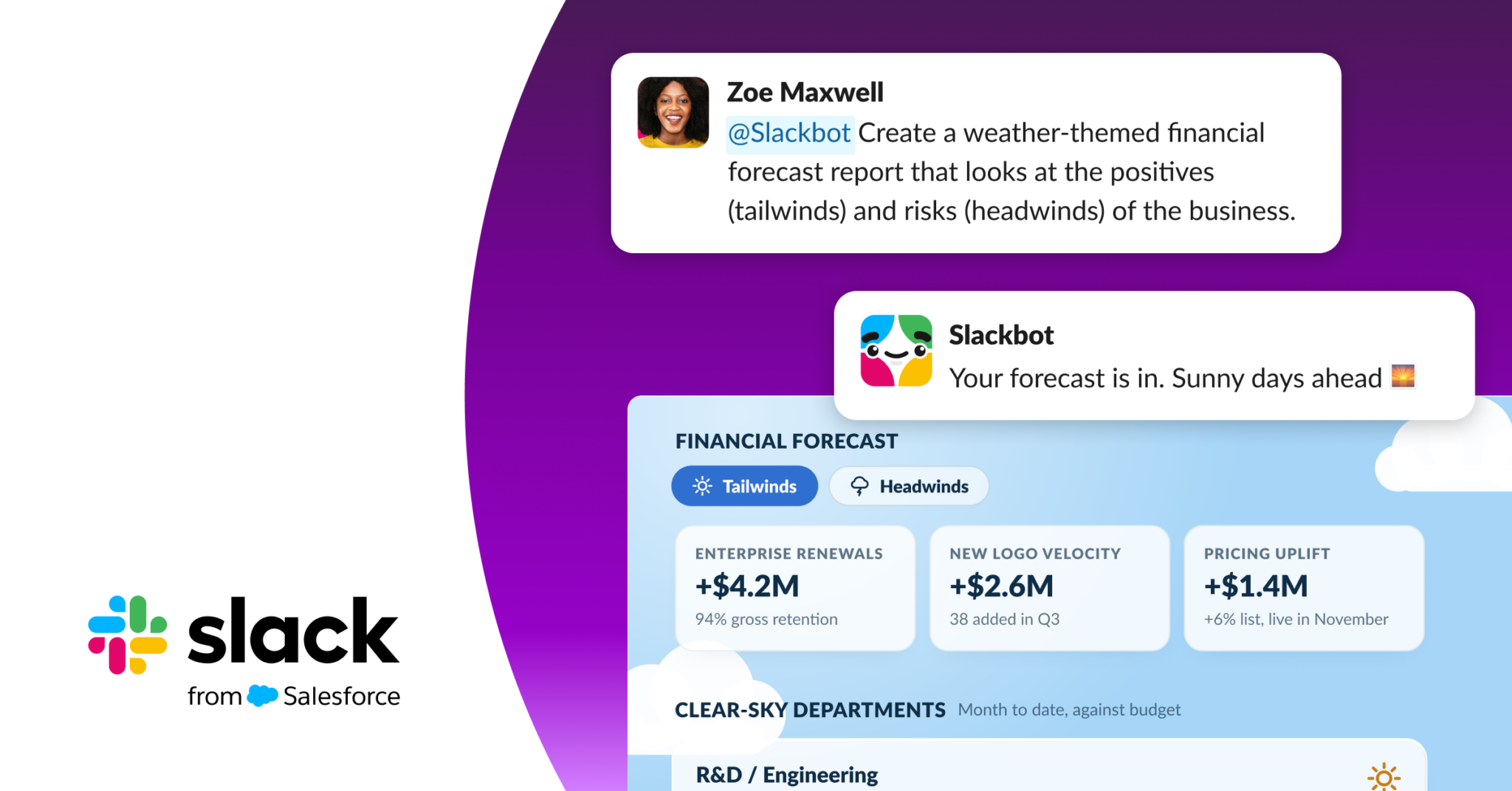
Slack’s example: a finance leader turned a forecast into a weather-themed Surface with tailwinds and headwinds side by side. Positives and risks sit in one view, so leadership gets it without a walkthrough call. Imagine never presenting that spreadsheet again.
The old way vs Slack Surfaces
Let’s put the two workflows side by side, because the difference is bigger than it sounds.
| The old way | Slack Surfaces | |
|---|---|---|
| Where it lives | A file in a drive, a deck nobody reopens | Pinned in the channel, next to the work |
| Build time | Hours, plus review rounds | About two minutes, one prompt |
| Who can build | Whoever knows the BI tool (or can beg one) | Anyone who can type a sentence |
| Stays current | Out of date the moment you hit save | Wired to sources; live updates roll out through October |
| Team interaction | Download, comment in a doc, wait | Filter, comment, and act together in place |
| Sources | Buried in a spreadsheet tab | Cited on the Surface itself |
For day-to-day team reporting, Slack Surfaces wins, and it isn’t close. Meanwhile, a heavyweight BI stack still earns its keep on deep, governed analysis, so don’t cancel those contracts by Friday. This is about stopping the hand-built Monday report, not torching your data warehouse.
What it costs and where you get it
Here’s the part most launches bury: Slack Surfaces are available to all Slack customers, including the free plan, as long as Slackbot is enabled in the workspace. A five-person startup and a 5,000-seat company get the same feature this week. That’s rare, and it makes this the easiest AI upgrade most teams will touch all quarter.
Going beyond dashboards
Want to push the idea further? Two directions pair well with it. Zapier’s MCP lets you connect AI agents to thousands of apps straight from a chat window, which turns Slack into something like a command line for your whole business. And if the bigger goal is company-wide knowledge, we broke down how to build a company brain with AI using Stripe’s playbook. Slack is converging on the same idea from the chat side: your tools should come to the conversation, not the other way around.
Pro tips for better Surfaces
Ask for a theme. It sounds like a gimmick until you watch a team adopt it. Slack demoed an arcade-themed token usage dashboard next to that space-themed pipeline. People open the fun version. Adoption is the whole game.
Name your sources in the prompt. “Use the #launch-updates channel and the Q4 budget doc” gets you a sharper Surface than a vague ask. Slackbot handles ambiguity fine, but direction beats hope.
Start with the thing you explain weekly. A status report, a pipeline update, a rough plan. If someone had to walk a teammate through it last week, it’s a Surface candidate.
This isn’t Slack’s only in-chat tool play, either. The platform already lets you edit images with Photoshop and Firefly right inside a channel, which we covered in our Adobe for Slack guide. Chat is quietly becoming the place where work actually happens.
The takeaway
Pick the one report you rebuild every week, open Slackbot, and type “Create a surface report for…” Then pin the result in the channel where your team already argues about the numbers. The whole setup takes less time than making coffee, and Slack Surfaces kills the Monday export ritual for good.