
Apple finally shipped a Siri worth using, and then made it complicated. Siri AI compatibility now depends on your chip, your memory, and honestly the country you live in. Before you buy anything on October 13, here’s the whole picture in one place.
What Siri AI actually does
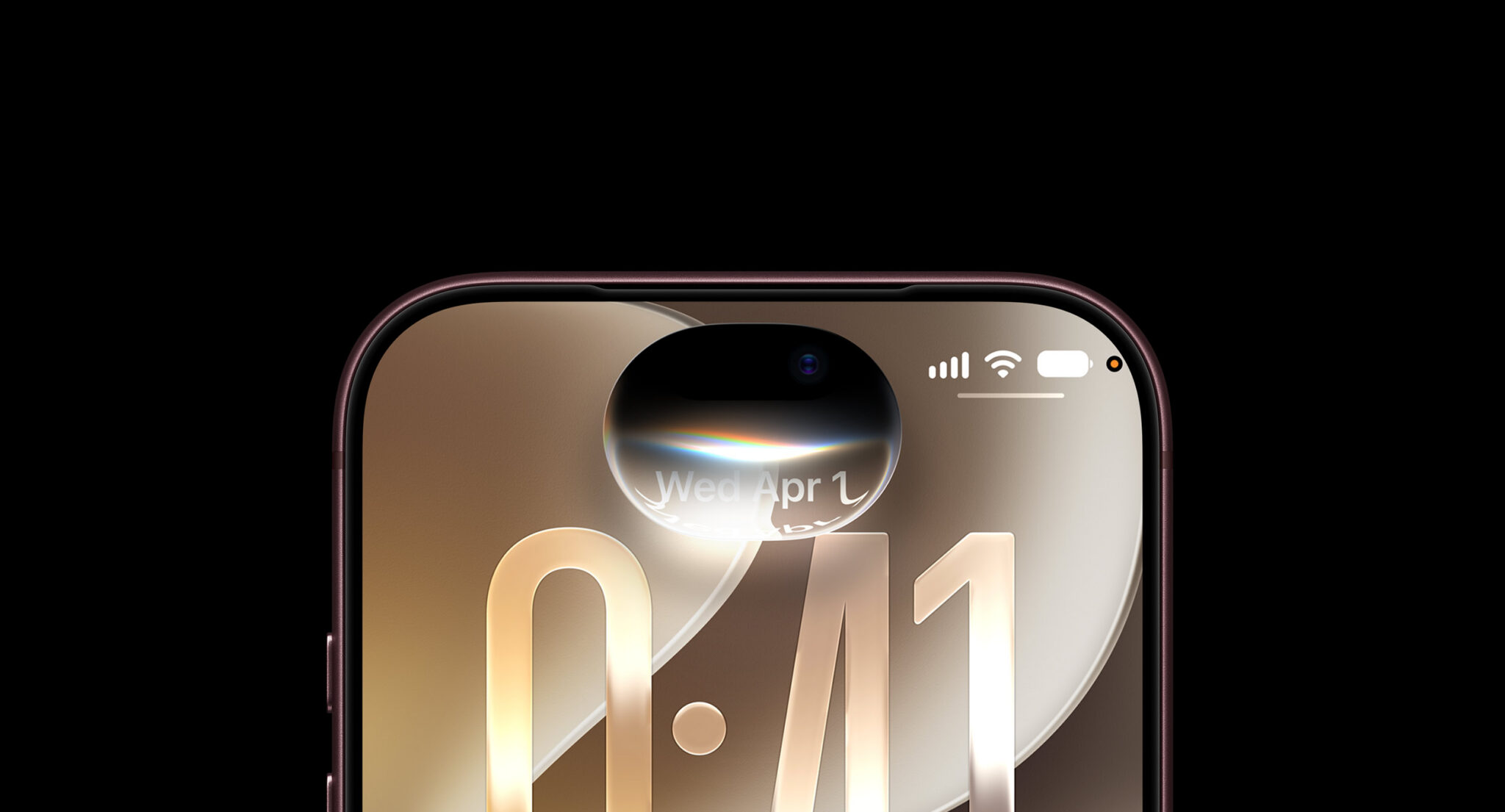
Siri AI launched on September 14 as a beta inside iOS 27, iPadOS 27, macOS 27, watchOS 27, and visionOS 27. It’s a rebuilt assistant, not a rebrand, and we covered the basics in our full Siri AI guide. Apple’s announcement lists four pillars: personal context understanding, broad world knowledge, onscreen awareness, and deeper actions across your apps.
In practice that means Siri can pull a hotel confirmation from an old email, find the restaurant your friend mentioned in Messages, and keep the conversation going with follow-up questions. Everything syncs through iCloud, so you can start on your iPhone and finish on your Mac. There’s even a dedicated app where you can revisit past conversations.
The full Siri AI compatibility list
Here’s where Siri AI compatibility gets messy. Every device on iOS 27 gets the new Siri, but the best features run on Apple’s most advanced on-device model, AFM Core Advanced, and that model needs 12GB of unified memory. If your hardware doesn’t have it, Apple still ships you the new assistant, just without the top-tier voice and dictation upgrades.
| Device | New Siri AI? | AFM Core Advanced features? |
|---|---|---|
| iPhone 18 Pro, 18 Pro Max, 18 Air, iPhone Duo | Yes, full experience | Yes |
| iPhone 17 Pro and 17 Pro Max | Yes, full experience | Yes |
| iPhone 17 (base model) | Yes, minus a few extras | No |
| iPad with M4 chip or later (12GB) | Yes, full experience | Yes |
| Mac with M3 chip or later (12GB) | Yes, full experience | Yes |
| Apple Vision Pro (M5) | Yes, full experience | Yes |
| Anything older, still on iOS 26 | No, classic Siri only | No |
Two things worth calling out. The base iPhone 17 runs Siri AI fine, but you don’t get the customizable voice or the upgraded systemwide dictation. And anything older than the iPhone 17 generation has no upgrade path at all, which stings for people who bought a flagship in 2024.
What you lose without 12GB of memory
Siri AI compatibility isn’t all-or-nothing, and this is the part most headlines get wrong. AFM Core Advanced powers two things right now: more expressive, customizable voices and a dictation system that adds punctuation and formatting as you talk. That’s it, for now. The core assistant, personal context, and app actions run regardless.
So if you’re on a base iPhone 17 or an older Mac, the experience is still a massive jump from the old Siri. You just won’t sound as fancy doing it. Apple will likely expand the model-backed features over time, though, which is worth remembering before you dismiss an upgrade.
The October 13 smart home lineup
Bloomberg reports Apple will hold its smart home event on October 13, and all three products exist to showcase Siri AI. 9to5Mac has the full rundown from Gurman’s reporting.
- HomePad: Apple’s first smart display, codename J490. A 6-inch screen on a round, iMac G4-style base that tilts, plus a wall-mount version. No battery, no app store, USB-C power, and voice plus facial recognition so it knows who’s asking.
- HomePod mini 2: the first update in six years, with new colors.
- Apple TV 4K: the current box’s chip can’t run the full Siri AI experience, so expect a newer A19-class processor inside.
The hub’s new OS blends bits of iOS Standby mode, watchOS widgets, and tvOS media apps. It handles video calls, intercom, music, and smart home controls from one screen, and it answers differently depending on which family member is standing in front of it.
Siri AI in the EU
If you’re in the European Union, the wait for Siri AI compatibility continues. Apple delayed the feature on iPhone and iPad there because of the Digital Markets Act, and coverage puts the gap at five months or more behind the US rollout. Apple’s own statement pins the delay on DMA requirements.
There’s one workaround: the Mac. The EU delay covers iOS and iPadOS, so Mac users in Europe can already try the new assistant. Language support is expanding too, with French, Japanese, Korean, Portuguese, and Spanish rolling out about a month after the English beta did.
How to check what your device has
Nobody memorizes chip lineups, so here’s the 30-second check. On iPhone or iPad, open Settings, tap General, then About, and look at the Model Name. If it says Pro, Pro Max, or Air from the 17 generation onward, you’re set. On a Mac, click the Apple menu and choose About This Mac, then check the chip and memory lines under System Report. You need an M-series chip and 12GB of memory or more for the full Siri AI compatibility package.
One trap to avoid: storage and memory are different things. A 256GB iPhone with 8GB of memory still runs the base experience, because the model cares about RAM, not storage. Plenty of people upgrade storage when they should be checking the chip instead.
Turning Siri AI on
On a supported device, the beta doesn’t always switch itself on after you update. Open Settings, scroll to Apple Intelligence and Siri, and flip the toggle at the top. The first launch downloads a few gigabytes of on-device models, so stay on Wi-Fi and give it ten minutes before you judge it.
Then try one of the cross-app prompts, because that’s where the new assistant shows off. Ask it to find the recipe someone emailed you last month, or to pull up photos from a trip and start a shared album. If Siri asks permission to access an app, say yes, since personal context only works with the apps you’ve allowed.
What to do before October 13
Check your hardware against the table above first. If you’re within one upgrade of a 12GB device, waiting until the October 13 event makes sense, since Apple tends to bundle trade-in deals that week. If you already run iOS 27, open Settings and make sure Siri and Apple Intelligence are toggled on, because the beta doesn’t always enable itself after an update.
Keep an eye on battery for a few days after installing, too. New on-device models recalibrate in the background, and we’ve seen iOS 27 battery drain complaints that settle down once indexing finishes. If you want Siri to think even bigger, you can also pair it with ChatGPT or Claude for the heavy lifting.
The bottom line on Siri AI compatibility: iPhone 17 Pro and newer get everything, base models get most of it, the EU gets it late, and on October 13 your living room gets in on it too.