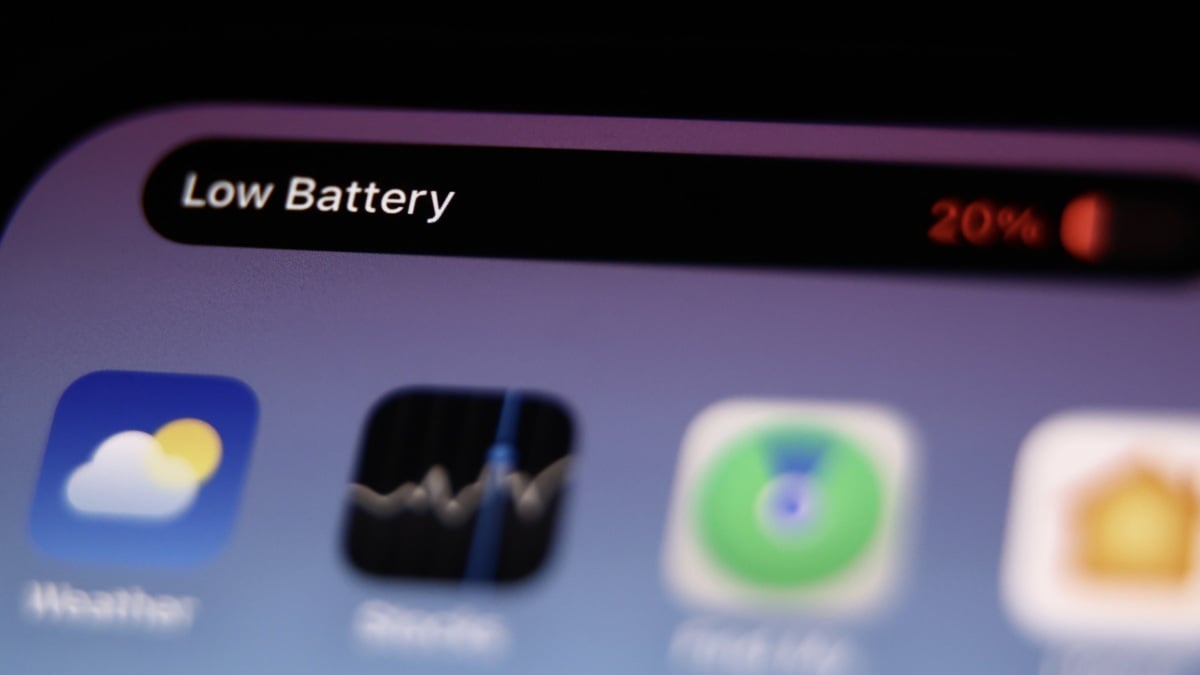

A mysterious iOS 27 battery drain is hitting some iPhones hard, and the fix takes about 30 seconds. One Reddit user watched his iPhone 15 Pro Max drop to three or four hours of use. After flipping a single switch, that jumped to seven.
Why iOS 27 battery drain points at Connectivity Assist
Apple shipped a small but significant change inside iOS 27, and it’s the prime suspect. The feature is called Connectivity Assist, and you might remember its older name: Wi-Fi Assist. The job is the same in spirit. When your Wi-Fi signal gets weak, your iPhone borrows your cellular connection to keep things smooth.
Here’s the catch. On iOS 26, Wi-Fi Assist switched you over to cellular when Wi-Fi got bad. Connectivity Assist, on the other hand, appears to use both networks at the same time. Keeping two radios active is more work for the phone, and that extra work lands squarely on your battery.
| Wi-Fi Assist (iOS 26) | Connectivity Assist (iOS 27) | |
|---|---|---|
| When it kicks in | Switches to cellular when Wi-Fi is too weak | Taps cellular whenever Wi-Fi grows weak, even briefly |
| Network use | One network at a time | Wi-Fi and cellular together |
| DNS requests | Follow your normal settings | Sent over cellular, can bypass ad blockers |
| Battery impact | Modest | Heavier, per user reports |
The ad blocker connection most people miss
There’s a second twist, and it explains why even non-technical users should care. Connectivity Assist sends DNS requests over cellular data, which can slip past the rules your ad blocker uses to kill pop-ups. Apple itself recommends turning the feature off if you run an ad blocker.
So the feature is firing constant background requests, bypassing your blockers, and holding two networks open at once. Any one of those could nudge battery use upward. Stack them, and you get complaints like the ones filling the r/iphone subreddit this week. If your iOS 27 battery drain started right around the update, this feature is suspect number one.
The numbers from one thread are worth repeating. A user with an iPhone 15 Pro Max at 89% battery health went from three to four hours of screen time down to almost nothing after the update. He disabled Connectivity Assist, and his phone lasted seven hours instead. Someone else in the same thread said disabling it even fixed their phone running hot. Individual reports, sure. But they all point the same direction.
Before you blame the update entirely, remember the author of the original Lifehacker write-up says his own iPhone drains the same as before. Your mileage may genuinely vary. The 30-second test below settles it for your specific phone.
How to turn off Connectivity Assist (30 seconds)
You have two options, and you can do both.
Option 1: disable it for one network
Head to Settings > Wi-Fi. Tap the (i) next to the network name you’re on. Scroll down and flip off Use Connectivity Assist. Do this for the cafe or office network where your signal stinks, and your battery stops paying for it there while everything else stays automatic.
Option 2: disable it everywhere
Go back to the main Wi-Fi settings page. Toggle Connectivity Assist off globally. One neat detail: if the feature was already on, iOS shows you exactly how much cellular data it has used to date. More data in that counter means it was working overtime behind your back.
If you use an ad blocker, this is the option Apple recommends anyway. You lose nothing except the mystery drain.
Should you actually turn it off?
Honest answer: it depends on your day, and there’s a real trade-off to know about. When it works as designed, Connectivity Assist saves you from that miserable limbo where YouTube stalls because the coffee shop Wi-Fi died but your phone hasn’t given up on it yet. Kill the feature globally and you’ll occasionally feel those handoff hiccups again. That’s the case against blaming every iOS 27 battery drain complaint on one toggle.
The smarter play for most people is Option 1. Keep Connectivity Assist on for your home network, where the signal is strong and the handoffs are rare. Turn it off for the flaky networks where it was quietly chewing battery and data all along. You keep the smooth moments and lose the drain.
Heavy cellular users should think twice for a second reason: the feature consumes cellular data whenever it leans on it. If you’re on a capped plan, that global toggle doubles as a data saver. This alone made the switch worth it for plenty of people in that Reddit thread.
What else to check while you’re in there
Connectivity Assist is the new suspect, but not the only one. Two more stops take a minute each:
- Settings > Battery shows which apps burned the most charge in the last 24 hours. If one app dominates after the update, that’s your real problem, not the OS.
- Settings > Battery > Battery Health tells you your maximum capacity. Under 80% and no software tweak will save you; the battery itself is due for a swap.
And if you’re still settling into iOS 27, the OS has more tricks worth learning. We covered how the Clean Up tool removes objects from photos, and how to run ChatGPT or Claude through Siri now that the update unlocked it.
The takeaway
If iOS 27 battery drain showed up on your phone out of nowhere, Connectivity Assist is the first thing to check. Turn it off globally, glance at the data counter to see how hard it was working, and give it a day. Seven hours of use beats three, and you’ll know in one charge cycle whether this was your fix.