
If you’ve spent any time inside Gemini building custom assistants, mark November 17 on your calendar. That’s when Google starts swapping Gems for Gemini skills, and the way you save your favorite instructions changes for good.
Gems are officially on borrowed time
Google announced the switch on September 30, and the deadline is already showing up inside the app. Open the Gems manager today and you’ll see a notice: “Gems will become skills starting Nov 17, 2026.” After that, migration happens automatically. You don’t have to drag anything anywhere. Google converts your existing Gems and life moves on.
Here’s the part a lot of people will miss: the cutoff depends on your account type. Personal accounts go first, and Workspace customers get a longer runway.
| Account type | When Gems go away |
|---|---|
| Personal accounts (free and paid) | Migration starts November 17, 2026 |
| Workspace Business, Enterprise, Nonprofit | March 2027 |
| Workspace Education | June 2027 |
So if you’re on a regular Gemini account, November is the real deal. Business users have until March 2027, and schools get until June 2027. Either way, Gems have an end date now. That’s a first.
One more casualty while you’re marking calendars: Opal, Google’s experiment for building mini apps, shuts down in November too. If you played with it, the same deadline applies.
What Gemini skills actually are
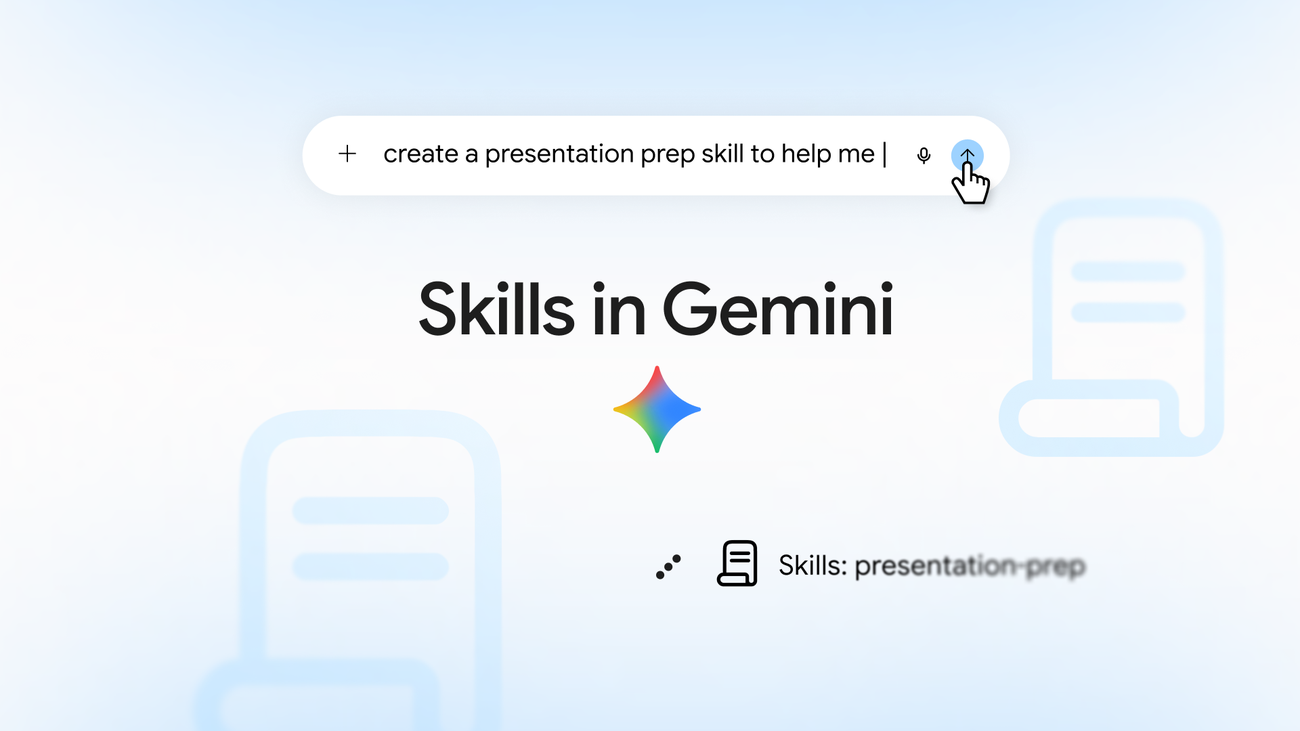
Gemini skills are saved instruction sets you reuse instead of retyping the same prompt every single morning. Think of a Gem, but faster to call and easier to build. You type a forward slash, add the skill’s name, and your instructions load right into the prompt bar.
Google’s own examples make the idea concrete. A presentation skill that outlines your slides, writes talking points, and preps you for hostile Q&A rounds. A writing-style skill that mirrors how you already sound across your Workspace apps. Or a brainstorming skill that always hands you three to five distinct viewpoints instead of one wishy-washy answer.
Why the switch at all? Because skills fix the two most annoying things about Gems. Calling up a Gem meant digging through a manager page, and building one meant filling out a form. Skills flip both. You summon them with “/” mid-conversation, and Gemini can build one for you by simply asking questions about what you want.
Here’s how the two stack up side by side:
| Feature | Gems | Gemini skills |
|---|---|---|
| How you run one | Pick it from the Gems manager | Type “/” plus its name in the prompt bar |
| How you build one | Fill out a setup form | Chat with Gemini, write it manually, or upload a SKILL.md file |
| Reference files | Drive files and notebooks | Text docs, PDFs, and images (Drive and Notebook support coming) |
| Sharing with others | Yes | Coming in the next few weeks |
| Runs automatically | No | Gemini can spot matching prompts and run skills for you |
Three ways to create a skill today
You don’t have to sit around until the November migration. Head to the Gems manager inside Gemini, or point your browser straight at the manager page, and you’ll find a “Create skill” link sitting right at the top. All three build paths live behind it.
Let Gemini build it for you
This is the option I’d point any beginner at first. Type something like “Create a fact-checker skill” and Gemini walks you through the rest with follow-up questions. It asks what the skill should do, how strict you want it to be, that kind of thing. By the end you’ve got a working skill saved to your account, available in every new chat. Total time: about two minutes, most of it spent reading.
Build it manually
Already know exactly what you want? Pick the manual option and write the instructions yourself. This is the move if you’ve been running a favorite prompt on repeat for weeks. Paste that prompt in, give the skill a short name you’ll actually type, and hit save.
And if you followed our Gemini Gems tutorial back when Gems were the shiny new thing, your old Gem instructions drop straight into this form with barely any editing. The wording transfers. The concept is identical.
Not sure what to type? Steal this starter. Paste it into the manual editor:
You are my meeting-prep assistant. Before any meeting, give me a one-paragraph summary of the topic, three sharp questions I should ask, and one thing most people get wrong about it. Keep everything under 200 words.
Swap the subject to match your job and you’ve got a complete, working skill. Two minutes ago that was a prompt you retyped every morning.
Upload a SKILL.md file
There’s a third door for people who already use skills in other tools. Gemini accepts SKILL.md files, or entire folders of them, which is the same format Claude skills use. We’ve covered how to turn a coworker’s know-how into an AI skill before, and anything you built along those lines uploads here without conversion headaches. That’s a bigger deal than it sounds: your skills aren’t locked inside one assistant anymore.
Stack skills and skip the retyping
Here’s where Gemini skills pull ahead of what came before. You can stack several skills in a single prompt. Google’s own example: combine a writing-style skill with a brand-guidelines skill, and Gemini produces assets that follow the rules but still sound like you. One skill for voice, one for the rules, running at the same time.
Skills also accept reference files as of the September update. Plain text documents, PDFs, and images all work today. Drive files and Notebook integration are “coming weeks” promises, and so is sharing a skill with your team. Once those land, skills will cover everything Gems ever did.
Then there’s the sneaky-good feature. Gemini can build custom skills from your past chats and run them automatically whenever you type a matching prompt. You don’t even slash-command it. The app notices the pattern and loads the right instructions on its own. Slightly spooky. Extremely useful.
What happens to your old Gems
Nothing dramatic on day one. Google starts migrating Gems to Gemini skills automatically on November 17, and your Gems keep working until each one is converted. You’ll log in one morning and they’ll just be skills. Your data doesn’t vanish, and there’s nothing to export.
What I’d still do before then: open your Gem list this week and actually look at it. Some of mine were half-finished experiments I’d completely forgotten about. Migration is a perfect excuse to delete the dead weight so the auto-conversion only carries the ones worth keeping. For inspiration, our list of Gems to build once and reuse forever translates almost one-to-one into skills.
One more reason not to wait
Gemini skills are already live in Gemini chat worldwide, and the Workspace rollout is happening in batches over the coming weeks. Meaning: any skill you build now starts saving you time immediately, at home or at work. There’s no discount for waiting until migration day. Early builders just get comfortable while everyone else reads the farewell notice.
Your next move
Open Gemini, head to the Gems page, and build one skill you’ll use every single day. Start with whatever you retype most: email replies, weekly reports, meeting prep. Two minutes of setup now beats re-explaining yourself to a chatbot every morning for the rest of the year.