
The ChatGPT Google Health integration is coming, and most people will tap “allow” without reading a single screen. Code hidden inside the latest ChatGPT app for Android proves OpenAI is building it. Before it lands, you should know exactly what the assistant could read and which setting decides how much it sees.
What the ChatGPT Google Health integration actually is
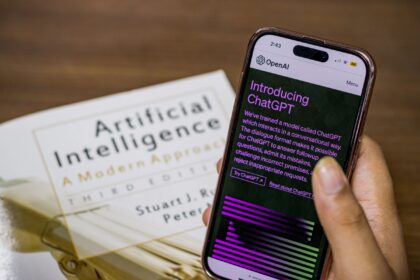
ChatGPT Health already exists. OpenAI launched it earlier this year, rolled it out widely in July, and it’s now available to logged-in users 18 and older in the US on Free, Go, Plus, and Pro plans, on web and iOS. The pitch is simple: instead of re-explaining your medical history every time you ask something, you connect your data once and ChatGPT uses it when relevant.
Right now you can connect Apple Health, supported medical records from US hospital systems, One Medical, and Function Health. Wearables plug in through Apple Health too, so WHOOP, Oura, and Garmin data can reach the chatbot that way.
The gap has always been Android. iPhone users could hand over Apple Health data, but Android users had no equivalent, even though most smartwatches and fitness trackers sync their numbers to Google Health. That’s the missing piece that would complete ChatGPT Google Health support for Android.
The evidence comes from an APK teardown by Android Authority. They dug through version 1.2026.300 of the ChatGPT Android app and found code for several Android Health Connect permissions. Nothing is live yet, and OpenAI hasn’t announced anything, so details could change before release. But the placement of the code suggests the work is well underway.
What data it can read (the list is longer than you think)
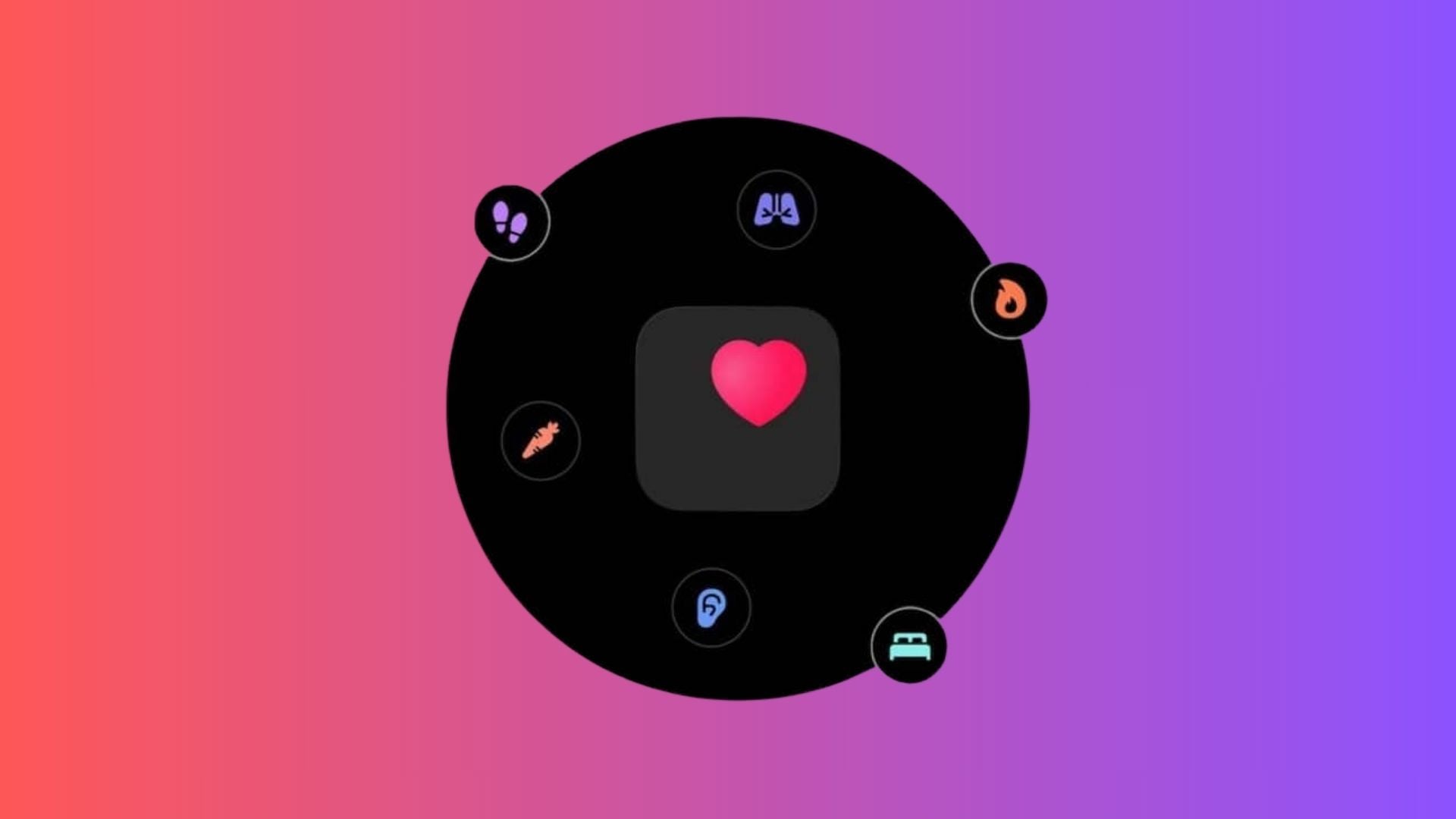
This is where things get real. Based on the permissions discovered in the app, the ChatGPT Google Health link would cover a lot more than your step count:
- Body weight, body fat, lean muscle mass, and bone mass
- Basal metabolic rate
- Historical health data, which lets the AI draw conclusions from patterns over months, not just today’s snapshot
- Reproductive health data, including menstruation, ovulation, and sexual activity records
- Background access, via a permission called READ_HEALTH_DATA_IN_BACKGROUND, which hints the app could pull data without you opening it
That last category deserves a pause. Menstrual and sexual activity data is among the most sensitive information on your phone. It’s also genuinely useful if you’re spotting cycle patterns or prepping for a doctor’s appointment, so OpenAI has a real argument for wanting it. You just get to decide whether the trade is worth it.
One thing worth knowing: Health Connect is the Android layer apps use to share health data, and it requires your explicit permission per app. So even after the integration ships, you’d still choose which categories ChatGPT can read. Nothing happens silently at the system level.
How to set up ChatGPT Health right now
You don’t have to wait for Android to see how this feels. If you’re in the US and 18 or older, you can set up ChatGPT Health today on iPhone or web. Here’s the walkthrough, straight from OpenAI’s official help page:
- Open ChatGPT and look for Health in the sidebar. Tap the More menu if you don’t see it right away.
- Select Connect Health or Get started.
- Pick your source: Apple Health, Medical Records, One Medical, or Function Health.
- Sign in and approve the permission requests.
- Wait for the sync. Large histories can take a few minutes.
- Review the basics: current conditions, medications, and family history. Fix anything outdated.
- Start asking questions anywhere in the chat. If ChatGPT doesn’t use your data when you expected it to, add @Health to your message to force it.
Android users can’t connect Google Health yet, but everything above works on the web version today, and your connected accounts carry over between devices. Honestly, doing this setup on a big screen is easier anyway, because the permission screens make more sense when you can actually read them.
The permission setting 70% of people accept
Here’s the part almost nobody reads. Once your data is connected, ChatGPT asks before using it, by default. You can approve each request, or you can flip to “always allow” and stop seeing prompts entirely. That switch lives in Settings, then Plugins, then Health.
Since September 2026, new Health connections follow your global plugins setting. If you never touched that setting, your account defaults to “allow low-risk actions.” And according to numbers cited around the launch, more than 70% of users already let Health data flow into regular conversations without per-request approval.
To be fair, OpenAI’s argument is reasonable. Connected health data and the conversations that use it are not used to train the company’s models or target ads, and you can disconnect an account at any time. ChatGPT also can’t write anything back to your provider’s records or to Apple Health, so it stays read-only by design. It’s a similar story to Google scanning your Gmail for ads: the permission is real, and so is your ability to turn it down.
Still, there’s a difference between “my fitness data shapes my meal-prep answer” and “my cycle data is available in every conversation.” Those are different comfort levels, and the settings let you pick yours. If you want the tighter setup, open Settings, go to Plugins, select Health, and set it to ask every time. Two minutes, done. And if you want to protect the chats themselves, not just the data feeds, we’ve got a guide to locking ChatGPT chats behind a PIN.
| Setting | What it does | Best for |
|---|---|---|
| Ask every time | ChatGPT prompts you before touching health data | Anyone who wants control over each use |
| Always allow | Data flows into any relevant conversation, no prompts | People who want zero friction and accept the trade |
| Global plugins default | New connections inherit “allow low-risk actions” unless changed | Nobody who hasn’t actually read it, honestly |
Where it helped and where it went wrong
The pitch is genuinely useful. ChatGPT Health can compare a new lab result against older ones, summarize what changed since your last appointment, and connect sleep or workout trends to how you’ve been feeling. For anyone managing a chronic condition, that’s hours of appointment prep saved. We looked at a very different kind of health app in our Death Clock review, and the same rule applies there: interesting output, but you don’t let it make decisions for you.
The cautionary tale is just as real. In October, the New York Times reported that ChatGPT gave dangerous advice to a woman taking seizure medication, and the story ended in tragedy. OpenAI’s own help page states Health is not intended for diagnosis or treatment, and that’s not legal fine print. A chatbot that reads your history still doesn’t know everything, and it can sound confident while being wrong.
So keep a human in the loop. Bring the AI’s summary to your doctor instead of replacing the doctor with the summary. If something feels urgent, skip the chat entirely.
What to do before the ChatGPT Google Health rollout arrives
The connection isn’t live yet, and it might change before launch. The preparation is the same either way. Audit your Health Connect permissions now, so you’re approving categories with a clear head instead of tapping through a popup while the app nags you. If you use an iPhone, try the existing Apple Health setup and see which permission level actually feels right. And decide your rule for medical questions: the chatbot for context and prep, the professional for anything that matters.
Your health data deserves the same skepticism you’d give a stranger asking for your password. Share it gladly, but only after you’ve actually checked who’s asking.