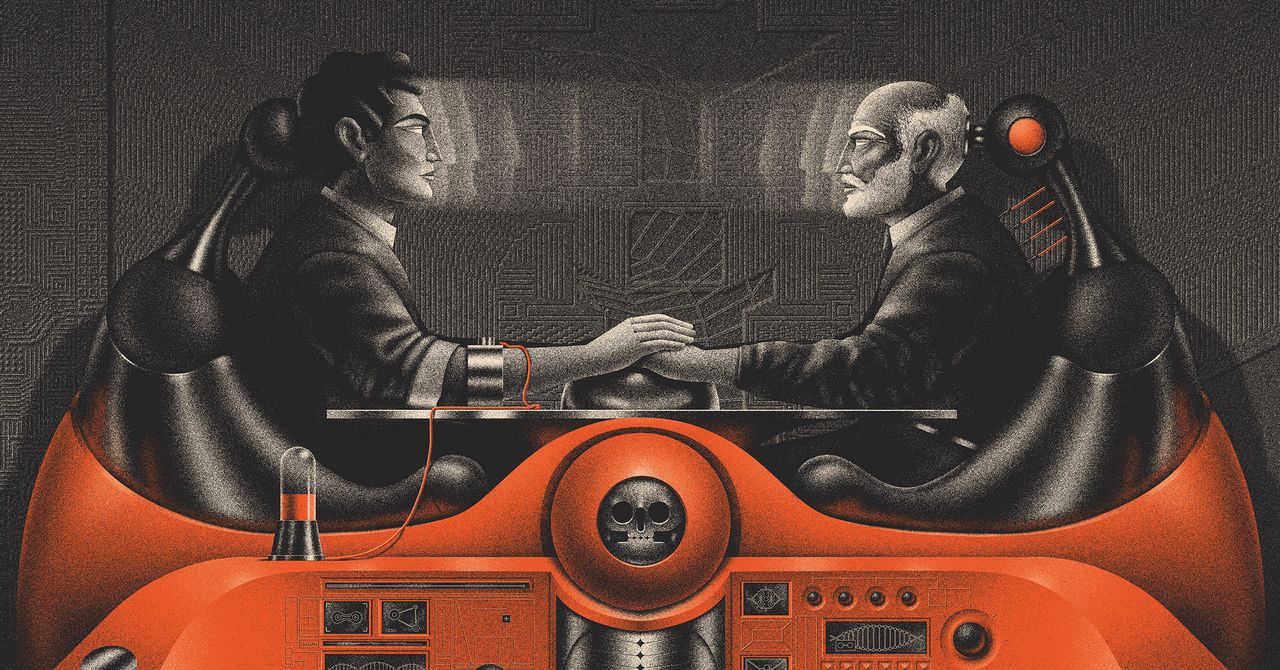

An app on the phone of a WIRED writer just told him he’ll die in August 2060, with a smiling grim reaper cheering next to the date. That’s Death Clock, the AI longevity app he tested for a month, blood and all. Before you hand it $69 and a vial, this Death Clock app review covers what the AI really knows and what it doesn’t.
The pitch sounds absurd, and yet people keep lining up to ask an algorithm for their expiration date. Curiosity is understandable here. Execution, though, has some sharp edges.
What the app actually does
Death Clock launched in 2024 as a life-expectancy predictor. You feed it details about your health habits, sleep, exercise, diet, and it spits out a predicted death date, complete with themed artwork of the grim reaper living his best life. In the feature by Jason Parham, the app forecast August 10, 2060, when he’d be 74.
The date isn’t the product, though. It’s the hook. Behind the morbid party trick sits what the company calls a prevention plan, a set of habit changes the algorithm claims will push your date further out. Track enough data, the thinking goes, and the software can help you hack your own demise.
That logic has fueled a multitrillion-dollar longevity industry, complete with techno-optimists like Bryan Johnson spending millions to age backwards. Death Clock is the budget version of that dream. Your phone, your habits, one ominous number.
The blood panel, priced honestly
Here’s where Death Clock got serious in February. That month, the company added biomarker panels, which means you can order actual lab work through the app and get your prediction refined with real blood data instead of questionnaire guesses.
Your pricing ladder looks like this:
| What you order | Cost | What it measures |
|---|---|---|
| Basic blood panel (with $69 subscription) | $69 | Cholesterol, blood sugar, inflammation, vitamin D, blood and organ health |
| Stress test add-on | $29 | Stress-related biomarkers |
| All nine additional panels (hormones, micronutrients, thyroid, and more) | Up to $780 total | The full picture the AI can use |
Parham went with the routine panel plus the stress test, and his reaction to the process is worth knowing upfront. He gave the app his blood, got predictions and plans back, and by the end of the month told readers it felt like the app was “sucking the life out of me.” Tracking your decay daily does something strange to your head. The review isn’t a takedown, but it’s not an endorsement either.
What the Death Clock AI is actually trained on
This matters more than the reaper artwork. Death Clock says its algorithms are trained on 1,200 longevity studies, actuarial data from life insurance companies, and standard life expectancy tables. Any serious Death Clock app review has to start there, because the training data defines the ceiling.
Read that again, because it explains both the promise and the ceiling. Insurance actuarial data is excellent at predicting outcomes for populations. It’s how insurers stay profitable. What it can’t do is know your body. Two people with identical cholesterol and sleep hours can die fifty years apart, because genes, luck, and a thousand unmeasured things don’t fit in a spreadsheet column.
So the honest framing is this: the app turns your habits into a statistical forecast, similar to what an underwriter would calculate, then wraps it in advice about sleep, exercise, and diet that your doctor could tell you for free. That’s the core of any fair Death Clock app review: it repackages actuarial math as personal prophecy.
Is the advice bad? Mostly not. Move more, eat better, manage stress, sleep enough. The boring truths survive every algorithm. What you’re paying $69 for is the packaging, plus the motivator of a countdown clock that apparently works on some people’s brains.
A month with it: the pattern in the coverage
Between WIRED’s feature and the smaller write-ups from Yahoo Health and local tech segments, a consistent pattern shows up. Every Death Clock app review so far tells the same story: early fascination, followed by fatigue.
The prediction lands like a jolt. There’s something genuinely gripping about seeing your own finish line, even a made-up one. Users tend to adopt the prevention plan hard for a couple of weeks. After that, the daily reminders of mortality start to feel less like motivation and more like background dread, which matches Parham’s “sucking the life out of me” verdict. No Death Clock app review gets around that arc.
There’s also the data question. You’re handing a health app your biomarkers, your habits, and your anxieties. If you wouldn’t paste your lab results into a random chatbot, think about where this company stores your blood work. Our guide on using AI for medical advice safely covers the questions worth asking before sharing health data with any AI service.
Who should skip it
Three groups come to mind.
Anyone with health anxiety should stay away, full stop. A daily death countdown is a cruel device for a brain that already ruminates. No prevention plan offsets that trade.
Anyone expecting medical insight beyond lifestyle coaching will be disappointed. This is not a diagnostic tool, and it doesn’t replace blood work ordered by a doctor. If you want real biomarkers checked, an annual physical with standard labs covers much of the basic panel. We compared the alternatives in our piece on what ChatGPT Health actually does, and the same boundary applies here: AI can organize your health data, but it can’t practice medicine.
Deal hunters should think it through too. If the appeal is the blood panel data itself, compare that $69 against what your insurance or a direct-to-consumer lab charges for the same markers. Sometimes the app is the cheapest route. Sometimes it’s a markup on tests your plan already covers. And if a surprise medical bill shows up along the way, our guide on disputing a hospital bill walks through what actually works.
Who might genuinely like it? Competitive, data-driven people who respond to streaks and scores, and who can laugh at the reaper instead of brooding over him. For that personality, a predicted death date is a strangely effective fitness coach.
Verdict: should you pay for Death Clock?
Death Clock is a clever hook wrapped around conventional longevity advice, priced at $69 for the entry tier with add-ons climbing to $780. It won’t tell you when you’ll die, and it won’t replace your doctor. But if a smiling grim reaper gets you to sleep earlier and walk more, the app has honestly earned its money. Try the basic panel before touching the full $780 suite, and take the prediction as a conversation starter with your actual physician, not a verdict. The full month-long experiment is worth reading in WIRED, and the app itself lives at deathclock.ai.