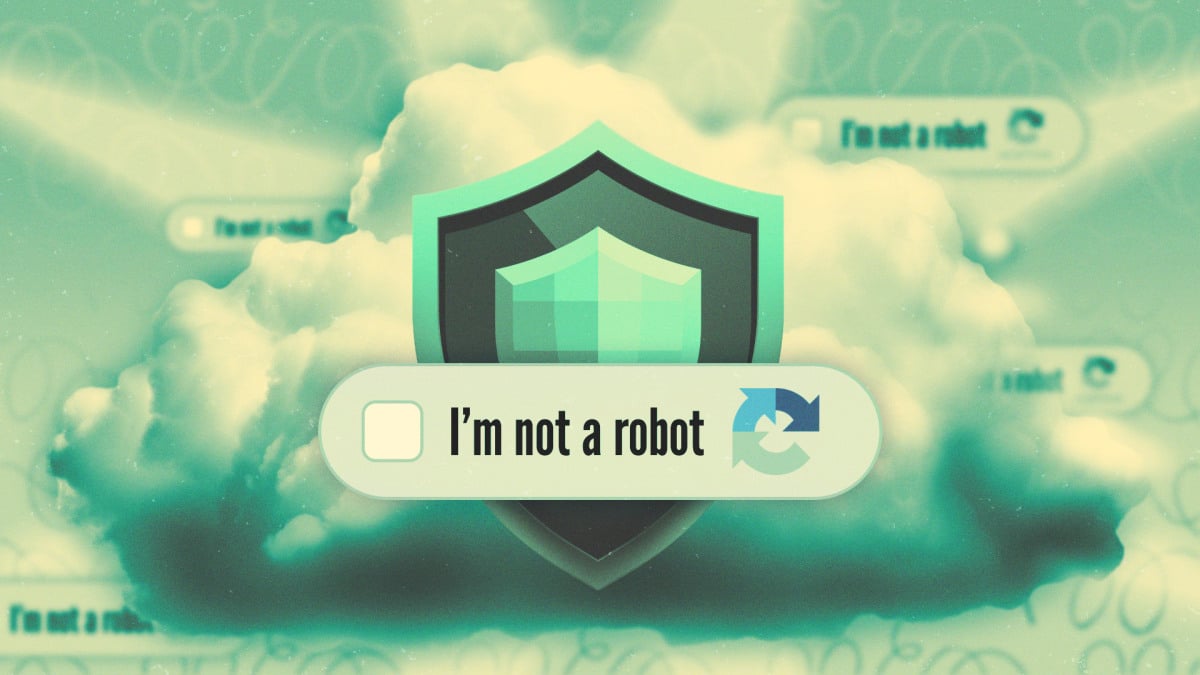

A CAPTCHA when using a VPN feels like a personal insult. Click one more traffic-light grid and you might quit. The problem isn’t you, and it isn’t even your VPN. It’s your IP address, and that’s fixable.
Why websites think you’re a bot
Here’s the mechanics in plain English. CAPTCHA providers like Google’s reCAPTCHA v3 and Cloudflare Turnstile score every visitor’s risk before showing anything. They look at your IP address, your browser signals, your device fingerprint, and recent activity. Only when the score looks shady do you get the puzzle.
A VPN, by design, wrecks part of that score. You’re borrowing an IP address that hundreds of other people are using at the same time. A few of them scrape sites, others spam forms, and some run bots for a living. The website can’t tell you apart from them, so you all get treated the same: suspicious until proven human.
Server hopping makes it worse. Switch IP addresses three times in ten minutes and you look exactly like a bot farm rotating proxies. Annoying? Very. But the site isn’t wrong to be cautious. CAPTCHA prompts are the internet’s immune system responding to what looks like an infection, and shared VPN IPs look infected on a good day.
This got worse lately, too. AI bots now crawl the web at industrial scale, and sites respond by challenging everything that smells automated. Human visitors with shared IPs get caught in the net constantly. If you also keep privacy features locked down elsewhere, like turning off Google phone number verification, you’re already living the low-trust-browser life. CAPTCHAs are one more layer of it.
The good news: you don’t have to choose between privacy and sanity when the CAPTCHA when using a VPN strikes. Three fixes cover most cases, and none of them cost more than what you already pay.
Fix 1: switch to a different server
The simplest fix first. Not all VPN servers carry the same reputation. A crowded server in a popular city might host thousands of active users, including plenty of abusers. A less popular server in the same region might be nearly clean.
So next time the puzzles start, open your VPN app and:
- Disconnect and pick another server in the same country. Same-language content, different IP, different reputation.
- Prefer less loaded locations. If the app shows load percentages, pick a server under 50%.
- Stop server hopping. Pick one server and stick with it for the session. Frequency of IP changes is itself a risk signal.
That alone clears up most repeat CAPTCHA cases, because most cases are just “this specific IP is burned.” Sites don’t remember you personally. They remember the address.
Fix 2: pay for a dedicated IP
If switching servers gets tedious, the permanent version of the same fix is a dedicated IP. Many VPN providers sell one: an address assigned to you alone, that nobody else uses.
Think about what that changes. You’re no longer sharing reputation with hundreds of strangers. The IP builds its own history, and since you’re the only user, that history stays clean if you behave. CAPTCHA frequency drops hard once sites learn that this address belongs to a normal person.
A few honest caveats:
- It usually costs extra. Providers charge a few dollars a month for it, on top of the subscription.
- It slightly reduces anonymity. A dedicated IP is more identifiable than a shared one. You’re still behind the VPN, but you’ve traded a slice of blending-in for stability. For most readers, that’s a fine trade. For anyone whose safety depends on being unidentifiable, skip this one.
- It’s tied to one location. Your dedicated IP sits in a specific city. If you need to appear in different countries weekly, it won’t do that job.
For the average person who just wants shopping and banking without traffic-light quizzes, the trade is worth it. Stability is what kills the CAPTCHA when using a VPN, and nothing stabilizes like an address nobody else touches.
Fix 3: turn on automatic verification in your browser
This is the newest fix, and honestly the coolest. Modern browsers can prove your humanity cryptographically, without puzzles and without tracking.
Apple started it. Since iOS 16 and macOS Ventura, Apple devices support Private Access Tokens: when a site challenges you, your device can vouch for you behind the scenes using a token that reveals nothing about you. Many CAPTCHA prompts on iPhones and Macs simply vanish when this kicks in.
In June 2026, Cloudflare blew this open with an announcement. Together with Google Chrome, Microsoft Edge, Mozilla Firefox, and Shopify, it proposed PACT, short for Private Access Control Tokens. The idea: a site that strongly knows you’re a person (your browser or device maker, say) issues you an anonymous credential. Your browser carries that credential to other sites as proof of humanity. The sites never learn who you are. Mozilla’s engineers documented the cryptography on their hacks blog, and the coalition plans to standardize the protocol.
Microsoft is already rolling it out. Edge has an “Automatic Verification” setting appearing in recent builds, which lets supported sites exchange verification tokens in the background. Google announced similar capabilities in Chrome. Shopify joined because, well, they host an enormous amount of the internet’s checkout friction.
How to use this today:
- Update your browser and OS. These features ship in recent versions. Old builds don’t have the token plumbing.
- On iPhone and Mac, keep iCloud Private Relay or at least default Safari settings intact so Private Access Tokens can do their job.
- In Edge, look for Automatic Verification in settings and turn it on if offered.
- Don’t block token requests with aggressive privacy extensions. Ironically, some ad blockers strip exactly the requests that prove you’re human.
Combined with fixes 1 and 2, this covers nearly everything for CAPTCHA when using a VPN. Your VPN gives you a decent IP, and your browser carries cryptographic proof that a human is present. The CAPTCHA has nothing left to check.
What’s next for CAPTCHA-free browsing
The direction is clear. Cloudflare itself reported cutting its own CAPTCHA challenges by 91% after moving to managed verification, and PACT pushes further: prove humanity once, carry the proof everywhere, reveal nothing personal. Expect the traffic-light quiz to look as dated as dial-up within a couple of years.
Until then, keep your expectations calibrated. Sites will keep challenging unknown traffic, VPN or not. The wins come from looking as normal as possible: stable IP, consistent browser, updated software.
Privacy tools create friction, and that’s the deal you signed up for. But between smarter server choices, a dedicated IP, and browser-level verification, the friction is now optional. Pick the fix that matches your patience level and enjoy reading Discord messages in Google search results or whatever else you were doing before the puzzle interrupted. Your thumbs deserve the break.
The takeaway
The repeat CAPTCHA when using a VPN comes from shared IP reputation, and you can fix that in three moves: switch to a cleaner server, buy a dedicated IP, or let your browser prove your humanity with tokens. Try the free server switch today. If the puzzles keep coming, add automatic verification and consider the dedicated IP. Privacy shouldn’t cost you an extra minute on every page, and with these three fixes, it doesn’t have to.
Sources: Lifehacker’s guide, Cloudflare’s PACT announcement, and Mozilla Hacks.