
Someone sends you a wild screenshot. Half your group chat says it’s fake, the other half wants you to forward it. As of this week, Google finally gives you a free way to check: the SynthID Detector, open to everyone at synthid.com.
The timing isn’t random. AI-generated images have gotten good enough that your eyes can’t be trusted anymore, and October 7 is when Google stopped limiting its watermark checker to journalists and researchers. Anyone can use it now. Here’s how, plus the catch that most headlines are skipping.
What SynthID Detector actually does
SynthID is an invisible watermark that Google’s AI models (and now some partner companies’) bake directly into the content they generate. Not a label you can see. Not metadata that gets stripped when you screenshot something. A signal woven into the pixels of images and video, and into the waveform of audio.
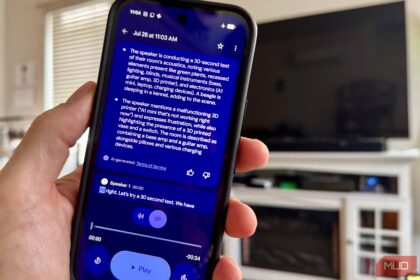
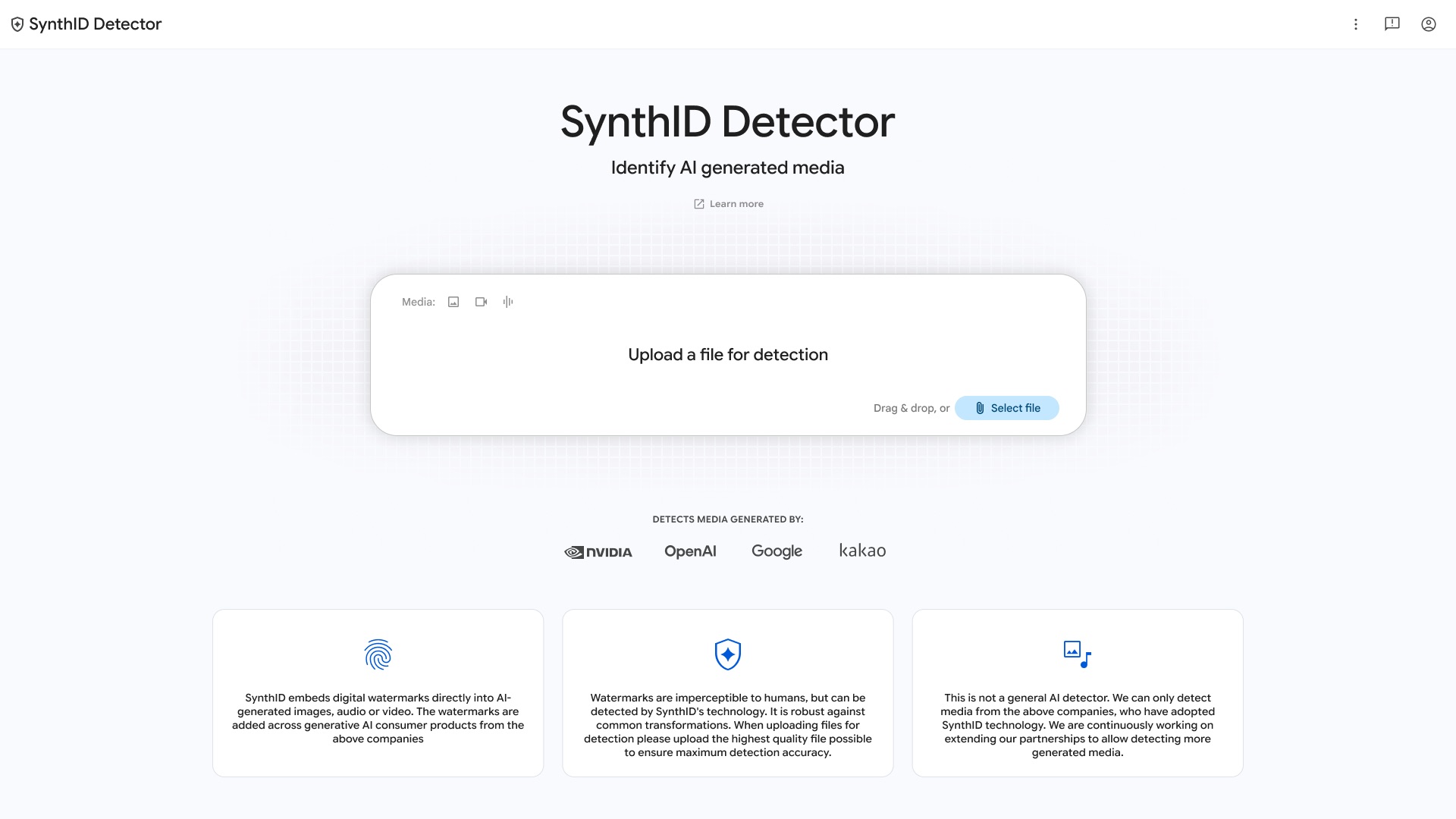
The SynthID Detector is the reading side of that system. You upload a file, the site scans it, and you get a verdict: SynthID detected or not. When it finds a watermark, it can often tell you which company’s tool made or edited the file.
Before this week, your options were clunky. Google let journalists and researchers use an internal portal since mid-2025, and regular people could ask the Gemini chatbot, which only recognized Google’s own marks and sometimes answered in confusing ways. Now there’s a simple website that handles the major players in one place.
Google says it has watermarked more than 180 billion images and videos since 2023, plus the equivalent of 240,000 years of audio. The checks already run inside Google Search, the Gemini app, and Chrome, handling over a million verification requests a day. The standalone site just puts the same power in your hands directly.
One underrated strength: the watermark is stubborn. Google designed SynthID to survive the things people normally do to images, cropping, filters, compression, screenshots included for many cases. Audio marks survive MP3 compression and even changed playback speed. You can’t scrub it off by re-saving the file, which is exactly why it beats metadata checks.
Who’s supported (and who isn’t)
This is the part that determines whether the tool is useful for your specific file.
| Company | Detected by SynthID Detector? |
|---|---|
| Google (Gemini, Veo, Lyria, Imagen) | Yes |
| OpenAI (ChatGPT images) | Yes |
| NVIDIA | Yes |
| Kakao | Yes |
| Apple | Announced, coming soon |
| Meta, Microsoft, open-source models | No |
The OpenAI support is the big upgrade. ChatGPT images have carried SynthID since May, but Google’s old detector ignored them, so millions of AI images were invisible to the check. Now they register.
Meta and Microsoft use their own watermarking standards, so their content stays undetected here. Same for anything an open-weight model generated on someone’s home GPU: no SynthID, no signal, no verdict.
How to check a file, step by step
The whole thing takes under a minute.
- Go to synthid.com in your browser.
- Sign in with a Google, OpenAI, or Apple account. Yes, you need one.
- Upload your image, video, or audio file. The format list is long: JPG, PNG, WEBP, HEIC, TIFF, and GIF all work for images, MP4, MOV, and WEBM for video, and WAV, MP3, OGG, FLAC, or AAC for audio. Screenshot from Instagram, a clip from a group chat, a voice memo, all fine.
- Wait a few seconds for the scan.
- Read the verdict. You’ll get a simple yes or no on SynthID, plus which partner’s tools were involved if there’s a match.
The public SynthID Detector gives you less detail than the internal tool reporters use. There’s no region highlighting showing which pixels look watermarked. Just the verdict. For most people, that’s honestly all you wanted anyway.
Two practical limits to plan around. First, the site only handles images, video, and audio. It won’t check AI-written text, even though SynthID exists for text too. Second, your account gets roughly 10 checks per day. Google engineers told Ars Technica the cap exists to stop people from uploading thousands of variations to reverse-engineer the watermark, which is a fair trade even if it’s annoying on a busy day.
The catch: a “no” doesn’t mean it’s real
This is the mistake everyone’s about to make, so let’s be blunt about it.
A negative result means the detector found no SynthID watermark. That’s all it means. It does not mean the file is human-made.
Run through the math. A fake image generated by Meta’s tools carries no SynthID. An image from an open-source model running on a gaming PC carries no SynthID. A real photo that someone edited with a non-participating AI tool? Also no SynthID. All three come back “nothing detected,” and only one of them is genuine.
Even a positive result needs context. The tool tells you SynthID is present, which means AI was involved in making or editing the file at some point. It can’t tell you whether you’re looking at a fully synthetic image or a real photo that got an AI cleanup pass. And the result page warns that files can be modified after the watermark goes on.
So use it as one signal, not a verdict. If a viral image checks positive for SynthID, that’s pretty conclusive: AI made it. If it checks negative, you’ve learned almost nothing, and a reverse image search is still your best friend.
Curious how it handles real phone photos? CNET tested exactly that. An iPhone 18 Pro photo edited with Apple’s Reframe tool came back positive: the SynthID tag from the AI edit got detected. An untouched photo straight from the camera came back clean, no false alarm. Google’s own Pixel phones take a two-track approach, embedding C2PA capture metadata in every shot plus a SynthID mark whenever AI editing enters the picture. So for phone photography at least, the system works roughly as advertised.
If this whole space interests you, we’ve covered the regulation side in what the ChatGPT watermark rollout in the EU means for users, and the flip side in how people are making money with AI slop on X. The watermark checkers and the slop economy are two ends of the same arms race.
When this actually matters for you
Fine, it’s a free Google tool. When do you open it?
- A job application or portfolio piece looks too polished. Recruiters are already running this check.
- You sell or license photos. Proving your work is AI-free is about to be a selling point.
- News tips and viral screenshots. Before you share that “leaked” image, thirty seconds with the SynthID Detector beats a correction later.
- Your kid’s homework. Yes, students hand in AI images. Yes, teachers know about this site now.
One more thing worth knowing: OpenAI runs its own verification page that checks images and audio for SynthID and C2PA signals, so coverage exists on both ends. Google’s new site is just the first place that checks the big providers together.
Bookmark it. Not because you’ll use it daily, but because the first time a suspicious image matters, you’ll want the URL ready. And when Apple support lands, the SynthID Detector covers every major phone camera’s AI editing too.