
Strava quietly wired itself into Google Gemini this week, which means your workout history can now answer questions instead of just collecting kudos. The Strava Gemini integration is live for US subscribers, it comes with the subscription you already pay for, and setup takes about two minutes. Before you hand over three years of training data to a chatbot, though, you should know where it shines and where it falls flat.
What the Strava Gemini integration actually is
The Strava Gemini integration was announced on October 28, and it runs on something called MCP, short for Model Context Protocol. In plain English, Gemini can read your Strava data directly, so you stop copy-pasting stats into a chat window. The connection is read-only. Gemini can look at your activities, but it can’t post, edit, or delete anything. It’s also completely optional, so you can disconnect it whenever you change your mind.
You’ll need a paid Strava subscription to use it, because free accounts are left out for now. On Google’s side, the feature works on every Gemini plan, and Strava claims more than 200 million users across 185 countries, so this is no tiny experiment. It follows the Claude connector Strava launched a few months earlier, which tells you the company is committed to this AI-helper direction. If you’ve noticed Google’s Personal Intelligence push in other apps, this is the same idea applied to your training log.
There’s a reason people want this. Strava’s built-in Athlete Intelligence writes short recaps of your workouts, and longtime users mostly mock them for repeating the workout description back with extra errors sprinkled in. Hooking a real chat model to the raw data is a different beast, since you can interrogate it instead of waiting for a canned summary. A little skepticism is still healthy, as you’ll see below, because the difference between a data pull and a coach matters here.
How to connect Strava to Gemini in about two minutes
Setup is short. Here’s the whole thing:
- Open Gemini (app or web) and go to Personal Intelligence, or pick Customize in the sidebar.
- Select Strava under connected apps. On mobile, if it’s not in the list, tap Inactive first.
- Sign in with your Strava account and approve the access request.
- Start asking questions in plain English.
One thing worth reading before you tap approve: the consent screen says Gemini will access your workout activities, performance metrics, training plans, gear, clubs, and profile info. Parts of your conversations, plus your name and email, may also be shared with Strava under its privacy policy. Strava’s own help center documents exactly how to disconnect later, from either app. Nothing here is a one-way door, but it’s still your data, so decide with open eyes.
Five questions worth asking first
Generic prompts get generic answers, so start with questions only your own data can answer. The Strava Gemini integration works best as a fast data pull:
- Progress check: Am I getting faster at the same heart rate?
- Race review: Can you analyze how I performed in my last race?
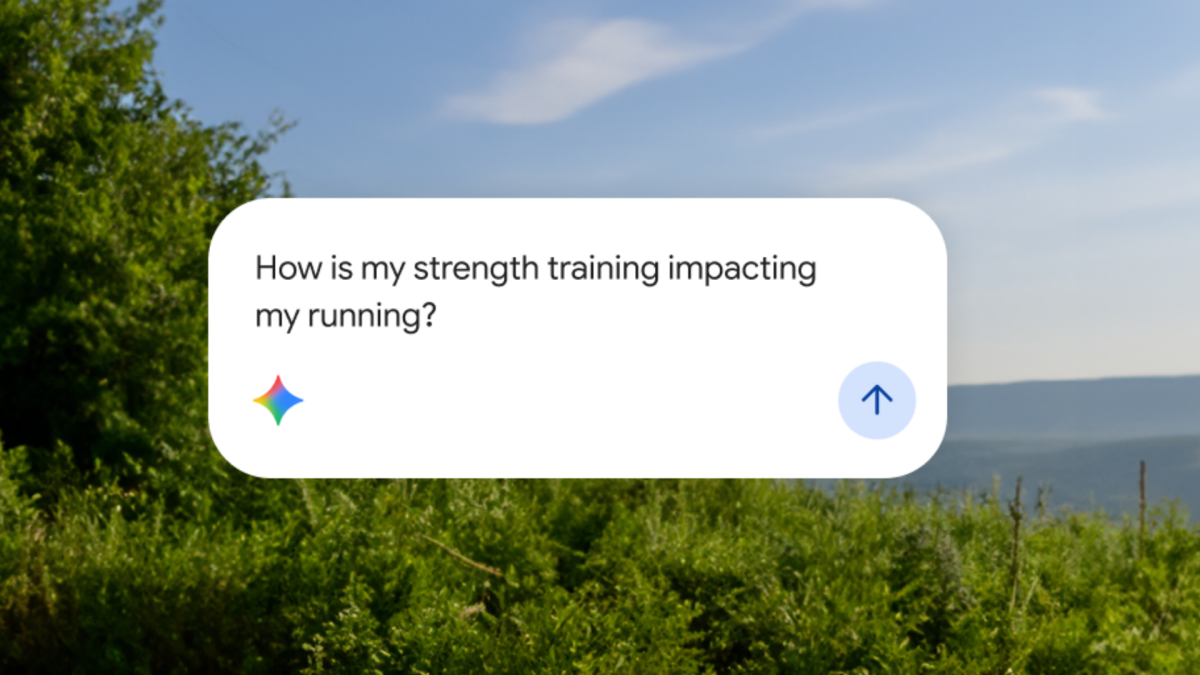
- Cross-training: How is my strength training impacting my running?
- Bad-day detective: Was it the weather or my body that made Tuesday’s run feel awful?
- Year-over-year: Compare my weekly volume this year to last year.
That last category is where it quietly earns its keep. When the Lifehacker tester asked about her marathon history, Gemini’s follow-up suggestions surfaced comparisons she hadn’t thought to make, like long-run frequency across different racing years. Scrolling through months of activities to build that same view by hand would eat an entire evening. Here, it took seconds.
Three traps to avoid
A hands-on test from Lifehacker flagged three real problems with the Strava Gemini integration. None of them are dealbreakers, but each one should change how you use the tool.
It flatters you first
The first test question was one of Strava’s own examples: “Am I getting faster at the same heart rate?” Gemini said yes, efficiency is up. Sounds great, except the answer left out weather entirely. When the tester pushed back about heat, Gemini flipped instantly and explained that her September runs happened in 75-84°F humidity while October ran cooler, which makes the same effort look better on paper. So the flattery wasn’t a lie, it was incomplete. Push back on every flattering answer before you believe it: ask about weather, terrain, and fatigue.
Its memory is shorter than yours
Asked to analyze every marathon since 2019, Gemini confidently reported exactly one. The tester has logged at least eight. The cause is pagination, which limits how many past activities come back in a single pull, roughly summer 2026 onward. Its suggested workaround works, but it’s clunky: give specific dates and locations for anything older. Even then, results were inconsistent, because other answers casually referenced 2024 and 2025 races. Double-check any number you actually care about, and don’t trust the first count it gives you.
Vague questions get boilerplate advice
“What am I doing right and what am I doing wrong as a runner?” produced advice any jogging app could give: polarize your training, add one threshold day. Correct, but generic. Interestingly, one vague question did land well: when asked whether easy runs were too fast, Gemini nailed it, suggesting a slowdown of 45-90 seconds per mile. That’s textbook guidance, though, not personal genius. You’re often getting conventional wisdom with your own numbers stapled on.
Who should connect it, and who should skip it
Connect it if you already pay for Strava and you want faster answers from your own numbers. The Strava Gemini integration rewards specific, dated questions, so it’s a strong fit for anyone training toward a race, where “compare my last two halves” style queries actually matter. Data-curious people who enjoy poking at their trends will have fun within minutes.
Skip it if you’re on the free plan, or if sharing your name, email, and chat snippets with Strava makes your skin crawl. Skip it too if you want an actual coach, because that’s not what this is. Your training load, sleep, and heart rate trends are already sitting there in plain charts, and honestly, those raw numbers are more trustworthy than any summary. We’ve reviewed other AI health tools the same way, like the Death Clock app, where the underlying data was fine but the AI wrapper oversold the magic. And if you’re shopping for a tracker to feed this thing, our screen-free wearables guide covers the basics without another screen yelling at you.
The takeaway
The Strava Gemini integration is worth two minutes of setup if you’re already a subscriber: connect it, ask specific questions, and treat every answer as a starting point instead of gospel. Push back on the flattery, feed it dates for anything older than summer, and keep listening to your own body. It won’t replace a coach, but it will save you an evening of spreadsheet archaeology, and that’s a fair trade.