
You’re paying $20/month for ChatGPT Plus. Or Claude Pro. Or Gemini Advanced. That’s $240 a year. For what? A chat interface that sends your data to someone else’s server.
What if you could run a model that sees images, writes code, analyzes documents — entirely on your laptop, for free, forever?
Meet Ornith 9B.
What Is Ornith 9B and Why Should You Care? (Ornith 9B Review)
The 9B Model That Punches Above Its Weight
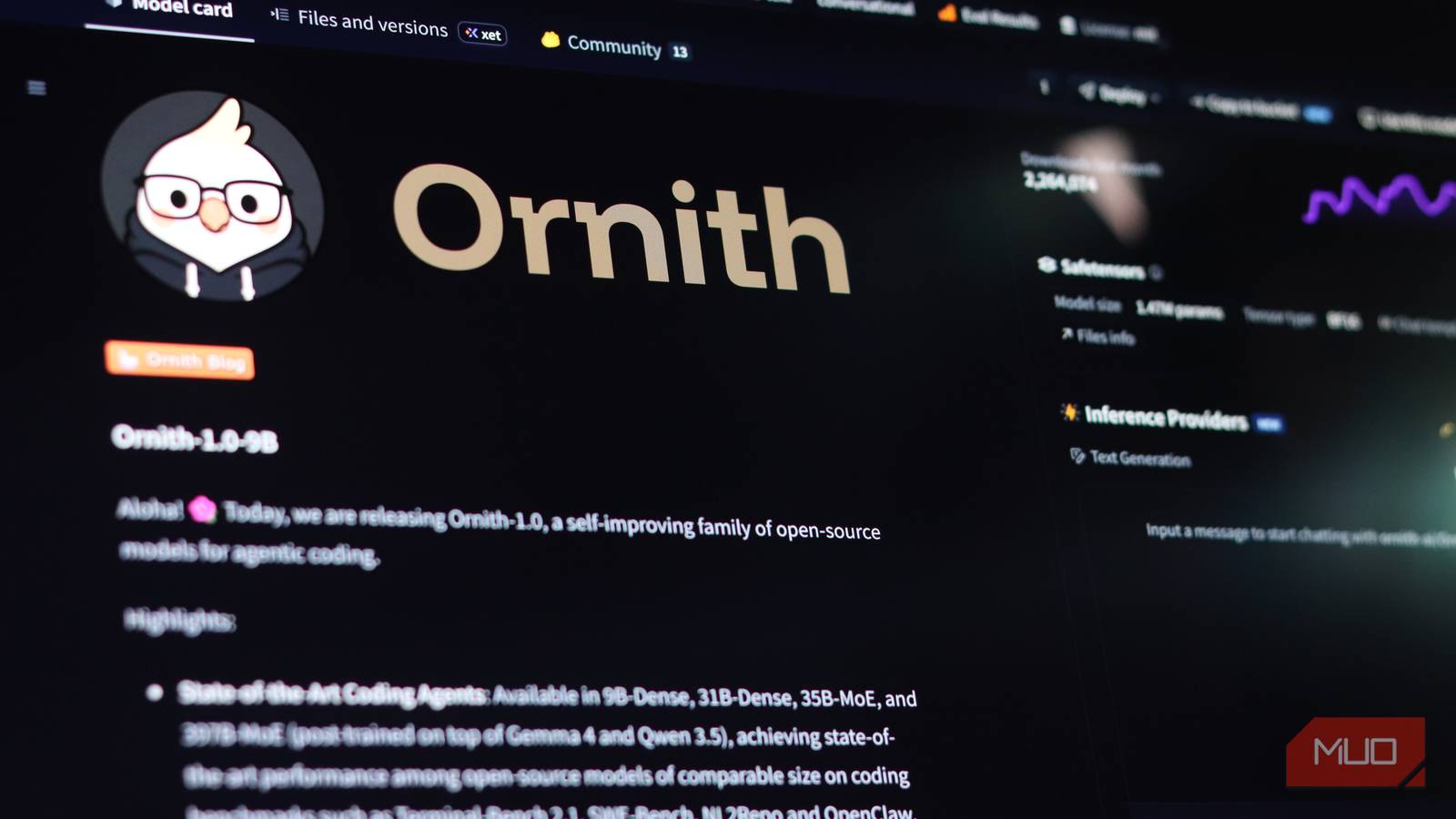
Ornith 9B is a 9-billion-parameter open-weight model from Hugging Face. The claim: it delivers “near-35B quality” on consumer hardware. That’s a bold claim. 9B models usually feel… small. Fast, but shallow.
This one doesn’t.
Vision Capability: It Sees What You Show It
Most local models are text-only. Ornith 9B is multimodal — it reads images. Screenshots. Diagrams. Photos of whiteboards. PDF pages. You drag an image in, ask a question, get an answer.
Try that with a standard 7B or 9B model. Most can’t. This Ornith 9B review highlights the vision difference.
Free Forever vs. $240/Year for ChatGPT Plus
| Cost | ChatGPT Plus | Ornith 9B (Local) |
|---|---|---|
| Monthly | $20 | $0 |
| Yearly | $240 | $0 |
| Privacy | Your data on OpenAI servers | Never leaves your machine |
| Internet required | Yes | No |
| Vision | GPT-4o only | Built-in |
| Rate limits | Yes | No |
The hardware you already own runs it. A 2020+ MacBook with 16GB RAM. A modern Windows laptop with 16GB+ RAM. No GPU server. No cloud credits.
Hardware Requirements (It’s Lower Than You Think)
Minimum Specs: 16GB RAM, Any Modern Laptop
- Mac: M1/M2/M3/M4 (Apple Silicon) — runs beautifully
- Windows: Any recent CPU, 16GB+ RAM (dedicated GPU helps but not required)
- Linux: Same as Windows
Mac (Apple Silicon) vs. Windows vs. Linux
| Platform | Speed (tokens/sec) | Ease of Setup | Notes |
|---|---|---|---|
| Mac (M-series) | 15-30 | Easiest | Unified memory = huge win |
| Windows (w/ GPU) | 10-25 | Medium | Needs CUDA/ROCm setup |
| Windows (CPU only) | 3-8 | Easy | Slower but works |
| Linux (w/ GPU) | 15-30 | Medium | Best for tinkerers |
Quantization Explained Simply (Q4_K_M Sweet Spot)
Models come in “quantized” versions — compressed to run on less RAM.
| Variant | Size | Quality | Speed | RAM Needed |
|---|---|---|---|---|
| Q8_0 | ~9GB | Highest | Slowest | 12GB+ |
| Q4_K_M | ~5.5GB | Best balance | Fast | 8GB+ |
| Q3_K_M | ~4GB | Good | Faster | 6GB+ |
| Q2_K | ~3GB | Noticeable drop | Fastest | 5GB+ |
Use Q4_K_M. It’s the sweet spot. 5.5GB download, runs in ~8GB RAM, quality nearly indistinguishable from full precision. This Ornith 9B review recommends Q4_K_M for most users.
Installation: Two Easy Ways
Option A: LM Studio (Easiest, GUI)
- Download LM Studio from lmstudio.ai
- Open it, click the search icon (magnifying glass)
- Search “Ornith 9B”
- Pick “Ornith-9B-Q4_K_M.gguf” (or similar)
- Click Download
- Once downloaded, click “Load Model” → select the file
- Chat tab → start talking
Drag images into the chat. It just works.
Option B: Ollama (Fastest, CLI)
# Install Ollama first: curl -fsSL https://ollama.com/install.sh | sh
ollama pull ornith:9b-q4_k_m
ollama run ornith:9b-q4_k_m
Then in another terminal:
ollama run ornith:9b-q4_k_m "Analyze this image" --image screenshot.png
Download Links
- Hugging Face: https://huggingface.co/collections/ornith/ornith-9b
- LM Studio: Search “Ornith” in-app
- Ollama:
ollama pull ornith:9b-q4_k_m
Real-World Testing: What It Actually Does Well
Document Analysis (PDFs, Screenshots, Photos)
Drag a PDF page (screenshot) into LM Studio. Ask: “Summarize this in 3 bullet points.” Done.
Photo of a whiteboard session? “Extract the action items.” Done.
Screenshot of a dense table? “Convert this to markdown.” Done.
Code Review and Debugging
Paste a screenshot of an error traceback. Ask: “What’s wrong and how do I fix it?”
Or drag a code file screenshot: “Review this for bugs and security issues.”
It’s not a replacement for a full IDE integration, but for quick “what does this error mean” moments — it’s faster than Googling.
Learning and Research Assistant
Textbook page photo → “Explain this concept like I’m 15.”
Research paper screenshot → “What’s the methodology and key finding?”
Diagram → “Walk me through this architecture.”
Creative Tasks (Image Description, Alt Text)
“Write alt text for this image for accessibility.”
“Describe this chart for a blind colleague.”
“Caption this for social media.”
Benchmarks: Ornith 9B vs. the Competition (Ornith 9B Review Data)
vs. Llama 3.2 11B Vision
| Aspect | Ornith 9B | Llama 3.2 11B Vision |
|---|---|---|
| Size | 9B | 11B |
| RAM (Q4) | ~5.5GB | ~7GB |
| Vision quality | Excellent | Excellent |
| Text reasoning | Strong | Strong |
| Speed (M-series) | Faster | Slower |
| License | Open | Meta license (restrictions) |
Ornith wins on size/speed. Llama wins on ecosystem maturity.
vs. Qwen2-VL 7B
| Aspect | Ornith 9B | Qwen2-VL 7B |
|---|---|---|
| Size | 9B | 7B |
| Multilingual | Good | Excellent (Chinese/English) |
| Vision | Strong | Very strong |
| Speed | Similar | Similar |
Qwen better for multilingual. Ornith better for English-first users.
vs. Phi-3.5 Vision (4.2B)
| Aspect | Ornith 9B | Phi-3.5 Vision |
|---|---|---|
| Size | 9B | 4.2B |
| RAM (Q4) | ~5.5GB | ~3GB |
| Quality | Higher | Good for size |
| Speed | Slower | Faster |
Phi-3.5 runs on 8GB RAM total. Ornith needs 16GB for comfort. Trade-off.
vs. Cloud Models (Claude, GPT-4o) — Honest Take
Ornith 9B does NOT match GPT-4o or Claude 3.5 Sonnet. The “near-35B” claim is about specific reasoning tasks, not overall capability.
Where cloud models still win:
– Complex multi-step reasoning
– Massive context (200K+ tokens)
– Cutting-edge coding (SWE-bench style)
– Reliability on ambiguous tasks
Where Ornith 9B wins:
– Zero cost
– Complete privacy
– No rate limits
– Works offline
– Vision included
Where It Falls Short (Honest Limitations in This Ornith 9B Review)
Not Actually 35B Quality (But Close Enough)
The “near-35B” marketing is… marketing. On MMLU, GSM8K, HumanEval — it scores like a strong 9B model. The “feel” is better because vision + text integration is smooth. Don’t expect miracles.
Speed on Non-Apple Hardware
On Windows CPU-only: 3-8 tokens/second. Usable for short tasks. Painful for long generations. Get a GPU or use a Mac.
Context Window Limits
Standard context: 4K-8K tokens (depending on build). Not 128K. Don’t feed it entire codebases.
No Internet Access (Feature, Not Bug)
It can’t browse. Can’t fetch API docs. Can’t check current prices. You feed it context; it reasons. That’s the deal.
Who Should Use This (And Who Shouldn’t)
Perfect For: Privacy, Cost Savings, Offline Work
- Developers who want code review without uploading proprietary code
- Researchers analyzing sensitive documents
- Students who want a tutor that works offline
- Anyone tired of $20/month subscriptions
- Privacy advocates who keep data local
Skip If: Need Cutting-Edge Reasoning, Massive Context
- Production coding agents — use Claude/ChatGPT for complex refactoring
- Long-form content — context window too small
- Multilingual heavy — Qwen2-VL better
- 8GB RAM only — Phi-3.5 Vision fits better
The Bottom Line
Ornith 9B won’t replace your cloud subscription for everything. But for 70% of what you do — document analysis, quick code help, learning, image questions — it’s free, private, and runs on the laptop you’re reading this on.
Download LM Studio. Search “Ornith.” Try it on your next screenshot.
Worst case: you spent 5 minutes. Best case: you just saved $240/year.
The model sits on your drive. It doesn’t phone home. It doesn’t expire. It’s yours.
That’s a pretty good deal.