By using this site, you agree to the Privacy Policy and Terms of Use.
Accept
Logic & LayersLogic & Layers
  • Tools
  • Earn with AI
  • Productivity
  • Automation
  • Guides
Logic & LayersLogic & Layers
  • Privacy Policy
  • About
Search
  • Tools
  • Earn with AI
  • Productivity
  • Automation
  • Guides
  • About
  • Contact
  • Blog
  • Privacy Policy
  • Complaint
  • Advertise
© 2026 Logic and Layers. Ruby Design Company. All Rights Reserved.
Tim O'Reilly open source AI tools
Tools

Best Open Source AI Tools 2026: Why Tim O’Reilly Says Labs Got It Wrong

Editorial Team
Last updated: August 19, 2026 3:10 am
Editorial Team
Share
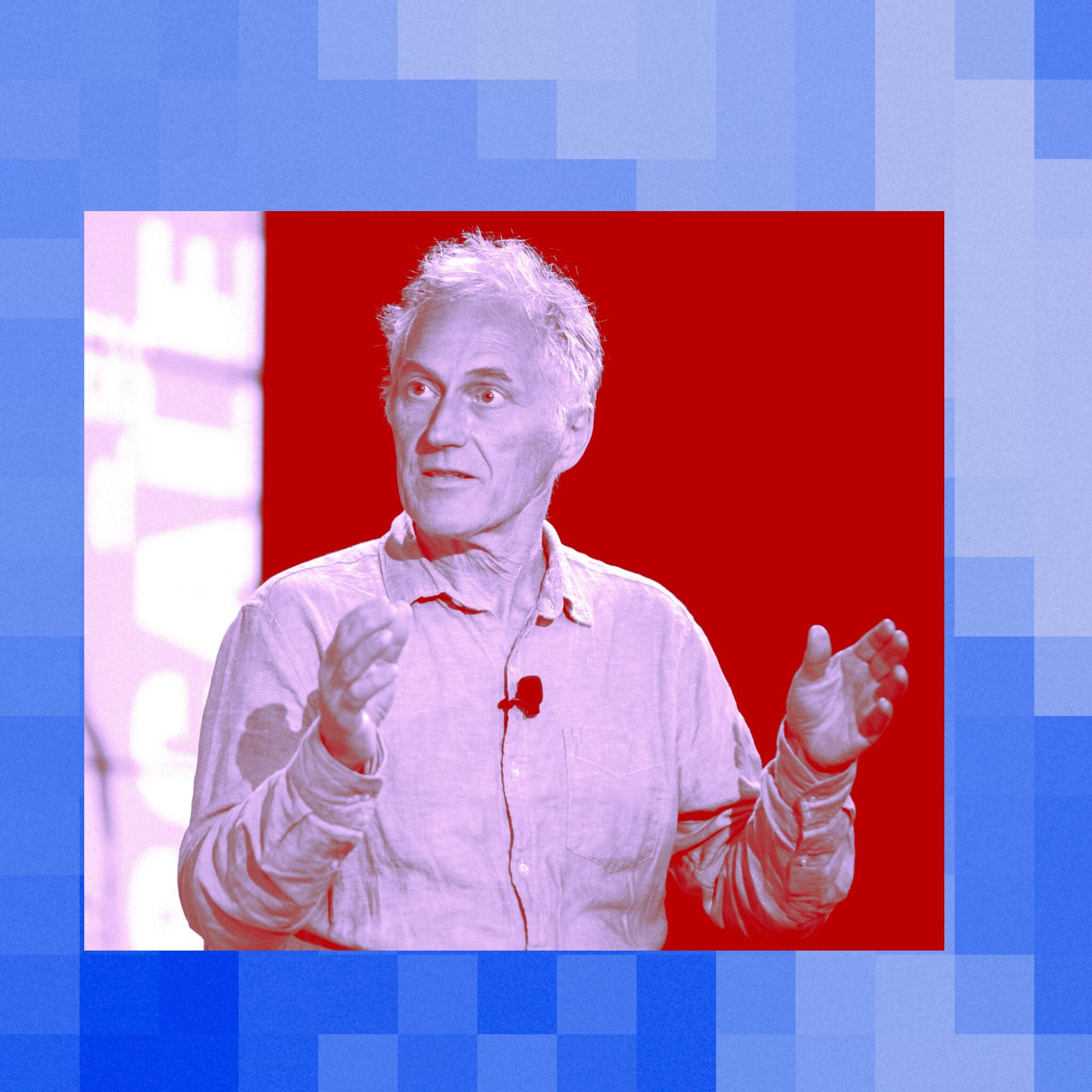
Tim O'Reilly argues big AI labs build for benchmarks, not users

—–|—————————|—————————-|
| Monthly cost | $20-60+ | $0 (after hardware) |
| Privacy | Data sent to servers | Never leaves machine |
| Offline | No | Yes |
| Customization | Limited (prompts only) | Full (fine-tune, quantize, modify) |
| Model choice | Vendor decides | You choose from hundreds |
| Setup time | 30 seconds | 5-15 minutes |
| Hardware needed | None | 8GB+ RAM, GPU helps |

Contents
How to Get Started Today (5-Minute Setup)The Bottom Line

The setup time is the only real barrier. And it’s a one-time cost.

How to Get Started Today (5-Minute Setup)

Windows/Mac/Linux — Ollama + LM Studio combo:

1. Install Ollama from ollama.com (one-click installer)
2. Open terminal: ollama run llama3.2:3b (downloads ~2GB, starts chatting)
3. Install LM Studio from lmstudio.ai
4. In LM Studio, search “llama3.2” — click download on the 3B or 8B quantized version
5. Click “Chat” — you’re running locally with a GUI

Mac users with Apple Silicon: You have the best consumer hardware for this. M2/M3 Max/Ultra with 48GB+ unified memory runs 70B models at interactive speeds. No GPU required.

Linux users with NVIDIA: ollama run just works. CUDA auto-detected.

Want documents too? Install AnythingLLM. Point it at a folder. Done.

The Bottom Line

O’Reilly’s track record speaks for itself. He saw the internet coming when it was academic. He saw open source winning when Microsoft called it cancer. He sees local AI winning now for the same reason Linux won: everyone can build on it.

The labs will keep chasing benchmarks. You should chase utility.

Start with Ollama. Five minutes from now you’ll have an AI that works offline, costs nothing monthly, and answers to no one but you.

That’s not just a tool. That’s leverage.

You Might Also Like

Google CC: the AI agent that runs your family’s schedule
ChatGPT Computer History: what it saves and how to stop it
Windows 11 AI actions: free edits hiding in your right-click menu
Snap Specs AR glasses: what $2,195 buys you
Cognition SWE-2: frontier coding AI at a fraction of the price
TAGGED:ai tools for beginnersLM Studiolocal LLMOllamaopen source AI
Share
Previous Article SillyTavern running on Windows laptop showing character cards and lorebooks SillyTavern Setup Guide: The Free LLM Chat App You Can Actually Customize
Next Article ESP32 microcontroller board running local LLM Run an LLM on a $5 Microcontroller: ESP32 Local AI Guide
1 Comment
  • Pingback: AI-generated code is now allowed in Debian

Leave a Reply Cancel reply

Your email address will not be published. Required fields are marked *

banner banner
Create an Amazing Newspaper
Discover thousands of options, easy to customize layouts, one-click to import demo and much more.
Learn More

Latest News

Gemini logo glowing on a colorful gradient background
Gemini tasks in Google Messages: it texts you first
Productivity
Google neon logo on an office wall, representing new AI agent access rules
Google Workspace MCP: what it means for your AI agents
Automation
Photographer reviewing edited photos on a screen before client delivery
Photoshop AI metadata is getting photographers dropped
Earn with AI
Phone showing an encrypted chat while an AI assistant tries to read the screen
Signal screenshots now block AI apps (and how to adjust it)
Tools

Recent Posts

  • Gemini tasks in Google Messages: it texts you first
  • Google Workspace MCP: what it means for your AI agents
  • Photoshop AI metadata is getting photographers dropped
  • Signal screenshots now block AI apps (and how to adjust it)
  • Agent Builder shutdown: save your workflows before Nov 30

Recent Comments

  1. Gemini tasks in Google Messages: it texts you first on Gemini memory controls: see, edit, and delete what it knows
  2. Google Workspace MCP: what it means for your AI agents on Zapier MCP Tutorial: Build an AI Personal Assistant That Works Across All Your Tools
  3. Photoshop AI metadata is getting photographers dropped on PhotoCraft: the free Photoshop clone built by AI
  4. Signal screenshots now block AI apps (and how to adjust it) on Lumo Desktop: set up private AI automation from Proton
  5. Agent Builder shutdown: save your workflows before Nov 30 on Zapier AI Model Flexibility: Switch Models Without Rebuilding Workflows

You Might also Like

AI pricing interface showing token costs during the Claude and GPT price war
Tools

Claude Opus 5.5 vs GPT-6 Sol: which one should you pay for?

Editorial Team
Editorial Team
9 Min Read
Side-by-side AI image test results showing food, sketch art, and a cabin scene from two chatbots
Tools

ChatGPT Images 2.5 vs Nano Banana 2: which one wins?

Editorial Team
Editorial Team
10 Min Read
Person sketching a rough drawing next to a finished AI-generated image on a laptop screen
Tools

ChatGPT Sketch: turn doodles into AI images (2026 guide)

Editorial Team
Editorial Team
8 Min Read
//

We influence 20 million users and is the number one business and technology news network on the planet

Quick Link

  • PRIVACY NOTICE
  • YOUR PRIVACY RIGHTS
  • INTEREST-BASE ADSNew
  • TERMS OF USE
  • OUR SITE MAP

Support

  • ADVERTISE
  • ONLINE BESTHot
  • CUSTOMER
  • SERVICES
  • SUBSCRIBE

Categories

  • Tools
© 2026 Logic and Layers. All Rights Reserved.