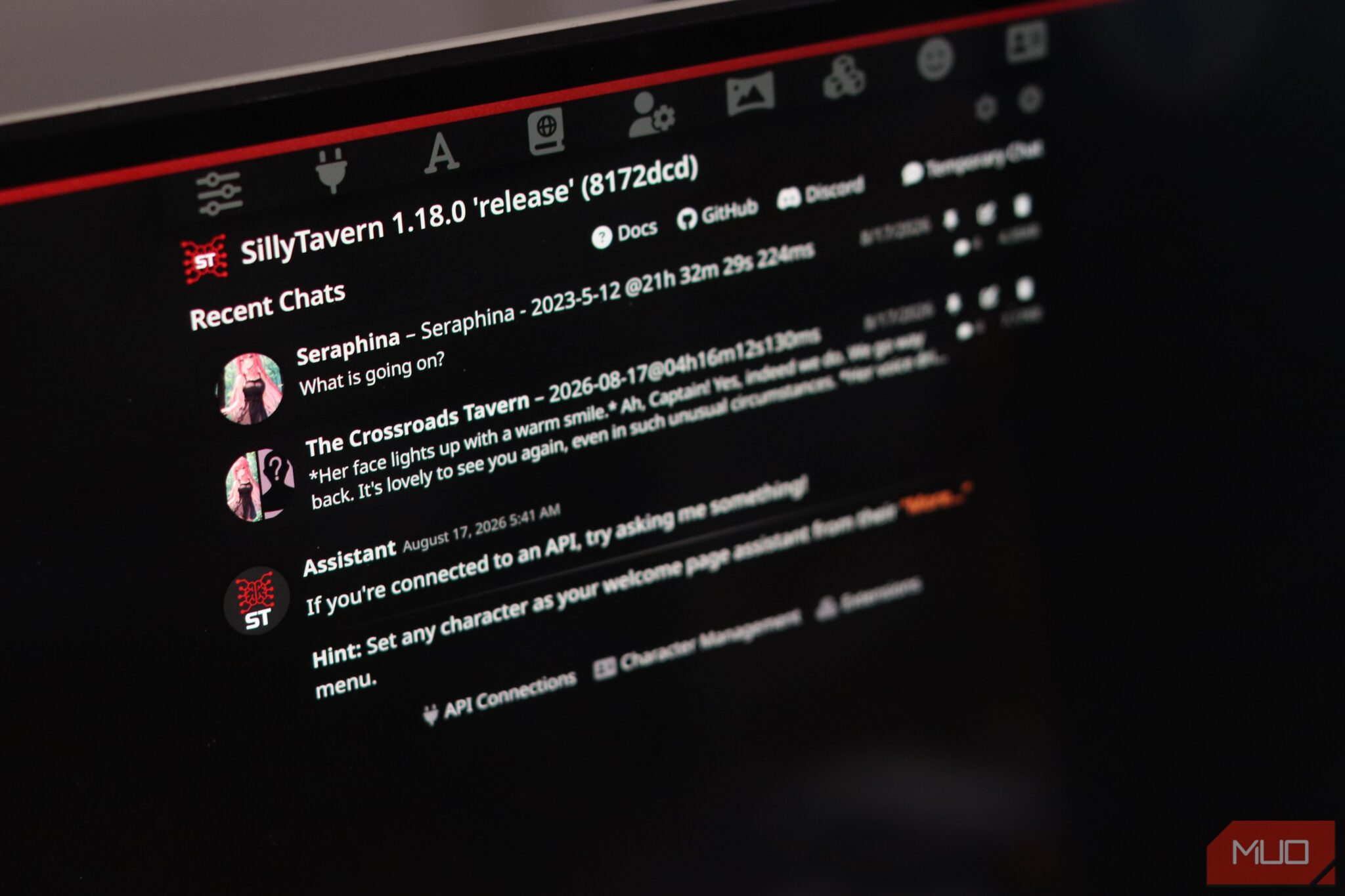

Most people’s idea of an AI chat app is ChatGPT’s clean, minimal text box. You type a message, get a response, and move on with your day. But if you want to customize your AI experience exactly the way you want, there’s an app that’ll scratch that itch. It’s free, open-source, and it turns LLM chatting into something closer to a full production studio.
Why SillyTavern Beats ChatGPT and Claude for Power Users
Character Cards = Pre-Engineered Prompts That Work
You know how you spend twenty minutes crafting the perfect system prompt, only to have the model forget half of it three messages later? Character cards solve this. They’re JSON files (often embedded in PNG images) that define a persona — name, description, personality, first message, scenario, example dialogues. You import one click and you’re chatting with a consistent character that actually remembers who it is.
The community has built thousands. Fantasy characters, coding assistants, writing partners, RP personas. Sites like chub.ai host massive libraries. You download, import, done.
Lorebooks = Automatic World-Building Context
This is the feature that makes SillyTavern feel like magic. Lorebooks are key-value databases that inject context when trigger words appear in chat. You define “Elf” → “Elves in this world are immortal, hate iron, speak Sindarin.” Every time “elf” comes up, that context gets injected automatically. No copy-pasting. No “remember this for later.” It just works.
Writers building fantasy worlds. GMs running RPG campaigns. Anyone who needs consistent lore across long conversations. This alone is worth the switch.
Your Models, Your Data, Your Rules
ChatGPT locks you into OpenAI’s models. Claude locks you into Anthropic’s. SillyTavern connects to everything — OpenAI, Anthropic, Google, OpenRouter, Ollama, LM Studio, KoboldAI, local models. You want to use Llama 3.1 70B running on your GPU? Done. You want GPT-4o for coding and a local model for private chats? Switch instantly. Your chat history stays on your machine. No cloud sync unless you want it.
How to Install SillyTavern in 5 Minutes (Windows, Mac, Linux)
Method 1: Pre-Built Release (Easiest)
This is the path I recommend for 95% of people.
- Go to github.com/SillyTavern/SillyTavern/releases
- Download the latest zip for your OS:
- Windows:
SillyTavern-win.zip - Mac:
SillyTavern-mac.zip - Linux:
SillyTavern-linux.zip - Extract to a folder anywhere except Program Files (needs write permissions)
- Run
start.bat(Windows) or./start.sh(Mac/Linux) - Your browser opens to
http://localhost:8000
That’s it. You’re in.
Method 2: Docker (For Always-On Servers)
Want SillyTavern running 24/7 on a home server or VPS?
docker run -d \
  --name sillytavern \
  -p 8080:8080 \
  -v sillytavern-data:/app/data \
  ghcr.io/sillytavern/sillytavern:latest
Access at http://your-server:8080. Data persists in the named volume.
Common Install Gotchas (And How to Fix Them)
“It won’t start”
– Windows: Make sure you extracted to a folder you own (Documents, Desktop, not Program Files)
– Mac/Linux: chmod +x start.sh then ./start.sh
– Check Node.js version — needs 18+ (included in release zips)
“Port 8000 already in use”
– Edit config.yaml in the SillyTavern folder, change port: 8000 to port: 8001
– Or kill whatever’s using port 8000
“Updates break things”
– Backup your data folder before updating. That’s where characters, chats, and settings live.
Connect Your First LLM (Cloud or Local)
SillyTavern is just the interface. You need a brain behind it. Three paths:
Option A: OpenRouter (Free Credits, 100+ Models)
Easiest start. One key unlocks GPT-4o, Claude 3.5 Sonnet, Llama 3.1, Gemini, and dozens more.
- Sign up at openrouter.ai (free credits on signup)
- Create an API key
- In SillyTavern: Settings (gear icon) → API → OpenRouter → Paste key → Save
- Model dropdown now shows 100+ options
Why OpenRouter: Free tier, model variety, pay-as-you-go, no vendor lock-in.
Option B: Ollama (Completely Free, Fully Local)
Zero cost. Zero data leaves your machine. Runs on Mac, Windows, Linux.
- Install Ollama from ollama.ai
- Open terminal:
ollama pull llama3.1(orqwen2.5,gemma2,phi3) - In SillyTavern: Settings → API → Ollama → URL:
http://localhost:11434→ Save - Select your local model from dropdown
Why Ollama: Total privacy, no API costs, works offline. Slower on CPU, fast with GPU.
Option C: LM Studio / KoboldAI / Direct APIs
- LM Studio: GUI for local models. Start server in app → SillyTavern → API → OpenAI Compatible →
http://localhost:1234/v1 - KoboldAI: Settings → API → KoboldAI → your API URL
- Direct OpenAI/Anthropic/Google: Settings → API → respective provider → paste key
Beginner recommendation: Start with OpenRouter. Free credits, instant access to top models, zero setup friction. Graduate to Ollama when you want privacy or zero ongoing cost.
Import Your First Character Card (And Where to Find Thousands Free)
Built-In Character Browser
Settings (gear) → Character Management → “Download Characters.” Browse categories, click import. Done.
Chub.ai — The Biggest Community Library
Go to chub.ai. Search anything. “coding assistant,” “fantasy RPG,” “creative writing partner.” Click a character → Download → Import in SillyTavern.
Understanding .json vs .png Character Files
- .json — Raw character data. Open in text editor, readable.
- .png — Image with character data embedded via steganography. Looks like a portrait, contains the full character. Most community shares use .png.
Both import the same way: Character Management → Import → Select file.
Pro tip: Create a “Characters” folder on your computer. Save imports there. Easy to back up, easy to share.
Add a Lorebook for Automatic Context Injection
What Lorebooks Actually Do
Think of a lorebook as a dictionary that the AI checks every message. You define entries with trigger words (keys) and content (values). When a trigger appears in conversation, the content gets injected into the context window automatically.
Creating Your First Lorebook Entry
- Settings → Lorebooks → “Create New Lorebook”
- Name it (e.g., “My Fantasy World”)
- Click “Add Entry”
- Keys (triggers):
elf, elves, elven - Content:
Elves in this world are immortal, hate iron, speak Sindarin, and consider humans short-lived children. - Priority: 10 (higher = injects first when context is tight)
- Scan Depth: 4 (how many recent messages to check for triggers)
- Save → Attach to character (Character settings → Lorebooks → Add)
Now chat with your character about elves. Watch the context inject.
Attaching Lorebooks to Characters
Character settings (three dots on character card) → Lorebooks → “Add Lorebook” → Select yours → Save. One lorebook can serve multiple characters. One character can use multiple lorebooks.
Essential Extensions for a Better Experience
Settings → Extensions → “Install from Registry.” Three to start:
Auto-Translate (Real-Time)
Chat in any language. Replies auto-translate to your language. Essential for international RP or learning languages.
Text-to-Speech (ElevenLabs + Browser)
Characters speak aloud. ElevenLabs sounds human. Browser TTS is free but robotic. Your call.
Image Generation (Stable Diffusion)
Generate images mid-chat. Needs Stable Diffusion running locally (Automatic1111, ComfyUI) or an API endpoint. Cool for visual RP.
SillyTavern vs ChatGPT vs Claude: Quick Comparison
| Feature | ChatGPT Web | Claude Web | SillyTavern |
|---|---|---|---|
| Cost | $20/mo (Plus) | $20/mo (Pro) | Free (bring your own API) |
| Characters/Personas | Custom GPTs only | Projects only | Unlimited (community + custom) |
| Lorebooks/Worldbuilding | ❌ | ❌ | ✅ Native |
| Local/Private Models | ❌ | ❌ | ✅ (Ollama, LM Studio) |
| Multi-model switching | ❌ | ❌ | ✅ Instant |
| Chat branching | ❌ | Limited | ✅ Full tree |
| Extensions/Plugins | ❌ | ❌ | ✅ Community extensions |
| NSFW/Adult content | Blocked | Blocked | ✅ User choice |
| Data privacy | Cloud | Cloud | ✅ Local option |
| Learning curve | Zero | Zero | Moderate (setup) |
Make Money or Save Time with SillyTavern
Character Creation Commissions
Communities pay $10-50 for custom characters with detailed personalities, lorebooks, and example dialogues. If you enjoy writing personas, this is a real side income.
World-Building Services for Writers/GMs
Authors and game masters need consistent lore databases. Build lorebooks for their worlds. Charge per project or retainer.
Faster Prompting, Consistent Personas, Private Chats
Stop rewriting system prompts. Import a character, done. Switch models for different tasks — coding model for code, creative model for writing. Keep sensitive conversations local with Ollama. Time saved compounds daily.
Troubleshooting: 6 Common Beginner Problems (Solved)
- “No models show up” → You didn’t configure an API backend. Settings → API → Add one.
- “Characters don’t work” → Downloaded wrong format. Need .json or .png with embedded data. Not .txt, not .yaml.
- “It’s slow” → Cloud API rate limits. Switch to OpenRouter (better limits) or Ollama (local, no limits).
- “Lorebooks not triggering” → Trigger words don’t match (case-sensitive), scan depth too low, or lorebook not attached to character.
- “Updates break things” → Backup
datafolder before every update. Restore if needed. - “Can’t connect to Ollama” → Ollama must be running (
ollama serve), checkhttp://localhost:11434in browser, verify firewall isn’t blocking.
Your Next Steps
- Install SillyTavern (5 minutes)
- Add OpenRouter key (2 minutes) — or pull a local model with Ollama
- Import a character from chub.ai (1 minute)
- Chat. Swipe. Edit. Branch. Experience what “customizable” actually means
- When ready: Add a lorebook. Install an extension. Try a local model.
The setup friction is real but small. The payoff is an AI chat experience that bends to you, not the other way around.
Download SillyTavern: github.com/SillyTavern/SillyTavern
Official docs: sillytavern.ai
Free model gateway: openrouter.ai
Local models: ollama.ai
Character library: chub.ai