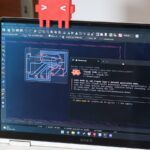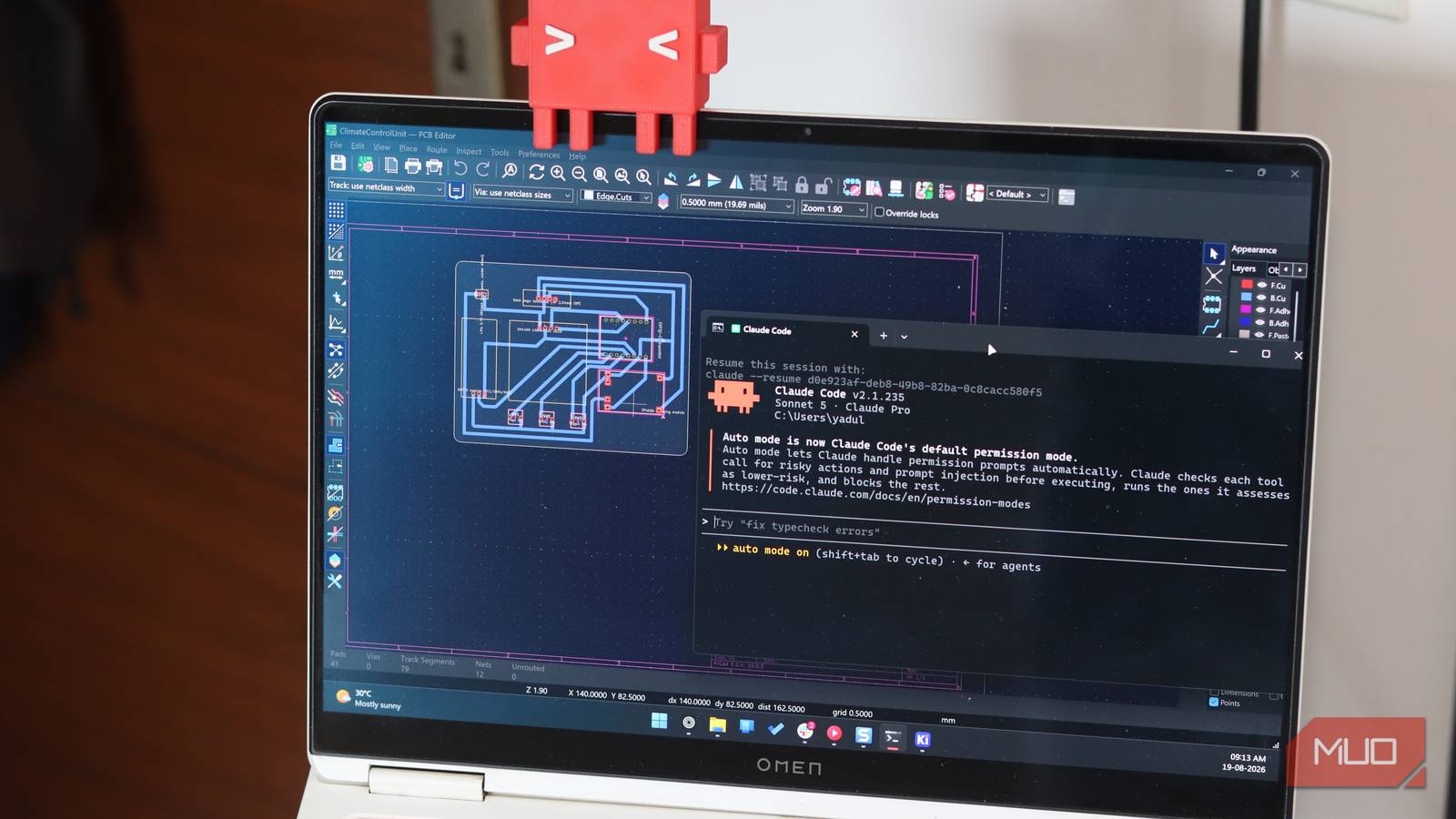

You’ve spent hours placing components in KiCad, routing traces by hand, and praying the DRC passes. What if you could describe a board once and generate ten variants before lunch? That’s not a future promise. It works right now.
Most people use Claude by chatting with it. You describe a circuit, it spits out KiCad Python code, you copy-paste, hope it runs. That’s fine for one-offs. But it doesn’t scale. The real power sits in Claude Code — Anthropic’s CLI agent — paired with an MCP server that turns KiCad into a programmable toolkit.
KiCad’s new Python API (since 9.0) is powerful but poorly documented. The SWIG bindings are fragile. Learning pcbnew from scratch takes weeks. The KiCAD-MCP-Server bridges all of it. You write a prompt. Claude Code calls the MCP tools. KiCad executes. You get a board file, not a chat transcript.
The Problem: KiCad’s Steep Learning Curve
KiCad is free, open source, and capable. It’s also hostile to newcomers. The UI demands you learn footprint libraries, netlist workflows, zone filling, design rule configuration — before you route a single trace. The Python API lets you automate everything. But the documentation reads like a reference manual written by engineers for engineers. No tutorials. No examples. Just class hierarchies.
You can script KiCad. Almost nobody does because the barrier is too high.
I know this because I tried. Spent three weekends fighting pcbnew’s Python bindings. The SWIG layer crashes on valid calls. The type hints are wrong. The examples in the repo target KiCad 7.0 and don’t work on 9.0. By Sunday night I had a script that placed one resistor. That’s not automation. That’s a party trick.
The real problem isn’t KiCad. It’s the gap between what the API can do and what the docs show you how to do.
The Solution: Claude Code + MCP = Programmatic PCB Design
What is Claude Code (vs Claude Desktop)
Claude Desktop is a chat app. You type, it replies. Claude Code is a coding agent that lives in your terminal. It reads files, runs commands, writes code, and — critically — uses MCP servers to extend its reach. You don’t paste code from a chat window. You tell it what you want and it modifies your project directly.
What is MCP and KiCAD-MCP-Server
MCP (Model Context Protocol) is an open standard from Anthropic. It defines how AI tools talk to external systems. The KiCAD-MCP-Server (maintained by mixelpixx, 1.9k stars on GitHub) exposes KiCad’s Python API as MCP tools. Claude Code calls these tools. KiCad does the work.
The server handles the messy SWIG bindings. You get clean operations like create_board, add_component, route_trace, run_drc. No boilerplate.
Setup: Get Running in 15 Minutes
Prerequisites
- KiCad 9.0 or higher (the Python API changed significantly)
- Python 3.10+
uvpackage manager (pip install uv)- Claude Code installed and authenticated
- Git (for version control)
Install KiCAD-MCP-Server
git clone https://github.com/mixelpixx/KiCAD-MCP-Server
cd KiCAD-MCP-Server
uv sync
The server includes a TypeScript MCP layer and a Python backend that talks to KiCad. It’s MIT licensed and actively maintained.
Configure Claude Code MCP
Create or edit ~/.claude/mcp_servers.json:
{
  "mcpServers": {
    "kicad": {
      "command": "uv",
      "args": ["run", "server.py"],
      "cwd": "/path/to/KiCAD-MCP-Server"
    }
  }
}
Restart Claude Code. Run /mcp in the CLI to verify the server connects. You should see KiCad tools listed.
Example 1: Generate a Basic MCU Board
Open a terminal in your project folder. Start Claude Code:
claude
Now prompt it:
Create a KiCad project for a basic STM32F401 breakout board. Two layers. Include USB-C power, 8MHz crystal, SWD header, and 0.1″ headers for all GPIOs. Save as
stm32_breakout.kicad_pro.
Claude Code will:
1. Create the project structure
2. Generate the schematic with proper symbols
3. Assign footprints (USB-C, QFP48, 0603 passives, pin headers)
4. Create the PCB outline
5. Place components logically
6. Route power and critical signals
7. Fill ground zones
8. Run DRC
You get a complete, manufacturable board. Not a suggestion. A .kicad_pcb file you can send to JLCPCB.
The first time I ran this, I expected a mess. I got a clean two-layer board with proper decoupling caps on every power pin, a solid ground pour, and zero DRC violations. The SWD header was oriented correctly for a J-Link. The USB-C footprint had the CC resistors populated. This isn’t toy output.
Example 2: Parameterized Board Variants
Here’s where it gets interesting. You don’t want one board. You want a family.
Create a parameterized script that generates STM32 breakout variants: STM32F401, STM32F411, STM32G431. Each variant should adjust the footprint, pin mapping, and crystal frequency automatically. Output separate KiCad projects in
variants/.
Claude Code writes a Python script using the MCP tools. Run it once. Get three production-ready projects. Change the parameter list. Get ten. This is impossible with the chat interface.
Example 3: Automated ERC/DRC Validation in CI/CD
KiCad 9.0 includes kicad-cli for headless operation. The MCP server wraps it.
Add a GitHub Actions workflow that runs ERC and DRC on every push. Fail the build if violations exist. Use the MCP server to load the board and execute validation.
The resulting workflow:
name: PCB Validation
on: [push, pull_request]
jobs:
  drc:
    runs-on: ubuntu-latest
    container: kicad/kicad:9.0
    steps:
      - uses: actions/checkout@v4
      - name: Run ERC/DRC
        run: |
          kicad-cli sch erc *.kicad_sch --exit-code-violations
          kicad-cli pcb drc *.kicad_pcb --exit-code-violations
Your PCB design gets the same rigor as your code.
Pro Tips: Going Further
Parts Registry Integration
The Seeed Studio fork of KiCAD-MCP-Server includes PartReel — 21,000+ verified footprints and symbols. No more hunting SnapEDA or drawing your own.
Search PartReel for “USB-C 16pin” and add the recommended footprint to my board.
Konnect: The Rust Native Future
The same team is building Konnect — a native KiCad 10 plugin written in Rust. 171 tools. No Python SWIG layer. Bundled Claude skills. Design-review audits. Manufacturing pipeline. It’s AGPL-3.0 (free for individuals, commercial licenses for businesses). The Python server stays MIT and maintained. Konnect is where new development happens.
Custom Footprint Generation
Need a weird footprint? Datasheet in hand?
Generate a KiCad footprint for the RP2040 QFN-56 package from the official datasheet dimensions. Include courtyard, silkscreen, and 3D model placeholder.
Claude Code reads the PDF, extracts dimensions, writes the .kicad_mod file. Done.
Takeaway
Stop chatting with AI about hardware. Start scripting it. Clone KiCAD-MCP-Server. Configure Claude Code. Describe your next board as a parameterized template, not a one-off conversation. You’ll never place a footprint by hand again.
The tools are free. The learning curve just collapsed. Your next PCB is waiting.