
Meta just put a price tag on its AI. The new Meta One subscription bundles paid tiers for Facebook, Instagram, and WhatsApp with bigger allowances for Meta’s AI tools, and plans start at just $2.99 a month. The real question isn’t whether it exists. It’s whether anyone should pay.
I went through every tier Meta announced, plus the fine print in its help center. Some plans are genuinely useful. Others are a hard skip. Here’s the honest breakdown.
What the Meta One subscription actually is
Meta One is an umbrella for Meta’s paid plans, announced September 15 at its Disrupt event. Think of it as one billing system covering three things: single-app upgrades, individual bundles with more AI usage, and business plans for creators and companies.
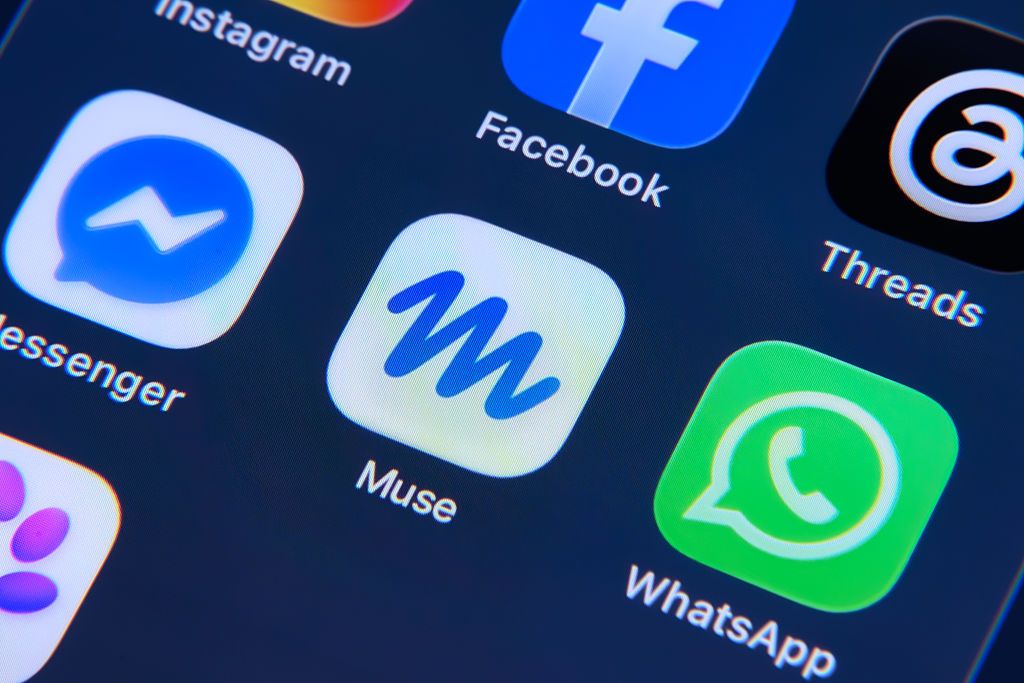
The AI part is the headline. Paid tiers get expanded monthly allowances for Meta AI features like image and video generation with the company’s Muse models, Instagram’s Restyle editing tool, and other creative tools that free users hit limits on. If you’ve ever gotten the “you’ve reached your limit” message mid-project, that’s what the money buys.
The rollout also absorbs Meta’s earlier experiments. Back in March, the company started testing small Plus tiers on its top apps, with perks like profile customization and super reactions. Meta One folds those into one system and adds the AI allowances on top, which is what makes it more than a rebrand.
This is also Meta’s first serious attempt to make its AI pay for itself. The company sank $14.3 billion into Scale AI last year and hired its CEO to run Superintelligence Labs. Subscriptions are how that investment starts earning back.
Every plan and price
Here’s the full Meta One subscription lineup, because Meta launched a lot of tiers at once. Prices below come straight from Meta’s official announcement and its help center:
| Plan | Price | Best for |
|---|---|---|
| WhatsApp Plus | $2.99/mo | Custom themes, effect stickers, pinning more chats |
| Instagram Plus | $3.99/mo | 48-hour stories, custom app icons |
| Facebook Plus | $3.99/mo | Super hearts, profile customization |
| Meta One Core | $7.99/mo | All three Plus plans + more Meta AI usage |
| Meta One Premium | $19.99/mo | Maximum AI allowance + advanced models |
| Meta One Essential | $14.99/mo | Creators wanting a verified badge |
| Meta One Advanced | $49.99/mo | Businesses needing analytics and monitoring |
A few observations from that table. The single-app plans are cheap impulse purchases. The Core bundle at $7.99 undercuts buying all three Plus plans separately, which would run you $10.97. And the business tiers are where Meta expects real revenue.
One more thing worth knowing before you pick: Meta One is billed through the Apple App Store or Google Play, not through Meta directly. That means any refund dispute or cancellation question goes through your phone’s subscription settings. Fine for most people, just don’t go hunting for a billing portal on Meta’s website.
What Core actually gets you
Core is the plan most people will eyeball. For $7.99 you get the Plus features across Instagram, Facebook, and WhatsApp, plus a bigger monthly allowance for Meta AI.
The Plus perks are small but real. Longer stories on Instagram. Exclusive stickers and more pinned chats on WhatsApp. Custom icons on Facebook. None of that will change your life, and Meta knows it. These are retention features, priced like a coffee.
The AI allowance is the more interesting half. Core users get meaningfully more image and video generation before hitting the ceiling, along with more voice effects and Restyle edits. That generation comes from Meta’s Muse models, the same family behind its Muse personal AI agent. If you already make AI content for stories or reels on the free tier, do the math on how often you hit the wall. Hitting it weekly makes $7.99 an easy call. Never hitting it means Core is just pricier stickers.
Is Premium worth $19.99?
Premium bundles everything in Core with “the most room to create,” meaning the top monthly AI allowance and access to more advanced image and video models.
Here’s my honest take on the top Meta One subscription tier: most casual users don’t need it. Premium only makes sense if you produce AI content at volume, think daily posts with generated images or video, or you run a small business answering customers through Meta’s AI agents around the clock.
Compare it to the competition for a second. ChatGPT Plus runs $20, and Gemini’s paid tier sits nearby. For the same money, Premium gives you AI plus the social perks across three apps you probably already use daily. That’s a fair bundle. It’s just that the audience paying for maximum generation quotas is smaller than Meta’s marketing suggests.
The business plans are a different story
Creators and businesses get their own ladder, and it climbs fast. Meta One Essential at $14.99 adds a verified badge, impersonation protection, and an expanded linksheet, which is genuinely valuable if someone has ever faked your account. Meta One Advanced at $49.99 layers on visibility tools, analytics, scheduling, and content reuse alerts. The full range reportedly stretches up to $499 a month for large operations.
The impersonation protection alone deserves attention. Fake accounts targeting creators keep getting more sophisticated, and Meta’s own AI-generated profile labels show how hard the problem has gotten. Paying $14.99 for protection and a badge is cheaper than one reputation disaster. If you’re weighing Meta’s agent tools for customer work, our Meta Hatch agent explainer covers another piece of that puzzle.
Business buyers should also note the Messenger angle. Higher tiers include more access to Meta Business Agent, the company’s automated customer-chat responder. If your page already gets a steady stream of “what are your hours” messages, that perk does real work.
How to subscribe (and one setting to check first)
Subscribing is simple: you’ll find Meta One in your account settings on Instagram or Facebook, or in the subscription section of the App Store or Google Play. Pick a tier, confirm, and the perks unlock right away.
Before you pay, check one thing. Meta says your benefits follow the profiles in your Accounts Center, so add every profile you want covered to the same Accounts Center before subscribing. Otherwise your Instagram might get the perks while your WhatsApp sits on the free tier, and support can’t move the benefits after the fact.
Who should skip Meta One entirely
Plenty of people, honestly. If you use Meta’s apps to scroll and message friends, the Plus perks will feel like novelties that wear off in a week. If you barely touch Meta AI, paying for a bigger allowance is buying shelf space. And if you’re on the free tier without ever hitting limits, nothing here changes your experience.
There’s also a waiting game worth playing. Meta launched this globally on day one, but features like this usually evolve fast once real usage data arrives. Free users lose nothing by watching the first couple of months.
The bottom line
The Meta One subscription splits cleanly into three verdicts. Casual users: skip it. Active AI content creators hitting limits: Core at $7.99 is a fair deal. Businesses and creators worried about impersonation or needing analytics: Essential is worth it, and Advanced only if you’re already making money on Meta’s platforms.
Start with Core if you’re curious. It’s the only tier with a clear value story, and you can cancel anytime. Meta’s help center has the full plan details if you want to compare before subscribing.