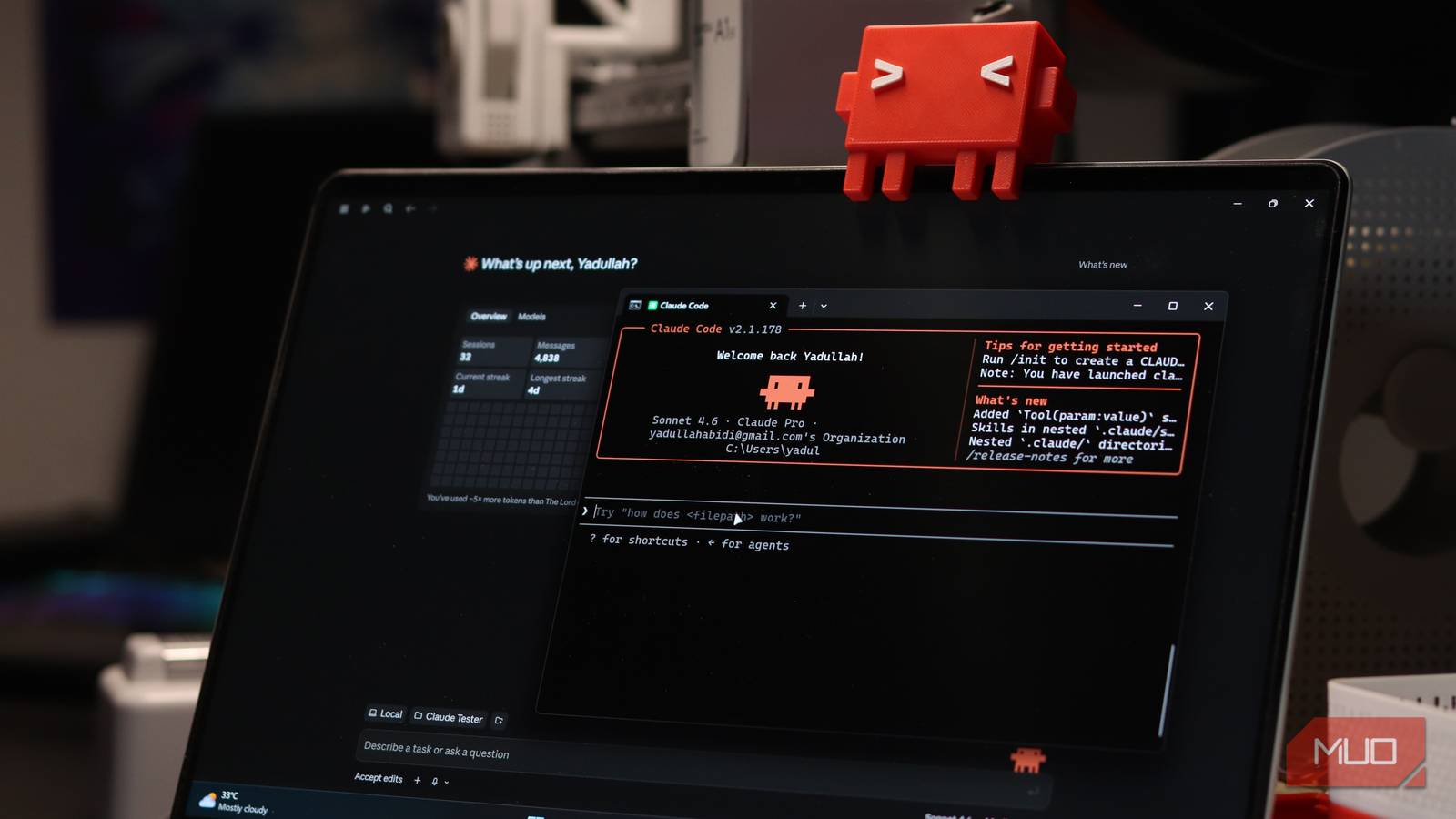

Claude Code for non-programmers sounds like a typo. It isn’t. Anthropic built a tool that reads your files, runs commands, and fixes your digital mess, and most of that job has nothing to do with code.
Claude Code for non-programmers, explained
Here’s the confusion in one line: the Claude app on your phone is a conversation. You type, it answers, and any actual work stays on you.
Claude Code is different. It’s Claude with hands. It can open a folder on your computer, read what’s inside, edit files, run commands, and check its own work instead of just describing what you could theoretically do. If you’ve been searching for Claude Code for non-programmers examples, the five below all come from real daily use.
Can you use Claude Code without coding experience? Yes, and that’s not marketing spin. Anthropic’s own page calls it a coding tool, which is exactly why everyone assumes they shouldn’t touch it. Strip the word “codebase” out of the description and it reads: reads your files, edits your files, runs commands on your computer.
You get it four ways. There’s the terminal (classic), extensions for VS Code and JetBrains, a browser version at claude.ai/code, and a desktop app that includes it with buttons instead of a blinking cursor. For this guide, the desktop app is the one that matters.
And no, it won’t run wild on your files. Claude Code asks before it edits anything or runs a command that changes your system. You approve each step, or you don’t.
Getting set up without the scary stuff
Forget the terminal for now. Download the Claude desktop app, sign in, and you’re 90% done.
Then follow this ritual for every job. I mean every job:
- Open one folder. Just one. Your Downloads folder, or wherever the mess lives.
- Ask it to look, not touch. “Look at what’s in this folder and tell me what you’d clean up.”
- Read its plan. It should list what it found and what it wants to do.
- Approve the boring parts, block the scary parts. You can always say no.
That habit (look first, move second) is the difference between a helpful assistant and a bad afternoon. Plenty of tutorials will tell you to “just type plain English”, and that part is true. The look-first habit is what makes it safe.
Five everyday tasks worth trying first
1. Clean up your Downloads folder
Mine had three years of installers, screenshots, and a file literally named “final_final2.pdf”. Maybe yours does too.
Point Claude Code at it: “Create subfolders by file type and month, move everything where it belongs, and show me the plan before moving anything.” It proposes the rules, you approve, done. Ten minutes versus the cleanup Saturday you’ll never actually do.
For a big move, add one line: “Give me a dry run first.” You’ll see exactly what changes before anything happens.
2. Batch-edit photos without learning a new app
There’s a legendary command-line tool called ImageMagick that converts, resizes, and renames hundreds of images at once. There’s also a legendary reason most people never touch it: the syntax looks like a cat walked across the keyboard.
Claude Code doesn’t care about syntax. Tell it “convert every WebP in this folder to JPEG, resize to 1200 pixels wide, keep the originals” and it writes the commands, runs them, and checks the output. Awkward batches are where it shines: skip files already converted, preserve aspect ratios, drop results in a fresh folder.
3. Turn a folder of PDFs into a spreadsheet
This one feels like cheating. Drop a pile of invoices, receipts, or contracts into one folder and ask: “Make me a CSV with one row per file: company, date, total amount.”
It reads each PDF and pulls the data out. Errors show up as blank cells, which is exactly what you want: an audit list instead of silent mistakes.
4. Merge messy spreadsheets
Every monthly export uses different column names. Your bank says “Transaction Date”, the CRM says “Date Created”, and the payment tool says something else entirely.
One instruction: “Merge these CSVs into one file, match up the columns that mean the same thing, and add a column showing which file each row came from.” You get a clean combined sheet and skip an afternoon of copy-paste.
5. Play detective on your slow, weird computer
Windows errors scatter clues everywhere: event logs, service lists, update history, error codes nobody can memorize. Instead of opening five browser tabs, paste the error into Claude Code and let it run read-only commands to collect the facts. Then it ranks likely causes and starts with the least invasive test.
For the classic “my Windows files are corrupted” suspicion, Microsoft’s documented repair order is DISM followed by System File Checker, and the tool knows to check the logs along the way. One rule from me: you approve anything that needs admin rights. Diagnosis yes, house keys no.
The trick that makes it 10x better: make it repeatable
The first cleanup takes ten prompts. The second should take one.
When something works, tell Claude Code to save the steps as reusable instructions. Some people keep a notes file the tool reads every session. Others save each job as its own skill. Either way, “clean my downloads” becomes a one-liner instead of a fresh explanation every time. It’s the same idea as turning your coworker’s know-how into an AI skill: capture the process once, reuse it forever.
What about your private files?
Fair question, and nobody answers it honestly. Claude Code reads files on your machine, but it sends what it reads to Anthropic’s servers while it works. That’s how every cloud AI assistant functions. There’s no intelligence without the round trip.
So set some ground rules. Keep one working folder per job. Don’t point it at folders stuffed with tax documents, medical records, or client contracts. If a file is sensitive, move it out before you start.
Using it for work stuff gets an extra rule: check your company’s policy before pasting anything client-related. The same logic applies to the files you should never upload to ChatGPT. Different logo, same judgment call.
What it costs
Claude Code comes bundled with the paid Claude plans, so there’s no separate bill for it. That’s the real answer to the pricing question behind Claude Code for non-programmers: one subscription, everything included.
| Plan | Price | Usage | Makes sense if |
|---|---|---|---|
| Free | $0 | Limited chat | You just want the chat app |
| Pro | $20/mo ($17/mo billed annually) | Baseline paid | Most people. Includes Claude Code |
| Max 5x | $100/mo | 5x Pro | You hit Pro limits daily |
| Max 20x | $200/mo | 20x Pro | You basically live in it |
Those prices come straight from Anthropic’s pricing page. Start with Pro. If you bump into limits every single day, upgrade then. There’s also a pay-per-token API option, but that’s developer territory and this guide isn’t.
Your first week with it
Day 1: install the desktop app and clean your Downloads folder. Day 2: batch-convert the photos sitting on your phone. Day 3: PDFs to spreadsheet. By the weekend you’ll have clawed back a couple of hours and built the look-first habit without noticing.
Two footnotes worth knowing. Claude Code genuinely is a coding tool too, and it’s annoyingly good at finding bugs you didn’t know you had. And if $20 a month feels steep right now, there’s a free Claude Code alternative called Qwen Code that covers a lot of the same ground.
That’s Claude Code for non-programmers in practice: no code, just chores, gone. Pick the one folder that annoys you most. Tonight, let it loose on that folder (dry run first). That’s the whole onboarding.