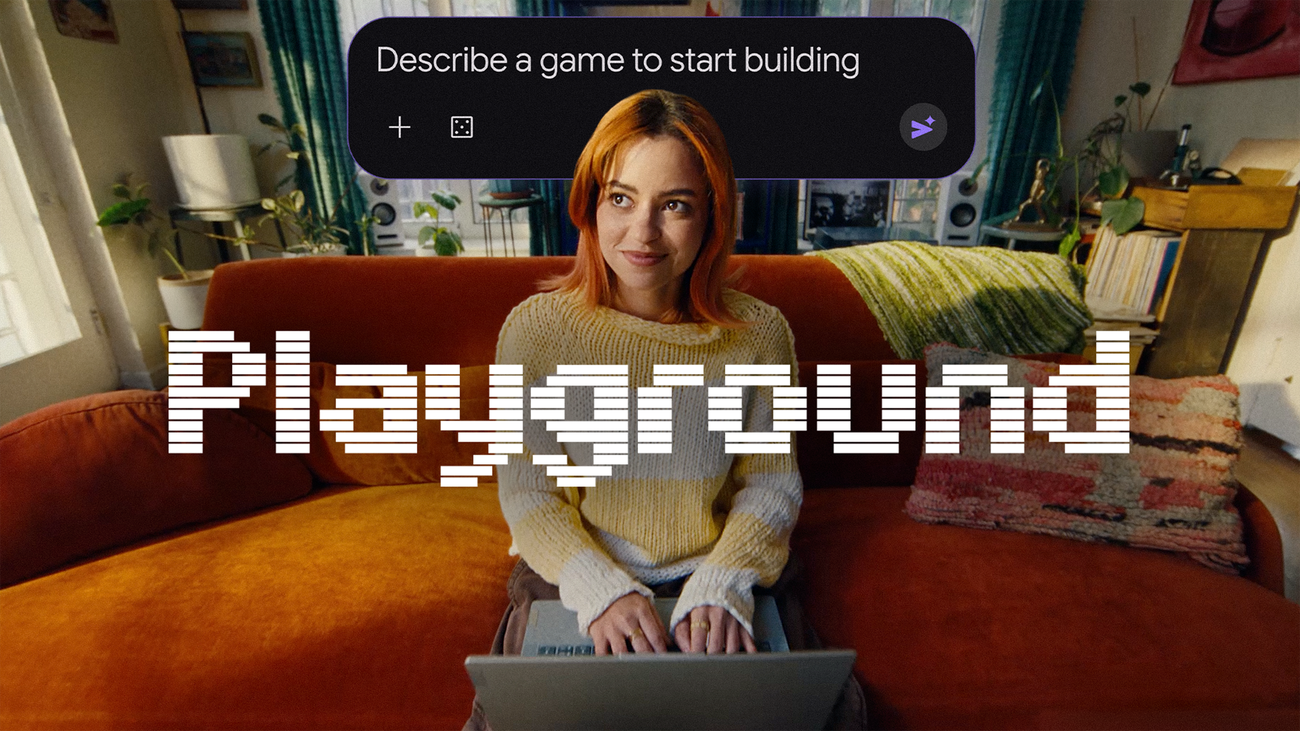

Game studios spend years and millions building a single title. Google Playground just let anyone with a browser and an idea make a playable game by describing it in a sentence or two. It launched today, and after digging through what it can and can’t do, here’s the honest rundown.
What Google Playground is
Playground is a new experimental platform from Google, built by the AI Innovation and Research team, that lets you create, play, and share custom games without writing a line of code. You type what you want: a physics puzzle with bouncing cats, a trivia game about your hometown, a little platformer with weird gravity. The system builds it, and you play it right there in the browser.
The pitch is simple: if you can think it, you can play it.
Under the hood it’s conversational, which is what separates it from old no-code game tools. You don’t drag objects on a timeline. You ask. Want the physics floatier? Ask. A villain who cracks bad jokes? One message. A completely different setting, say swapping a castle for a bowling alley? Also one message. Google’s own framing is that you keep “complete control of the creative direction from rough concept to final product.”
Make your first game in five minutes
The whole thing runs at playground.google, and Google Playground is live now for users in the United States, 18 and over. Here’s the flow:
1. Sign in with your Google account and open the playground.
2. Start from a blank canvas, pick a starter prompt to remix, or use the guided support to shape your concept.
3. Describe your game: genre, characters, rules, vibe. Plain English works fine.
4. Test it instantly. Changes are one prompt away, so you can tune the difficulty until it’s actually fun.
5. Decide what happens next: keep it private, grab a shareable link, or publish.
That last step has real options attached, so here’s the split.
Remix instead of starting cold
If a blank prompt feels intimidating, the starter prompts are the move. You load a working game, then swap the setting, characters, or rules until it’s yours. Honestly, that’s how most people will learn what the tool can do. I’d bet the community gallery becomes the real tutorial.
Sharing, leaderboards, and the Explore gallery
Once a game exists, you’ve got three levels of sharing. Keep it private. Send a link to friends and family to challenge them directly. Or publish it to the Explore gallery, where the broader Google Playground community plays and rates it.
Published games aren’t a free-for-all, though. Every game that goes public passes safety screenings aligned with Google’s Community Guidelines, and players can report anything sketchy. The gallery spotlights games using player ratings and play activity, so a genuinely fun little game can bubble up without you having any audience at all.
Playground also plugs into your Play Games profile. You claim a custom handle, like your favorite games, chase the top spot on leaderboards, and follow creators whose stuff you enjoy. Multiplayer and in-game leaderboards work in select genres, which means competitive mini-games are already viable without any setup.
And because everything is browser-based, the same game runs on your phone and your laptop. No installs on either side.
The limits (US only, 18+, and one more)
Three things to know before you get excited.
First, availability: it’s US-only at launch and restricted to adults. Everyone else is waiting on Google, with no announced date.
Second, creation capacity is tiered by your Google AI subscription. Free users can try it, but heavier creators get more room. If you’re already paying for Google AI Pro or similar, your limits scale accordingly. Worth remembering that Google recently trimmed what the free tier includes, as we covered in the Gemini free tier changes piece.
Third, and this is the honest one: these are small, simple games. Nobody’s shipping the next big roguelike with this. It’s a creative toy with surprising depth, not a game engine. If you want a sense of how Google’s consumer AI tools compare in day-to-day usefulness, our piece on managing Google Photos with Gemini Spark covers the same trade-off from a different angle.
Five game ideas to steal for your first try
Blank page? Here are prompts worth typing, ranked roughly by how well they fit what Playground does best.
- A trivia game about your family, your office, or your fantasy football league. Inside jokes scale beautifully.
- A “guess the logo” or “guess the song” clone for your friend group, where all the answers are things you actually know.
- A simple endless runner starring your dog. Describe the breed, the obstacles, and the treat pickup mechanic.
- A math or spelling game for a kid you know, tuned to their grade level. Teachers, this one’s basically made for you.
- An office-themed physics game where Stapler Ninja has to reach the coffee machine. Silly on purpose.
Notice the pattern: none of these need deep systems. They need one funny twist on a familiar format, which is exactly the kind of thing conversational building handles well. Meanwhile, if your day job is marketing or teaching, the same prompt-to-product trick works for interactive quizzes and training games, which beats another slide deck. And if your ambitions run past mini-games, the Unity Spark section below is the part you should actually care about.
Why Google is doing this at all
It’s worth zooming out for a second, because Playground isn’t really about games.
Google is testing what happens when creation becomes a conversation. Games just happen to be the most honest test bed, because players instantly feel whether a thing is fun or broken. The company positions Playground as an early experiment to “ignite everyday creativity,” and the Play Games profile tie-in shows where this goes: a feed of your friends’ creations, leaderboards, follows. That’s a creation social network with Google-sized distribution attached.
For Google, every silly game made on a lunch break is training data and habit formation at once. For you, it’s a free tool that didn’t exist yesterday.
Unity Spark is the part to watch
Here’s the announcement hiding inside the announcement.
Playground will soon integrate with Unity Spark, a new offering that unlocks professional-level mechanics, high-fidelity 3D, and the Unity runtime itself. The path Google describes is deliberately linear: start with a text prompt on Playground, grow the concept, then expand into a full Unity-built experience when it outgrows the sandbox. Unity Spark is in testing now, with a closed beta coming soon.
If that works as described, the distance between “typed a silly idea at lunch” and “shipped a real 3D game” collapses to something absurd. You can read Google’s full launch post on the official blog, and keep an eye on unity.com/spark for the beta.
My advice for today: go build the dumbest game idea you have. The one you’d be embarrassed to describe in a meeting. That’s exactly the kind of thing Google Playground is for, and it takes about ten minutes. If you’re the type who also likes making images from doodles, our ChatGPT Sketch guide pairs nicely with this one.