
Firefox Smart Window just became a lot more interesting. Mistral Small 4, an open-source model from a French AI company, landed in Firefox’s built-in assistant this week, and that makes Firefox the only major browser where you pick who powers your AI. If you don’t want yet another Big Tech account involved in your browsing, this one’s worth five minutes of your time.
What Firefox Smart Window actually is
Let’s clear this up first, because the name confuses everyone.
Firefox Smart Window is a new window type inside Firefox. Not an extension. Not a chatbot sidebar you have to hunt for. You open it like a regular window, and it sits right alongside your Classic and Private windows, so all three can be open at once.
The pitch is simple: the assistant inside can see the page you’re on, your open tabs, and, if you allow it, your browsing history. That means you can ask it to compare three products across three tabs, summarize a monster article, or pick up research you abandoned last Tuesday. Meanwhile, a normal chatbot has no idea what’s on your screen. You’d have to paste everything in yourself.
Mozilla has been testing this since early 2026, and it rolled out to English-speaking users in the US and Canada first. It’s still labeled beta, so a few things move around between versions. The core idea, however, hasn’t changed: browsing rarely happens in one clean session, and your assistant should know that.
What the Mistral partnership changes
Here’s the news from Mistral and the matching announcement from Mozilla. The two companies put Mistral Small 4 inside the Firefox Smart Window beta as a model choice for users in the US and Canada. France gets it too, with French-language support, and the UK and Germany are supposed to follow later this year.
Why does this matter to you? Three reasons.
First, it’s open source. Mistral builds open-weight models, which means the recipe behind the AI is public. You don’t get that with the models inside Chrome or Edge.
Second, it’s not American Big Tech. Chrome’s AI is Google’s, Edge’s is Microsoft’s, and now Firefox has a European option that isn’t trying to funnel you into someone’s ad ecosystem. Mozilla’s whole argument is that a browser shouldn’t lock you into one company’s pipeline, and honestly, it’s a reasonable pitch.
Third, choice is the actual feature. Firefox Smart Window lets you switch models without switching browsers, and Mozilla kept the existing options alongside the new one.
How to turn it on and pick Mistral
Setup takes about five minutes. Here’s the path as it works today.
- Update Firefox. Smart Window needs a recent desktop version. If you don’t see anything AI-related after updating, you may be in a region where the beta hasn’t landed yet, or your version is behind.
- Open Settings, then AI Controls. Find Smart Window and set it to Available or Enabled. Setting it to Blocked removes every entry point instead.
- Open a Smart Window. Click the Firefox menu and choose New Smart Window. First run walks you through a short setup with its own terms.
- Sign in with a Mozilla account. The beta is tied to one, and access has been rolling out gradually, so patience helps here.
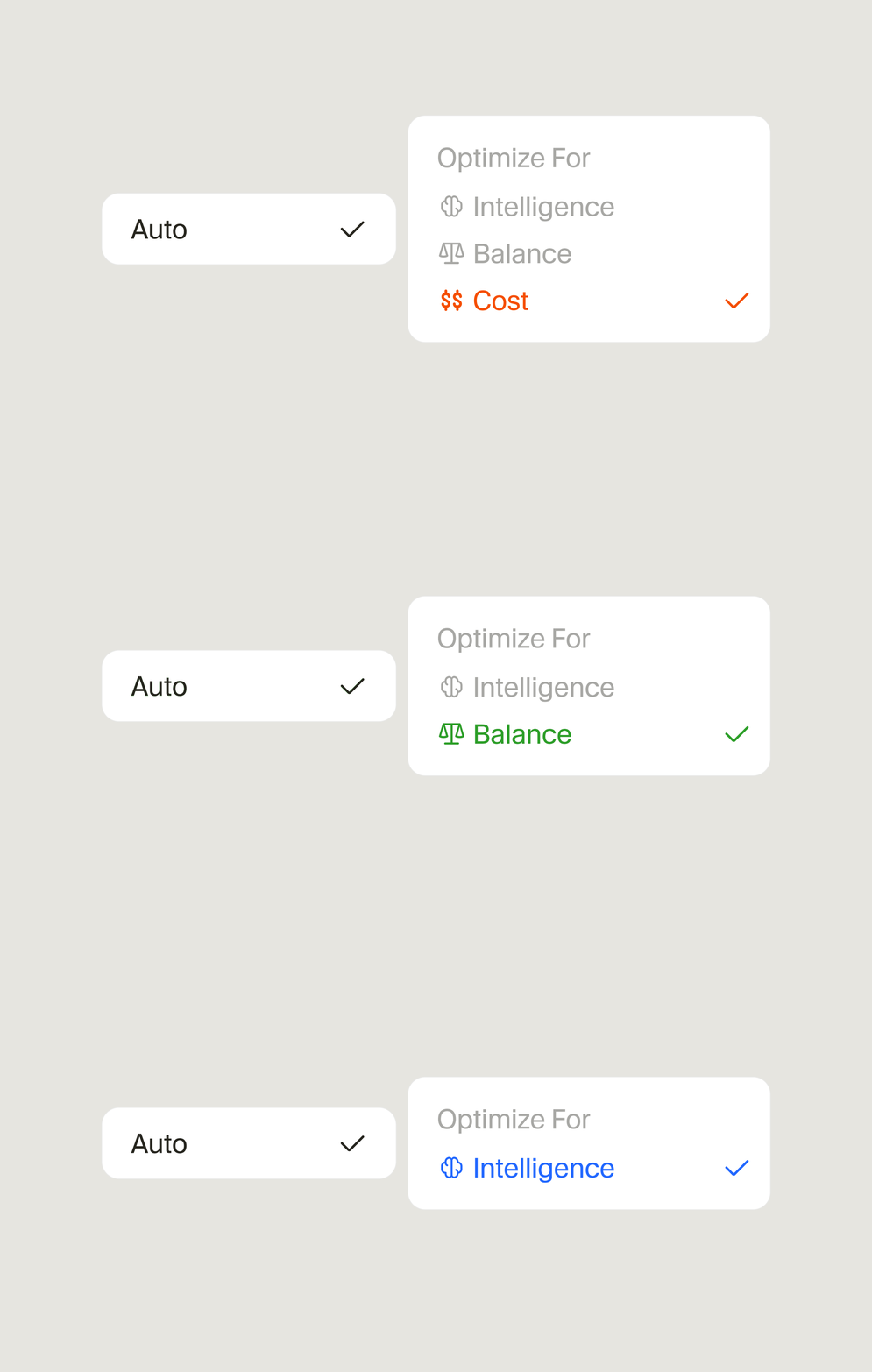
- Pick your model. This is the step that got interesting this week, because Mistral Small 4 is now on the menu in the US and Canada.
One warning from real-world use: model availability varies by user, region, and version. Some people see three choices, some see the new Mistral option, some see a custom field for connecting their own model endpoint. If Mistral isn’t showing for you yet, it should arrive more widely as the Firefox Smart Window beta expands.
Which model should you pick?
Firefox doesn’t lead with brand names. It leads with labels, which is friendlier but a little vague. So here’s what sits behind each label, based on hands-on coverage and Mozilla’s setup screens:
| Label | Model behind it | Best for |
|---|---|---|
| Fast | Google’s Gemini Flash Lite (small, quick model) | Short answers, quick lookups, low patience moments |
| Flexible | Alibaba’s Qwen3 (large instruct model) | General-purpose help, summaries, comparing tabs |
| Personal | OpenAI’s gpt-oss-120B | Chatty back-and-forth, personalized suggestions |
| Mistral Small 4 | Mistral’s open-source model (new) | Multilingual work, open-source fans, privacy-minded users |
| Custom | Your own model endpoint | Tinkerers with their own API setup |
My take? If you’re just browsing, Fast is fine and it’s the least distracting. If you actually want the assistant to reason through your open tabs, Flexible or Mistral Small 4 are the better picks. And if you switch later, it takes two clicks in Settings, so don’t agonize over the first choice.
For a deeper look at how browser assistants compare overall, our guide to AI browser agents covers what each one can and can’t do.
The privacy part, honestly
This is where Firefox wants to win, so let’s hold it to that.
Mozilla says the assistant doesn’t keep your chat transcripts and doesn’t train models on your conversations. Mistral says the same from its side: conversations aren’t saved on Mistral’s servers. On top of that, Memories, the feature where the assistant learns about you, is stored on your device, and you can inspect, delete, or disable every memory.
Still, two honest caveats.
Your selected model provider does receive whatever context you let the assistant share, so “private” means “private by default and controllable,” not “nothing ever leaves your machine.” And earlier hands-on testing found Memories can surface surprisingly old browsing history, which caught at least one reviewer off guard. Check Settings, then AI Controls, then Smart Window when you set it up, and trim what it’s allowed to learn. Two minutes there buys real peace of mind.
Chrome users, by the way, got a similar conversation recently from the other direction, when Gemini’s on-device model showed up in Chrome and people noticed the disk space first. Every browser is making these choices for you now. Firefox is the only one making them with you, at least so far.
What I’d actually use it for
Forget the hype demos. Here’s where the Firefox Smart Window assistant earns its keep for a normal person:
- Shopping comparisons. Five tabs of product pages, one question: “which of these has the longest warranty?” It reads across tabs, so you don’t have to.
- Dense article summaries. Research papers, terms of service, that 4,000-word review. Ask for the short version with sources.
- Picking up old research. It can work from your history, so “what was that site I found about meal prep Tuesday?” actually goes somewhere.
- Anything in more than one language. Mistral’s multilingual tuning is a core feature, not an afterthought, which is exactly why Mozilla picked it for the France rollout.
If you’d rather have AI browse for you than with you, the ChatGPT cloud browser takes a different route to a similar goal. Either way, the browser is quietly becoming the place where AI actually helps, instead of just another app demanding attention.
Try this today
Open Firefox, update it, and look for AI Controls in Settings. Turn on the Firefox Smart Window beta, pick Mistral Small 4 if it’s offered, and throw your messiest tab situation at it. If it saves you one comparison-shopping headache this week, it’s already paid for itself, because unlike everything else in beta land, this one’s free.