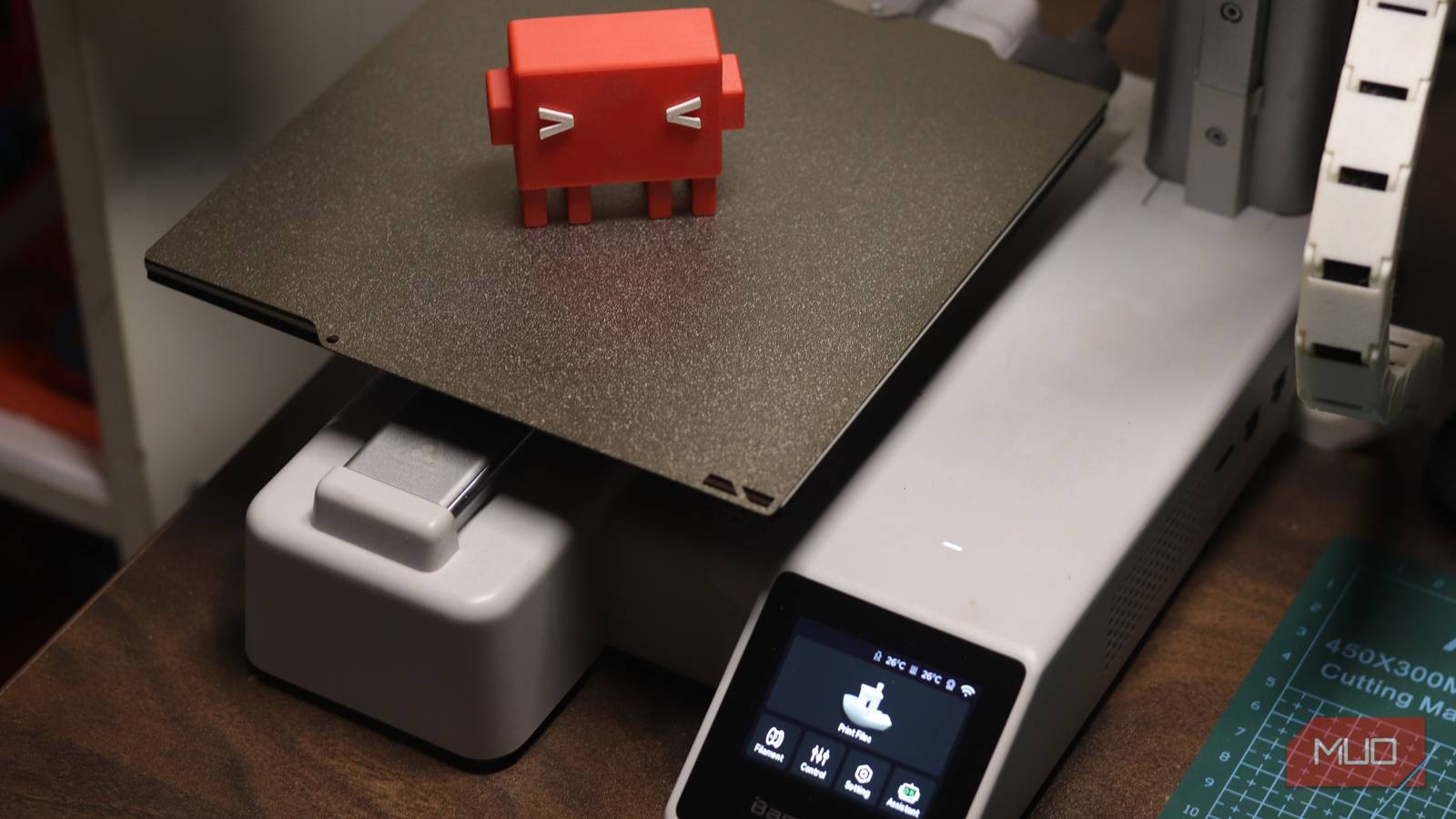

A laser cutter that fails every firmware update, a 3D printer that throws a different error each week, a weather station that drops off Wi-Fi 20 times a day. None of them came with a manual for any of that. But a certain AI turned out to be shockingly good at this exact kind of puzzle, and you can diagnose hardware problems with Claude in three steps.
What Claude can actually do with broken hardware
Let’s set expectations first. Claude can’t hold a screwdriver. What it can do is read a 4,000-line log file in seconds, look at a photo of a misbehaving sensor and tell you what’s off, and connect a symptom you’re seeing to a cause you’ve never heard of.
A staff writer at MakeUseOf spent weeks throwing real, broken machines at it: a brand-new xTool laser cutter, an Elegoo 3D printer that failed with an unreproducible extrusion error, and a $10 ESP32 climate controller. The results matched that split personality. Claude nailed two out of three and narrowed the third enough to keep the warranty claim moving.
The pattern across all three cases is the same, and it’s copyable. So before you touch a machine you don’t understand, learn the workflow.
The 3-step workflow to diagnose hardware problems
Step 1: Capture the evidence before you guess
Every failed repair starts the same way: someone pokes at the machine for an hour, changes five things, and now the symptom is buried under the experiments. Don’t do that. The first rule when you diagnose hardware problems: collect first, touch later.
What to grab: the device’s log files (nearly every modern gadget exports them), clear photos of whatever looks wrong (error screens, cables, calibration sheets), and a short symptom list written like this: what happened, when, how often, what changed recently.
In the xTool case, that one discipline mattered more than anything else. Its logs went to Claude, and Claude spotted that two onboard cameras had never initialized since the unit left the factory. Those same cameras were part of the firmware package that kept failing. One fact, dug out of logs, explained the whole mess.
Step 2: Ask Claude to compare suspects, not to decide
Here’s the mistake everyone makes: pasting a log and asking “what’s broken?” You’ll get a confident answer. Confidence isn’t accuracy.
Instead, prompt it to work like an engineer. Two prompts that earn their keep:
- “Here are logs from before and after the failure. List every plausible cause, rank them by how well the evidence fits, and tell me what test would separate the top two.”
- “Write a script to capture this device’s status traffic during a print/firmware update, and tell me what to look for.”
The Elegoo printer shows why the second prompt is gold. Its error was unreproducible: identical prints sometimes failed, sometimes didn’t, across every filament brand. So Claude wrote a script that captured the printer’s MQTT status messages during a real print. That narrowed the suspects to a shortlist even though it never found the root cause, and the manufacturer’s replacement parts started from that shortlist instead of guesswork.
That ESP32 case goes further. The device dropped off Wi-Fi constantly, and the logs Claude finally pulled (through a serial capture, because the dashboard only showed drops, never reasons) revealed the culprit: an automatic “find a better access point” roaming feature that kept tearing down a perfectly good connection because there was no better one to find. The fix was two lines of config. Nobody finds that in a support forum.
Step 3: Verify before you spend a dime
An AI diagnosis is a hypothesis, not a verdict. The writer did the right thing even when Claude was right: he waited for xTool support to confirm the camera-cable diagnosis before reseating cables inside a brand-new machine. Claude suggested it; the vendor signed off; the fix worked and the firmware update finally went through.
Build that pause into your own loop. A wrong “fix” can cost you a part, a warranty, or in the worst case, fingers. Send the AI’s theory to the manufacturer’s support with your logs attached and ask one question: “does this match what you’d check first?” If they confirm, you’ve also just turned a vague complaint into a focused support case, which gets resolved faster.
Where people get it wrong
Three failure modes to know about. First, Claude is confidently wrong sometimes, and on hardware the cost of trusting it is real money. Evidence and the manufacturer’s guidance outrank a convincing explanation, every time.
Second, garbage in, garbage out. The fastest way to waste an afternoon trying to diagnose hardware problems is feeding the AI logs from the wrong time window or photos that miss the actual failure. Claude will build a beautiful theory on top of nothing. Capture again, more carefully.
Third, don’t skip the boring checks. Reseat the cable. Try a different USB cord. Check the power supply. In the Elegoo story, three replacement parts didn’t fix the printer, but simple physical checks are still free and fast, and the AI workflow works better on a clean slate. (If the “broken part” is just worn out, skip the diagnosis entirely: 3D printing replacement parts with AI covers that route.)
When to skip the AI and call support
Skip the workflow when the machine is under warranty and doing anything inside it might void the claim. Skip it when there’s an active safety issue: sparks, burning smell, a laser that fires with the lid open. And skip it when the vendor already documents your exact symptom, because their fix will be faster than your investigation.
For everything else, this workflow to diagnose hardware problems is now my default first move with any gadget that misbehaves, and it pairs naturally with what we’ve covered before: using Claude to design and print real parts when the diagnosis ends in “print a new bracket,” and how Claude finds bugs in code when the problem is software instead of silicon.
Bottom line: capture evidence, make Claude compare suspects instead of handing down verdicts, and verify with the vendor before you spend money. That’s the whole method to diagnose hardware problems, and it has already saved its first laser cutter. Next time something in your setup dies weirdly, you know where to feed the machine’s logs: Claude is a chat window away.