
How many AI subscriptions are you paying for right now? A chatbot, a coding tool, a writing app, maybe a Notion add-on. Sign in with ChatGPT just killed half of those bills, and most people haven’t noticed yet.
Announced at OpenAI’s DevDay, the feature lets your ChatGPT plan power AI features inside other apps. No API keys. No separate AI charges. You sign in once, flip one permission, and the usage pulls from the plan you already pay for.
What sign in with ChatGPT actually does
Two different things live under this one button, and the difference matters for your wallet.
The first is plain identity login. Anyone can use their ChatGPT account to sign in to participating apps, the same way you sign in with Google. It saves you a password and nothing more.
The second is the interesting layer: plan sharing. On Go, Plus, and Pro plans, you can let a partner app run its AI features on your ChatGPT allowance. Eligible requests in that app count toward the same ChatGPT Work and Codex usage included in your subscription. The app gets intelligence, you skip its AI upcharge, and OpenAI handles the plumbing.
Here’s what does not happen: the app does not get an API key, does not see your conversations, and does not read your ChatGPT memories. It shares your name, email, and profile picture at login. That’s the whole handover.
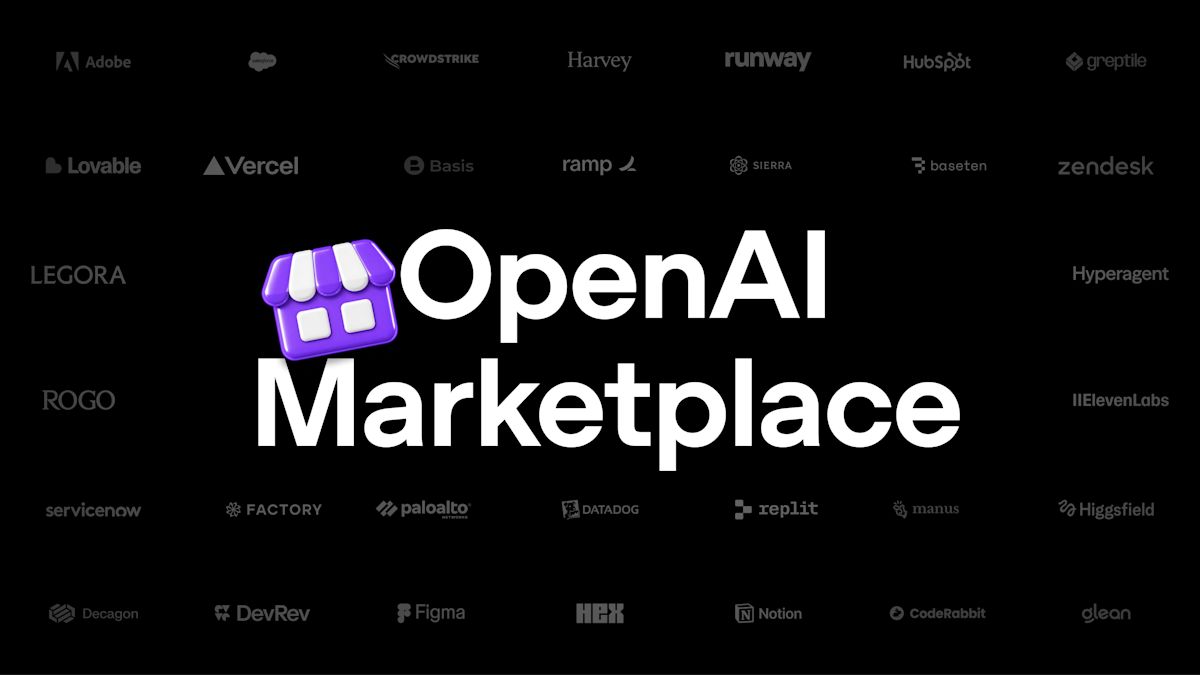
Every partner app that works today
OpenAI’s partner directory splits into three groups, and they behave very differently. Coding tools dominate the plan-sharing list, which tells you exactly who this feature was built for.
| Group | Apps | What you get |
|---|---|---|
| Plan usage | Devin, Notion, Vercel, Warp, Amp Code, Conductor, Dactyl, Hyperagent, Kilo Code, Vorflux (Lovable coming soon) | Login plus AI features running on your ChatGPT plan |
| Sign-in only | Airtable, Canva, GitLab, HubSpot, Supabase | Faster login, no plan sharing |
| Open-source tools | OpenClaw, OpenCode, Pi, T3 | Available to all ChatGPT users |
Devin alone normally costs real money on its own plans, so running it on an existing ChatGPT subscription is the headline use case. Warp, Kilo Code, and the other coding tools on that list tell the same story. If you already pay for ChatGPT Plus and a separate AI coding subscription, one of those bills just became optional.
How to connect an app in about two minutes
The whole flow happens inside the partner app, not in ChatGPT. Steps:
- Open the app and look for “Continue with ChatGPT” or “Sign in with ChatGPT” on its login screen. Not every app shows both options, so check its billing or account settings if you already have an account there.
- Sign in with your ChatGPT account and review what the app receives: name, email, profile picture.
- Decide on plan sharing. The app will ask permission to use your plan for AI requests. This is the step that moves usage onto your subscription. Approve it only if you want it.
- Set a weekly limit. In ChatGPT, go to Settings, then Usage, find the app under App limits, and cap it as a percentage of your weekly usage. More on why you should never skip this below.
Disconnecting later is just as simple. Settings, then Security and login, then Sign in with ChatGPT, pick the app, hit Disconnect.
The limits that protect you (and your bill)
Before you wire every app you own to one subscription, understand the failure mode. All of these apps draw from one shared pool, your plan’s weekly usage. A coding agent burning through tasks in Devin can eat the same allowance you need for ChatGPT on Monday morning.
That’s what app limits are for. A limit is a cap on what one app can consume, expressed as a percentage of your overall weekly usage. It does not reserve usage for the app or increase your total. If you give Devin 30 percent, it stops at 30 percent even if you still have usage left overall.
Three more fine-print items worth knowing:
- Credits are not automatic. If you blow past your plan limits, an app can fall back to your ChatGPT credits, but only if you explicitly allowed that. Leave it off if surprise usage scares you.
- The app still charges its own fees. Plan sharing covers AI requests. The app’s own subscription, storage, or premium features bill separately as before.
- Usage rates differ. Heavy agentic tasks in partner tools can consume your allowance faster than chatting in ChatGPT does. Watch the Usage page for the first week after connecting anything.
Privacy: the short version
Plan sharing hands over your identity basics and nothing else. Your chats, your files, your custom instructions, your memories all stay inside ChatGPT. The app requests permissions separately, like any other integration, so read those screens instead of speed-clicking them.
One honest caveat: you’re trusting each partner app with whatever you type into it. That was true before this feature and stays true after. Sign in with ChatGPT changes who pays for the intelligence, not who sees your prompts.
When this actually saves money
Light users, breathe. If you use Notion’s AI occasionally and chat in ChatGPT daily, plan sharing probably just cancels one small subscription. That’s the sweet spot for this feature.
Heavy users need math. A Pro plan includes 25 times the usage of Plus, which sounds like infinite headroom until three coding agents start pulling from it. If your partner-app usage would exceed a Plus plan on its own, the Pro 500 tier exists for exactly that scenario, with access to OpenAI’s Ultrafast speed mode included.
And when does it not make sense? If a partner app’s own plan bundles features you need, like Devin’s team collaboration or Notion’s workspace admin tools, plan sharing doesn’t replace those. It replaces the AI meter, not the product.
My hot take: this is the most consumer-friendly thing OpenAI shipped all year, and it got zero attention next to the new models. Subscription portability is how every walled garden eventually cracks.
Gotchas worth knowing before you connect everything
Business and Enterprise workspaces sit this one out for now. Plan sharing is a Go, Plus, and Pro feature, so company accounts can use the identity login but can’t pump partner apps full of their corporate allowance. If you run a team, that’s probably a relief rather than a loss.
Then there’s the mid-task cutoff. If you burn through your weekly usage while an agent is working, the app simply stops using your plan. Retrying the same task over and over doesn’t restore anything, and neither does signing out and back in. The Usage page shows when your allowance resets, so that’s the first place to look when a tool suddenly goes quiet. Keep the task details if something looks off, because usage settings won’t show you what the app actually did.
One last trap: connecting an app feels free, and the login part genuinely is. The bill arrives later from the app’s own side, for the features plan sharing never covered. Read that app’s pricing page before you get attached to the workflow.
The takeaway
Sign in with ChatGPT turns one subscription into a portable AI budget across the tools you already use. Start with one app you pay for, set its weekly limit to something conservative, and check the Usage page after a few days. If the numbers work, cancel the redundant subscription and move to the next app on the list.
Want to squeeze more from the plan you have? See how AI subscription plans compare on real value, or try the OpenAI Playground without touching code.