


You are talking to your Mac, and your words appear on screen — perfectly punctuated, neatly capitalized, no typos. That is what Wispr Flow promises, and honestly, it feels like magic the first time you try it. But here is the thing: the free version works great. So before you hand over your credit card, you probably want to know whether the paid upgrade actually makes a difference — or if you are just paying for features you will never use.
The problem is simple. AI dictation tools are popping up everywhere, and it is hard to tell which ones are worth your time and which ones are just riding the hype wave. Wispr Flow stands out because it runs directly on your Mac — no cloud servers, no uploading audio files, no waiting. But the free tier has limits, and the Pro plan costs real money. For anyone watching their budget (and let us be real, that is most of us), the question is straightforward: does upgrading actually save you enough time to justify the cost?
What is Wispr Flow? (quick overview)
Wispr Flow is an AI-powered dictation app for Mac that turns your voice into text in real time. Unlike most transcription tools that require you to record a meeting and then wait for processing, Wispr Flow types your words as you speak — directly into whatever app you are using. Email, Google Docs, Slack, Notion — it does not matter. If there is a text field, Wispr Flow can fill it.
How Wispr Flow works
Behind the scenes, Wispr Flow uses a fine-tuned version of OpenAI’s Whisper model. Instead of sending your audio to a cloud server, it runs the AI model locally on your Mac using the Apple Neural Engine and GPU. This means your voice data stays on your machine, which is a big deal if you care about privacy. The app hooks into macOS using Accessibility APIs, so it can type into any application system-wide. You just press a hotkey, start talking, and your words appear.
Who is it for?
Wispr Flow is built for people who type a lot and want to speed up their workflow. Writers, bloggers, students, email-heavy professionals, and anyone who thinks faster than they type will get the most value. If you already dictate emails using macOS built-in voice feature but find it frustrating and inaccurate, Wispr Flow is the upgrade you have been looking for.
Wispr Flow Free tier: what you actually get
The free version of Wispr Flow is genuinely useful, which is more than you can say for most AI tool free tiers. Here is what you get without paying anything.
Free plan features
- Real-time dictation into any app on your Mac
- On-device processing — your audio never leaves your computer
- Automatic punctuation and capitalization — no need to manually clean up your text
- System-wide integration — works in browsers, email clients, docs, and chat apps
- Basic voice commands — delete, undo, and simple editing by voice
In other words, the free tier gives you the core experience: talk, and your Mac types. For casual use — firing off quick emails, jotting down ideas, or drafting short messages — this is often enough.
Free plan limitations
However, there are real caps on the free version. Usage is limited to a set number of hours per month (reports suggest around 30 minutes per day or roughly 10 hours monthly, though Wispr has adjusted this limit multiple times). Once you hit the cap, you are done until the next day or billing cycle resets. Additionally, the free tier does not include AI-powered text rewriting, custom vocabulary for technical terms, voice profile training, or multiple language support. For most casual users, these limitations are manageable. But if you are dictating blog posts, long reports, or client emails every day, you will bump into that ceiling fast.
Wispr Flow Paid plans: pricing and features
So what does the Pro version actually give you — and how much does it cost?
Wispr Flow Pro (Monthly/Annual)
Wispr Flow Pro is available through a monthly or annual subscription. Pricing starts at around $12 per month on the monthly plan, with discounts if you opt for annual billing (typically around $8 to $10 per month). It is worth noting that Wispr has tweaked their pricing several times since launching, so check their website for the most current numbers.
What the Pro plan unlocks
- Unlimited dictation hours — no daily or monthly caps
- AI auto-editing — Wispr Flow polishes your spoken text, cleaning up filler words and making your writing more professional
- Custom vocabulary — add names, technical terms, and acronyms so the AI recognizes them correctly
- Multiple language support — dictate in more than just English
- Voice profiles — the app adapts to your specific voice over time for better accuracy
- Priority support — faster help if something goes wrong
The AI auto-editing feature is arguably the biggest selling point. When you dictate a rough paragraph, Wispr Flow can clean it up — removing “ums” and “ahs,” fixing run-on sentences, and making the text read like polished writing instead of a transcript. For anyone using dictation to write blog posts, articles, or professional emails, this feature alone can save significant editing time.
Wispr Flow Free vs Paid: side-by-side comparison
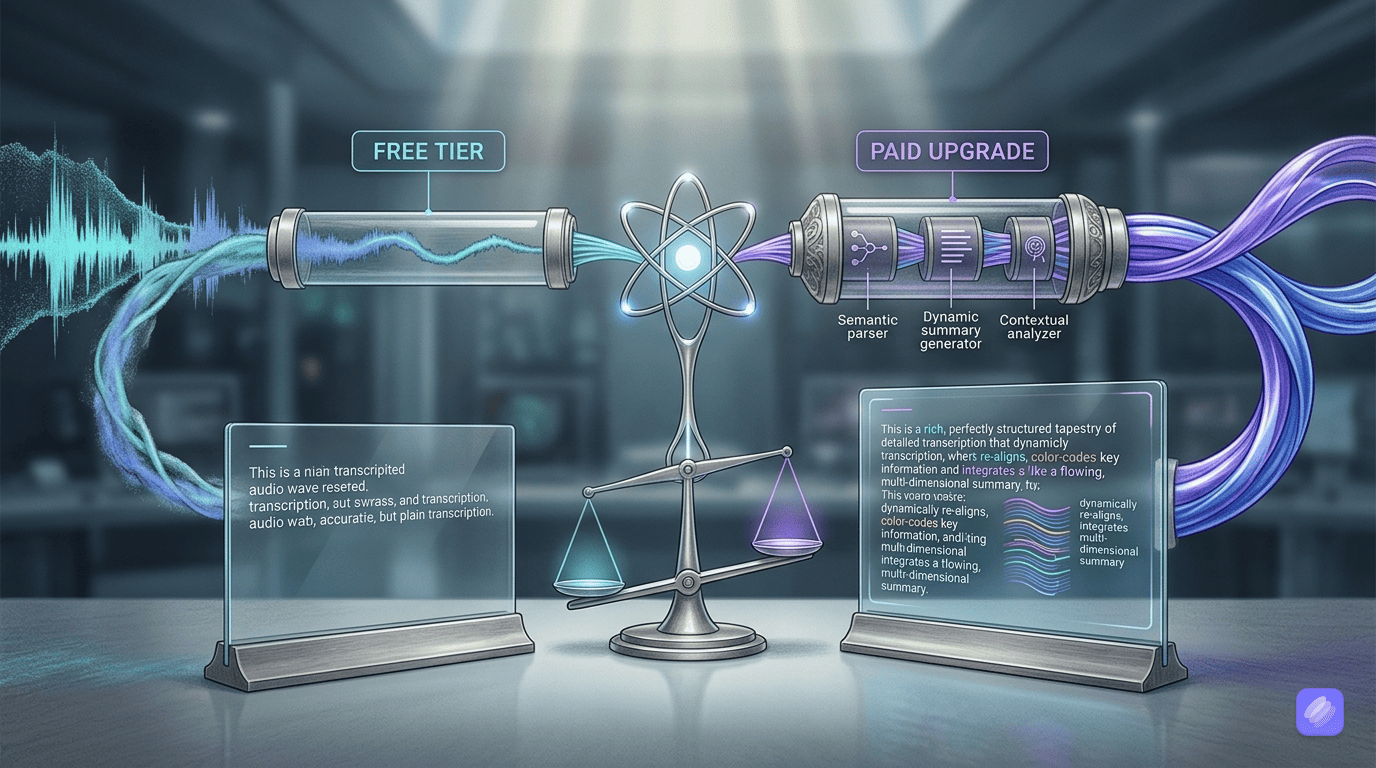
Here is how the two tiers stack up against each other. The biggest difference between Wispr Flow free vs paid comes down to usage limits and AI editing. The free plan handles basic dictation well, but the Pro plan removes the ceiling and adds tools that make your spoken text ready to publish.
| Feature | Free Plan | Pro Plan |
|---|---|---|
| Real-time dictation | Yes | Yes |
| On-device processing | Yes | Yes |
| Auto punctuation & capitalization | Yes | Yes |
| System-wide Mac integration | Yes | Yes |
| Monthly usage limit | Yes (~10 hours) | No (unlimited) |
| AI auto-editing & rewriting | No | Yes |
| Custom vocabulary | No | Yes |
| Multiple languages | Limited | Yes |
| Voice profile training | No | Yes |
| Priority support | No | Yes |
As you can see, the feature gap is not massive. Both plans deliver the core dictation experience. The question is whether the extras matter for your specific workflow.
Is Wispr Flow Pro worth it? our honest take
This depends entirely on how you plan to use it. For occasional dictation — a few emails here, some quick notes there — the free tier covers you just fine. You get the same accurate, real-time voice-to-text experience without spending a dime.
On the other hand, if you are using Wispr Flow as a daily writing tool, the Pro plan makes a strong case. The unlimited usage alone removes a real friction point. And the AI auto-editing feature transforms dictation from a rough-draft tool into something closer to a finished product. Writers who have switched to dictation report significant time savings — one reviewer on Medium wrote five blog posts in a single week using Wispr Flow, averaging 800 words in 25 minutes.
For freelancers and content creators, the math is straightforward. If upgrading saves you even one hour per week, the Pro plan pays for itself. At $12 per month (or less with annual billing), that breaks down to less than 40 cents per day. Meanwhile, the time you reclaim is worth far more.
However, if you are on a tight budget and mainly need dictation for casual tasks, start with the free plan. You can always upgrade later if you find yourself hitting the limits. There is no reason to pay upfront for something you might not fully use.
Best Free alternatives to Wispr Flow
Before you commit to any paid plan, it is worth knowing what else is out there. Here are three solid free alternatives that cover different use cases.
Wispr Flow Free vs Otter.ai
Otter.ai is one of the most popular transcription tools, but it works differently from Wispr Flow. Instead of real-time dictation into your apps, Otter records conversations and meetings, then transcribes them afterward. It is cloud-based, meaning your audio goes to Otter’s servers. The free tier gives you 300 minutes per month with 30-minute conversation limits. Otter shines for meeting notes and team collaboration — it has built-in features for sharing transcripts and assigning action items. But for personal dictation, Wispr Flow’s system-wide approach is more convenient. Plus, Wispr keeps your audio local, while Otter processes everything in the cloud.
Wispr Flow Free vs MacWhisper
MacWhisper takes a completely different approach. It is a one-time purchase app (around $7 to $15 depending on the tier) that transcribes pre-recorded audio and video files using OpenAI’s Whisper model. It runs entirely on your Mac, so privacy is excellent. However, MacWhisper does not do real-time dictation. You record or upload a file, and it transcribes it. If you need to transcribe interviews, lectures, or recorded calls, MacWhisper is fantastic. But if you want to talk and have text appear live in your document, it cannot do that. Think of MacWhisper as a transcription tool and Wispr Flow as a dictation tool — they solve different problems.
Wispr Flow Free vs TurboScribe
TurboScribe is a cloud-based transcription service that handles up to 100 languages. The free tier lets you transcribe three files per day (up to 30 minutes each). The Pro plan costs $10 per month for unlimited transcriptions. Like Otter.ai, TurboScribe requires you to upload audio files — there is no real-time dictation. It is great for bulk transcription work, but it is not a replacement for a system-wide dictation tool. TurboScribe also sends your audio to the cloud, which may be a concern if you handle sensitive content.
Quick alternatives comparison
| Tool | Best For | Pricing | Real-Time Dictation | Privacy |
|---|---|---|---|---|
| Wispr Flow | System-wide voice typing | Free / ~$12/mo | Yes | On-device |
| Otter.ai | Meeting transcription | Free / $17/mo | No | Cloud |
| MacWhisper | File transcription | $7-15 one-time | No | On-device |
| TurboScribe | Bulk transcription | Free / $10/mo | No | Cloud |
Final verdict: Should you upgrade?
Here is the bottom line. If you use dictation daily for writing, emails, or content creation, Wispr Flow Pro is worth the upgrade. The unlimited usage and AI auto-editing turn it from a neat tool into a genuine productivity booster. At under $12 per month, the ROI is easy to justify if it saves you even a few hours each week.
On the other hand, if you only dictate occasionally, stick with the free tier. It delivers the same core experience without the cost. And if you are not sure yet, try the free version for a week. Pay attention to how often you hit the usage cap and whether you miss the AI editing features. That real-world test will tell you everything you need to know — no article can substitute for actually using the tool.
Try Wispr Flow free first. If you find yourself running into limits most days, upgrade to Pro. If the free tier covers your needs, save your money and put it toward a tool you will actually use every day.
Frequently asked questions
Is Wispr Flow free to use?
Yes, Wispr Flow has a free tier that includes real-time voice-to-text dictation across all your Mac apps. Advanced features like AI rewriting and custom vocabulary require a paid subscription.
How much does Wispr Flow Pro cost?
Wispr Flow Pro starts at around $12 per month on the monthly plan. Annual billing is available at a discount, typically bringing the cost down to $8 to $10 per month. Check wispr.com for current pricing.
What is the difference between Wispr Flow free and Pro?
The free tier covers basic dictation with a monthly usage cap. Pro removes the limit and adds AI text editing, custom vocabulary, multiple languages, and voice profile training.
Is Wispr Flow better than Otter.ai?
For personal dictation, yes — Wispr Flow lets you type into any app in real time and keeps your audio private on-device. Otter.ai is better for meeting transcription and team collaboration.
Can I use Wispr Flow for free forever?
Yes, the free tier remains available without an expiration date. Core dictation features are free, but heavy users who need unlimited hours and advanced AI features will likely want Pro.
What is the best free AI transcription app?
Wispr Flow (free tier), MacWhisper, and TurboScribe are the top free options. Wispr Flow excels at real-time dictation, MacWhisper is best for file transcription, and TurboScribe handles bulk transcriptions in over 100 languages.