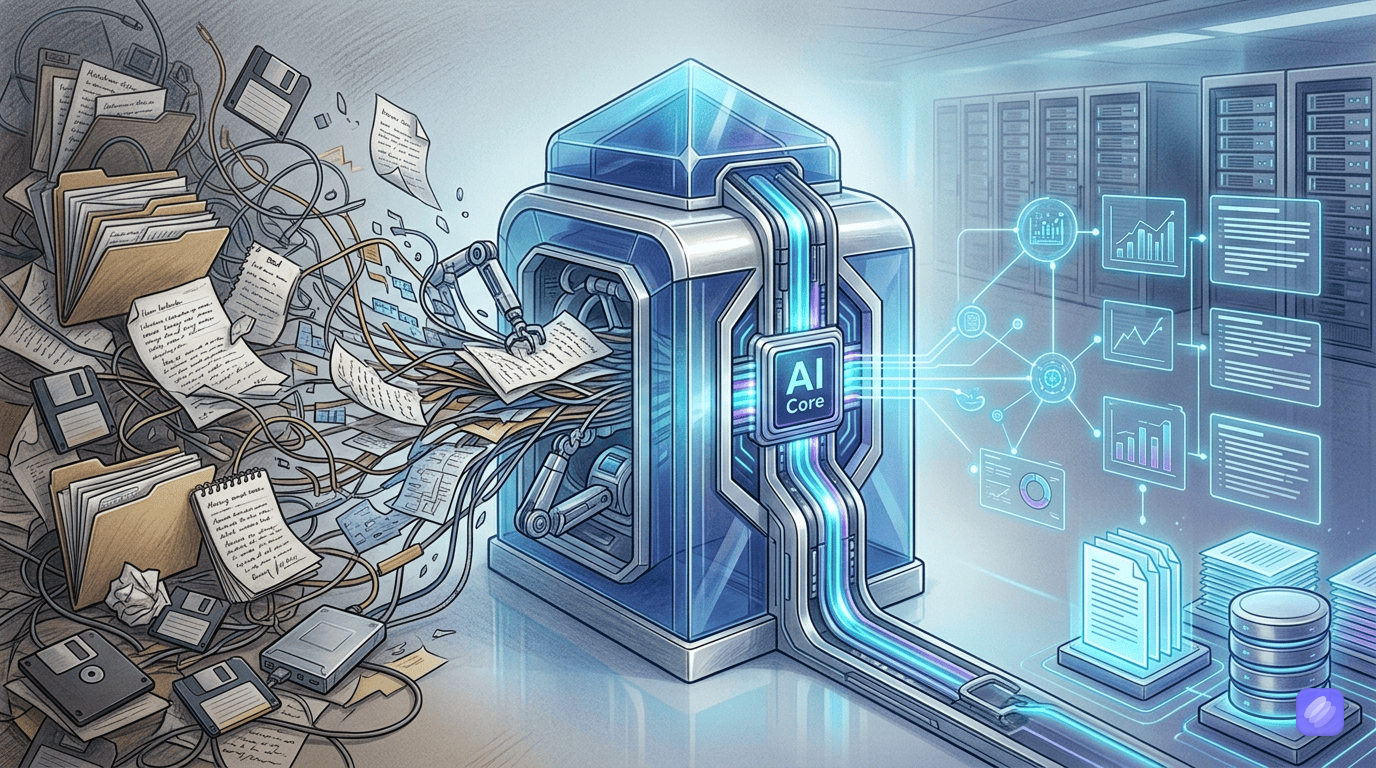

The average knowledge worker has 5,000 plus notes across multiple apps and cannot locate the one they need when they need it. An AI note taking app cannot fix bad writing habits, but it can fix the retrieval problem that makes most notes worthless.
Notion: The workspace that swallows everything
Notion has grown from a note-taking app into an all-in-one workspace that handles wikis, project management, databases, and documentation. The AI, added as a $10 per month add-on, sits on top of all of it. Workspace Q&A lets you ask natural language questions across your entire workspace. “What did we decide about the pricing change last quarter?” returns answers synthesized from multiple pages. No manual searching, no guessing which page holds the information.
Page summarization turns 2,000-word meeting notes into five bullet points in seconds. Database queries work in natural language, so “show me all pending tasks assigned to the design team” produces the same results as building a filtered view, but without knowing how to build one. For teams already using Notion for project management, the AI makes existing workflows faster. For individuals who just want to take notes, Notion is overbuilt.
The cost structure
Free tier with limited blocks and pages. Plus at $10 per month unlocks unlimited content. The AI add-on costs $10 per month on top, so full AI access starts at $20 per month. Business at $20 per month (without AI) or $30 per month (with AI) adds team features and admin controls. This layered pricing catches people off guard. The advertised $10 plan does not include AI, which is the entire point of evaluating these tools.
Where Notion fails
Mobile experience lags behind desktop. The app works on phones but the interface is cramped and AI features are harder to access. Learning curve is steep for users who just want a simple note-taking app. The block-based editor takes time to learn. Privacy-conscious users should note that all data lives on Notion’s servers. There is no self-hosted option and no local-first mode.
Mem: Write notes, AI organizes them
Mem takes the opposite approach from Notion. No folders, no tags, no databases. This is the AI note taking app for people who have tried every organization system and abandoned all of them. As you type about a project, Mem surfaces related notes from weeks or months ago. Previous decisions, relevant research, earlier conversations appear automatically based on semantic similarity, not exact keyword matches. This is the core value proposition. Zero manual organization, near-instant retrieval.
Smart search understands intent. “What were my thoughts on the redesign?” finds relevant notes even without that exact phrase appearing anywhere. Mem’s AI uses embeddings to understand meaning, so a note about “simplifying the checkout flow” surfaces when you search for “payment problems.” Free tier covers basic capture and search. Pro at $12 to $15 per month unlocks unlimited AI credits and advanced features.
The trade-offs
Mem requires trust in AI organization. If you are someone who needs to see your folder structure and manually verify that everything is in the right place, Mem will feel uncomfortable. There is no database functionality, no structured project management, and no team collaboration comparable to Notion. The platform is currently Mac and iOS focused, with Windows support still limited. For individuals who capture lots of notes and hate organizing, Mem is the best AI note taking app available. For teams building shared knowledge bases, it falls short.
Obsidian: Your data, your machine, AI on top
Obsidian stores everything locally in plain Markdown files on your computer. No cloud lock-in, no vendor dependency. Your notes are text files you can open in any editor forever. Add AI through the plugin ecosystem, and you get intelligent features without sending data to anyone’s server. Smart Connections finds related notes automatically. Copilot adds a ChatGPT-like assistant that queries your vault. Local GPT plugins run AI models entirely offline for users who need maximum privacy.
The core app is free. Sync at $4 per month keeps notes consistent across devices. Publish at $8 per month creates public sites from your vault. The real cost is time. Setting up the right plugins, configuring connections, and learning the Markdown-based workflow takes hours. Once set up, Obsidian is the most powerful and private option here. Before that, it is the most frustrating.
Who Obsidian serves
Developers and technical users who understand Markdown and value data portability. Privacy-conscious professionals who cannot put sensitive notes on third-party servers. Knowledge management enthusiasts who enjoy building custom workflows with plugins like Dataview for database queries and Templater for automation. Obsidian is not trying to be easy. It is trying to be powerful, and it succeeds.
Reflect: Connected notes with encryption
Reflect focuses on one thing: helping you build connections between ideas over time. Daily notes link to previous days. AI-suggested backlinks surface notes from months ago that relate to what you are writing now. Write about pricing strategy and Reflect suggests linking to a note from three months ago where you explored the same topic. End-to-end encryption means Reflect’s servers cannot read your content, which matters for confidential business notes.
Pricing is simple: $10 per month, no free tier, no add-ons, no surprises. The limitation is feature scope. Reflect is a focused tool for connected thinking, not a workspace replacement. It handles notes and connections well but does not do databases, project management, or team collaboration. For teams automating content workflows across tools, a different approach is needed. Reflect is best for solo knowledge workers who want AI to help them think, not just organize.
Craft: Beautiful notes, Apple only
Craft delivers the best-looking note-taking experience on Apple devices. The interface is clean, the iPad support is excellent, and Apple Pencil integration makes handwritten notes feel natural. AI features include writing assistance, summarization, and 50 AI credits per month on the Plus plan. Free tier with 1,500 content blocks and 1GB storage. Plus at $8 per month unlocks unlimited content and version history. Team at $50 per month covers up to 10 members.
Craft’s AI capabilities are competent but not category-leading. Notion and Mem both produce better AI results. Where Craft wins is the writing and reading experience itself. Documents look polished without formatting effort. For people already in the Apple ecosystem who also use focus apps to manage deep work sessions, Craft fits naturally into a minimalist productivity stack. The limitation is platform coverage. No Windows app, no Android app, and limited web functionality. If your team includes Windows users, Craft is not an option.
Match the app to your organization tolerance
You do not organize your notes: Mem is the AI note taking app for you at $12 per month. Dump everything, AI handles retrieval. The best AI note taking app for people who hate filing.
You need a team workspace with databases, wikis, and project docs: Notion at $20 per month with AI. The AI makes existing team workflows faster, but the workspace is the real product.
Privacy is non-negotiable and you are comfortable with technical tools: Obsidian. Free core, $4 per month for sync, local storage, AI via plugins. Maximum control, maximum setup time.
You build connections between ideas and want AI to surface old thinking: Reflect at $10 per month. Focused, encrypted, no distractions.
You want beautiful notes on Apple devices: Craft at $8 per month. The best-looking option with decent AI, but platform-limited.