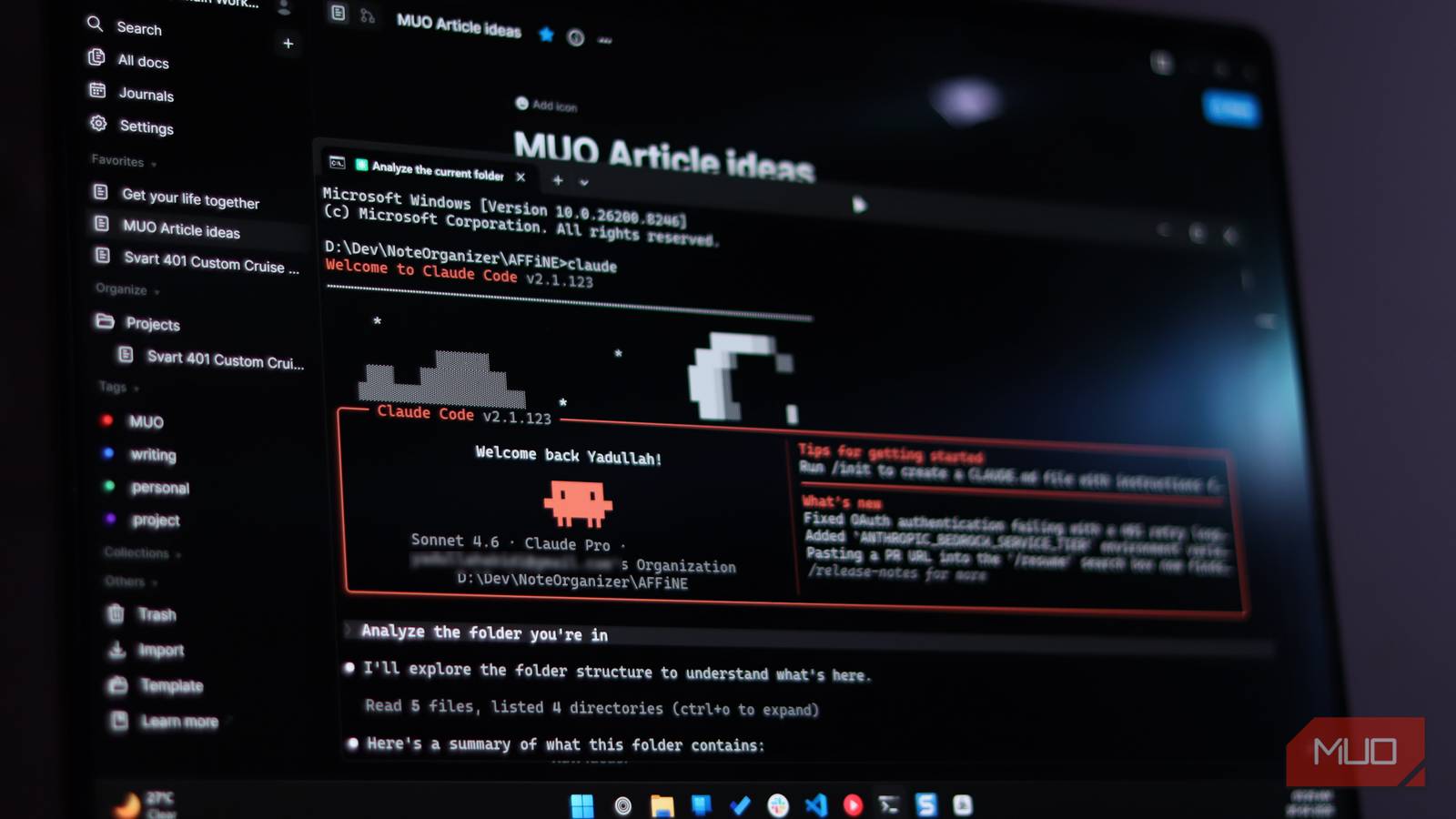

Every session with your AI coding tool starts the same way. You paste in notes, re-explain last week’s decisions, and answer questions your notebook already solved. Giving Claude Code notes access through MCP ends that ritual for good.
The copy-paste tax nobody talks about
Here’s the thing about real projects: the code is only half of it. Requirements live in one app, research in another, and the reasoning behind old decisions sits in a doc you haven’t opened since March. Meanwhile, Claude Code only sees what’s inside the project folder.
So you do the dance. Copy from the note app, paste into the terminal, read the answer, then copy that into a doc somewhere. Multiply that by every session this month and you’ve burned real hours on what’s basically data entry.
Worse, the copies drift. The note says one thing, the Markdown file in your repo says something slightly newer, and the chat history holds a third version. Three sources of truth means no source of truth.
Claude Code notes access fixes exactly this, and it takes less time than making coffee. We’ve made the bigger point before: notes you can’t retrieve are basically useless. If your notes are already a mess, start with our guide to fixing them with an AI note taking app. If they’re organized and you just want Claude to read them, keep going.
What MCP actually is (no jargon version)
MCP stands for Model Context Protocol. In practice, it’s a standard plug that lets AI tools talk to outside apps: your calendar, your database, your notes. Think USB-C, but for AI connections.
Instead of you shuttling text back and forth, Claude calls the app directly and pulls what it needs. That’s the whole idea. Anthropic’s own documentation covers the security basics, and a two-minute skim there will save you headaches later.
Route 1: point Claude at your Obsidian vault
For most people, this is the fastest path. An Obsidian vault is just a folder full of Markdown files, and Claude Code reads files for a living. You don’t need anything fancy, because the official filesystem MCP server does the job.
Run this in your terminal:
npx @modelcontextprotocol/server-filesystem /path/to/your/vaultSwap in your real vault path, restart Claude Code, and that’s it. Claude can now list, read, and full-text search every note you own. If you’re new to Obsidian, it’s a free note app built on plain Markdown files, so everything stays yours even if you quit tomorrow.
Because the vault is plain files, there’s no lock-in and no sync to babysit. Point the server at the folder, and your notes become a database Claude can query.
The plugin route (a bit more, a bit better)
Want something tighter than raw file access? A community plugin called obsidian-claude-code-mcp runs an MCP server inside Obsidian itself. Install it from the community plugins directory, flip it on, then type /ide in Claude Code and pick Obsidian from the list. The plugin listens on port 22360 by default, so there’s nothing to configure.
The payoff is speed. One developer benchmarked this on a 4,663-file research vault: hunting down orphan notes took grep 15.6 seconds, while the agent’s search finished in 0.26. That’s roughly 54 times faster. Vault-wide search came out about six times faster too.
Your mileage will vary, of course. Still, those numbers explain why people leave this connection permanently on.
AFFiNE users get the cautious option
Not everyone keeps notes in files on disk. If you use AFFiNE, the app ships with its own built-in MCP server, and it takes the careful route by default: credentials are scoped to a single workspace, they can expire, and access starts read-only.
That last part matters. Claude can search and read your notes on day one, and you only unlock broader permissions after you trust the setup. To be fair, write access is still rolling out gradually, so plan on reading first anyway. The same pattern works for any Claude Code notes connection: start small, expand only when you need to.
Skip the browser route (here’s why)
There’s a second way to connect the two: log into your note app from Claude Code’s built-in browser. Technically it works. In practice, I’d pass.
Your login credentials end up inside a browser session you don’t fully control, and the whole thing breaks the moment the app’s interface changes. Compare that with an MCP connection, where you grant a scoped credential and can revoke it in seconds.
| | MCP server | Built-in browser login |
|—|—|—|
| Setup | One command or one plugin | Manual login, every session |
| Security | Scoped, expiring, revocable credential | Full credentials inside the session |
| Reliability | Stable API calls | Breaks when the app’s UI changes |
| Best for | Everyday use | Quick one-offs when you can’t install anything |
For daily use, MCP wins without breaking a sweat. The browser route only makes sense as a quick one-off.
What Claude Code notes access changes
Here’s where it gets fun. The real unlock isn’t automation. It’s retrieval.
Suddenly, vague requests just work. Try these on for size:
- Search requests: find my ESP32 sensor notes and pick up the firmware plan where I left off.
- Decision archaeology: pull every note where I logged pricing decisions and summarize the reasoning.
- Inventory checks: scan my parts list and suggest components I already own for this build.
That’s your setup paying rent. Claude fetches exactly the page it needs, right when it needs it, instead of you stuffing everything into one giant context file.
And keep CLAUDE.md lean while you’re at it. Anthropic loads that file into the context window at the start of every session, so piling your whole knowledge base in there wastes attention on material that doesn’t matter for the current task. Let the MCP connection do the fetching instead. We covered how AGENTS.md support works if you want to see how project instructions fit together.
Not a full-time developer? None of this requires code. We put together a guide to Claude Code for non-programmers with five everyday tasks that never touch a repository.
The limits, honestly
Read access is great today. Writing back into your notes is another story.
AFFiNE’s write support is still rolling out, and the community server that can write relies on unofficial APIs, which means trusting third-party code with your workspace credentials. I wouldn’t. The safer loop: have Claude write its output to Markdown files, then import them into your note app yourself. Slightly manual, yes. But your notes stay yours.
Honestly, read-only might be the feature, not the limitation. Treat your Claude Code notes connection as read-only until you have a concrete reason not to. An AI that can accidentally edit your second brain is scarier than one that can only read it.
A 60-second safety checklist
Before you connect anything:
- Only connect MCP servers you actually trust. Anthropic says the same, and it’s the rule people skip.
- Start read-only, expand later if you need to.
- Scope credentials to one workspace or vault, not your entire account.
- Set an expiration on tokens, and revoke when a project ends.
Never paste passwords into a chat prompt. Ever.
Set it up today
Pick your route: one terminal command for Obsidian, or AFFiNE’s built-in server if that’s your home. Ten minutes from now, the connection will be live, and the copy-paste ritual retires itself.
Then ask Claude one question you’d normally answer by digging through your notebook. That first successful retrieval is the moment it clicks.