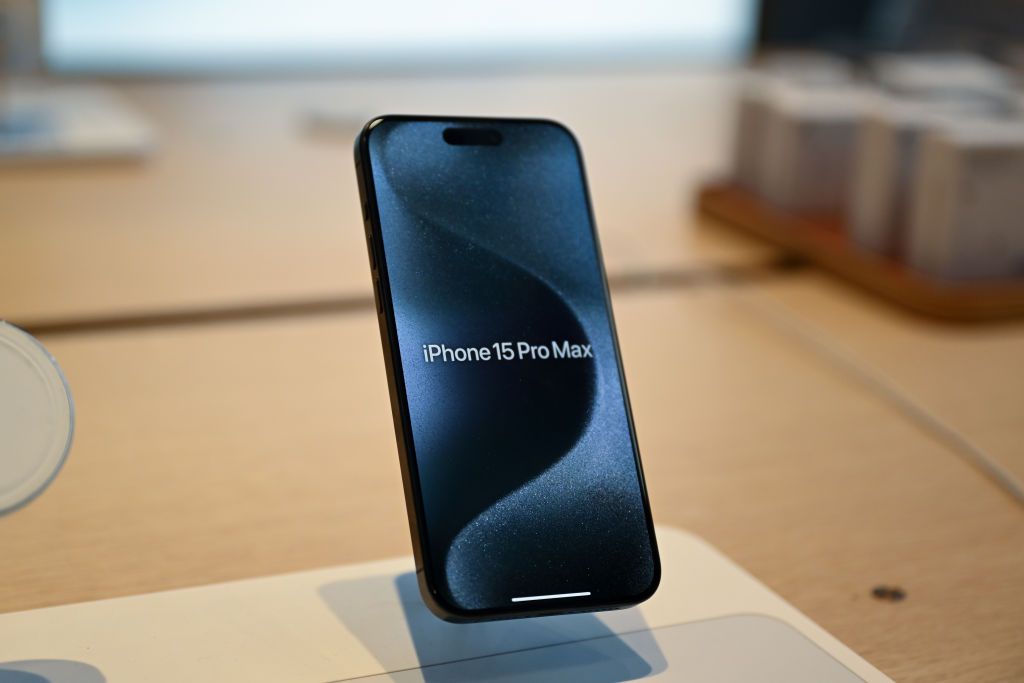

If you bought an iPhone 15 Pro or an iPhone 16 in the past couple of years, Apple may owe you cash. The Apple Siri settlement is officially open for claims, and it pays up to $95 per phone. The deadline is December 21, and history says most eligible people will never bother filing.
Who qualifies for the Apple Siri settlement
You qualify if you live in the United States and you bought one of the eligible phones between June 10, 2024 and March 29, 2025. The purchase has to be for personal or business use, not resale. That’s the whole list. No proof of harm, no screenshots of ads you saw, nothing like that.
The eligible models:
- iPhone 15 Pro
- iPhone 15 Pro Max
- iPhone 16
- iPhone 16e
- iPhone 16 Plus
- iPhone 16 Pro
- iPhone 16 Pro Max
Notice what’s missing. The regular iPhone 15 and 15 Plus don’t make the cut, because those phones never supported Apple Intelligence in the first place. What the case was really about: phones sold on a promise the company didn’t keep on time.
Here’s the quick version of everything that matters:
| Question | Answer |
|---|---|
| Payment per device | $25 estimated, up to $95 if claims run low |
| Claim deadline | December 21, 2026 |
| Purchase window | June 10, 2024 to March 29, 2025 |
| Final approval hearing | February 24, 2027 |
| Where to file | smartphoneaisettlement.com |
Why Apple is paying
June 2024: Apple shows off a smarter Siri that understands context, takes actions for you, and knows your personal stuff. The ads run all summer. The fine print says “coming later this year,” and then the features slip, first to early 2025, then to no date at all. In March 2025 the company admits the overhaul needs more time, and the lawsuits follow within weeks.
Fast forward to May 2026. Apple agrees to pay $250 million to settle the case, while denying it did anything wrong. The revamped Siri eventually did ship inside iOS 27, but that doesn’t erase the year people spent waiting on a feature they’d already paid for. So the Apple Siri settlement exists to close that chapter, and the claim window opened September 21.
How to file your Apple Siri settlement claim
Total time: about five minutes, and it’s free. Here’s the walk-through.
1. Open the official site. Go to smartphoneaisettlement.com. It’s run by the settlement administrator, not by Apple, and it’s the only place to file.
2. Click “File A Claim.” The blue button sits in the top-right corner. First question: do you have a Claim ID and PIN? If the notification email hasn’t shown up yet, pick the option to file without one. It’s allowed.
3. Fill in your details. Name, address, phone, email. Standard stuff.
4. Enter your serial number. You’ll need either the iPhone’s serial number or your Apple Account ID. If you own multiple eligible phones, complete a separate form for each one. One claim per device.
5. Pick how you get paid. PayPal, Venmo, an electronic bank transfer, or a paper check. Whatever’s easiest for you.
6. Submit and screenshot the confirmation. That’s your receipt in case anything gets lost later.
Where to find your iPhone serial number
On the phone itself: open Settings, tap General, then About. The serial number sits near the top, a string of letters and numbers.
Already traded the phone in? Check the original box, the purchase receipt, or sign in to your Apple Account and look under Devices. Eligibility follows the purchase, not current ownership, so you can still claim for a phone you no longer have.
What you’re agreeing to when you file
Filing means you accept the deal as-is. The form makes you attest to one key line: that you expected to receive the Siri Apple Intelligence features and never got them on that phone. You’re not suing anyone, and you can’t come back later for a bigger check on the same device.
There’s also an escape hatch. If you’d rather sue Apple on your own, you can exclude yourself from the class by December 21 instead of filing. For roughly everyone reading this, filing the free form beats hiring a lawyer over $95.
How much money you’ll actually get
The presumptive payment from the Apple Siri settlement is $25 per device. If fewer people file than the fund expects, the number climbs, capped at $95. If claims pour in, it can also drop below $25, though the fund is $250 million and class action claim rates are famously low.
So plan for $25, hope for more. A household with two eligible iPhones is realistically looking at $50 to $190 for ten minutes of forms. Not life-changing, but it covers a month of almost any premium AI subscription, which feels like the right kind of irony here.
What happens after you file
The court holds the final approval hearing on February 24, 2027, in San Jose. If the judge signs off and nobody appeals, payments start going out after that. Appeals happen in big settlements, and each one adds months.
One warning while you wait: nobody legit will ever charge you to file. The real site is free, and any email asking for payment or your bank password to “process your settlement” is a scam. Delete it.
Common mistakes that get claims denied
Every big settlement generates a pile of rejected claims, and the reasons are almost always boring and avoidable. Watch for these five:
- Wrong model. People file for a base iPhone 15 or an iPhone 14 and wonder why the form keeps rejecting the serial number. Only the seven models listed above qualify.
- Outside the window. A phone bought June 1, 2024 misses the cutoff by nine days. The dates are June 10, 2024 through March 29, 2025, no exceptions.
- Refurbished gray areas. The settlement covers devices purchased in the US for personal or business use. If your “purchase” was a carrier lease that never completed, or a phone bought for resale, the administrator can deny it.
- Serial number typos. An iPhone serial is a mix of letters and numbers, and O-versus-zero mistakes are the classic killer. Copy it from Settings, don’t retype it from memory.
- Missing the deadline. December 21, 2026. Claims filed December 22 do not exist, as far as this settlement is concerned.
If your claim bounces back for a fixable reason, the administrator usually contacts you with a chance to correct it, so keep an eye on the email you used when filing.
Worth five minutes?
Yes, and here’s the math again: a five-minute form per phone, $25 to $95 back, zero cost. Set a reminder for this week, not December 20.
If you’d rather look forward than back, the revamped Siri finally exists, and we walked through what Siri AI actually does today. You can also go further and wire up ChatGPT or Claude as your Siri brain in iOS 27. And if the legal side of AI interests you, we’re also tracking the Sony and Warner lawsuit against Anthropic.