
You’ve spent 47 minutes on hold with your cable company. The elevator music has looped six times. You’re late for a meeting. There’s an AI that will do this for you now — if you pay for it. Meta Muse phone calls are here, and they might save you hours of hold time every month.
Meta’s Muse AI agent can place phone calls to US businesses on your behalf. It handles restaurant reservations without online booking, cable bill disputes, DMV appointments, and insurance follow-ups. The catch? It’s locked behind a $20 monthly subscription.
Here’s exactly how Meta Muse phone calls work, what they cost, and whether they’re worth your money.
What Is Meta Muse and Why Should You Care?
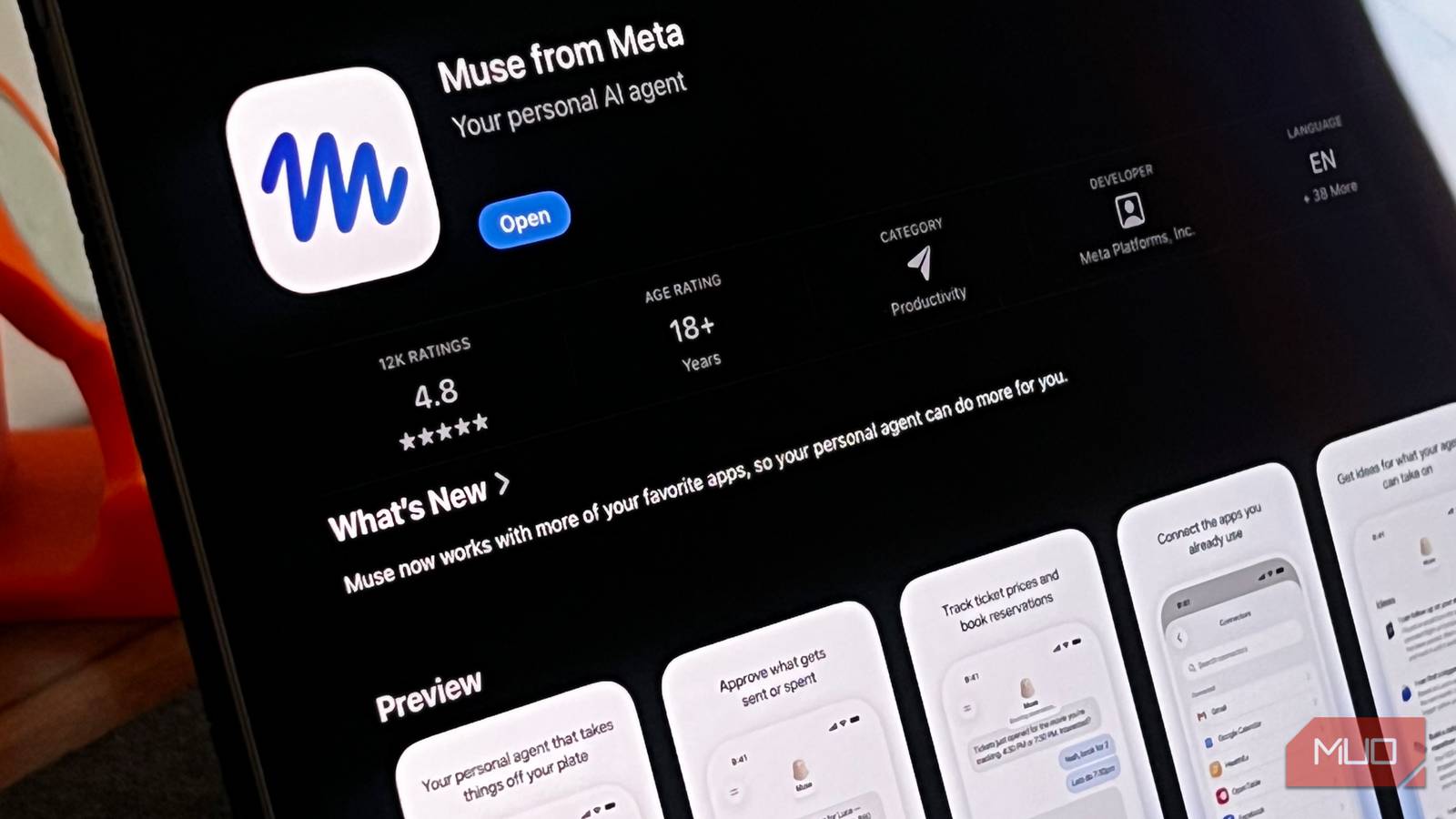
Muse is Meta’s consumer AI agent. Think of it as a digital assistant that actually does things — not just answers questions. It launched in September 2026 and hit 10 million users within two months. That’s faster than the original Meta AI app.
The phone calling feature dropped November 12. Alexandr Wang, Meta’s chief AI officer, announced it on X with a demo: “Let Muse take care of all those calls you don’t want to make. Insurance? Cable? DMV? Dinner res? Not your problem anymore.”
It’s not the only AI that can make calls. Google’s Gemini does it on Pixel phones. Grok Bot offers something similar. A startup called Instinct (valued at $2.5 billion) has Instinct Concierge. But Meta Muse phone calls are the first from a major tech company to roll out broadly to paying consumers.
How Meta Muse Phone Calls Actually Work
You give Muse a task in plain English: “Call the dentist on Main Street and see if they have any cancellation openings for Thursday afternoon.” Muse dials the number, navigates the phone tree, waits on hold, and talks to the human who picks up.
It uses a voice model that sounds convincingly human. Pauses. “Um” and “uh.” Breath sounds. The person on the other end often doesn’t realize they’re talking to AI — which is both the point and a growing controversy.
What it can handle:
- Restaurant reservations (places that don’t take OpenTable/Resy)
- Cable and internet provider issues
- Insurance follow-ups and claims
- DMV and government office appointments
- Doctor’s office scheduling
- Hotel and travel changes
What it can’t do (yet):
- International calls
- Inbound calls (it doesn’t answer your phone)
- Emergency services
- Calls requiring secure verification (banking, usually)
- Anything outside the US
The agent sits on hold so you don’t have to. That’s the killer feature. Infinite patience. Zero frustration.
Muse Subscription Plans: Which One Do You Need?
| Plan | Monthly Cost | Weekly Tokens | Best For |
|---|---|---|---|
| Power | $20 | 500 million | Occasional calls, light Muse usage |
| Maximum | $100 | 3 billion | Heavy users, frequent calling, power users |
Tokens power everything in Muse — chat, web search, image generation, and now phone calls. A typical 5-minute business call uses roughly 2-5 million tokens. The Power plan gives you plenty of headroom for a few calls per week plus all other Muse features.
Free users don’t get calling access. Wang said an email address feature (Muse handles signups and account management) will roll out to free tiers soon. But calling stays paid for now.
Step-by-Step: Making Your First Meta Muse Phone Call
- Subscribe to Muse Power or Maximum at muse.meta.com (US only, credit card required)
- Open the Muse app or web interface
- Type or say your request: “Call [business name] at [phone number] and [what you need]”
- Add context if needed: “Tell them I’m calling about account #12345. Ask for a supervisor if they can’t help.”
- Hit send. Muse will show you a live transcript as the call happens.
- Get the outcome. When the call ends, Muse summarizes what was discussed, any confirmation numbers, and next steps.
You can also schedule calls: “Call the cable company tomorrow at 9 AM and ask about the promotional rate.”
Pro tip: Give Muse a script for complex issues. “Tell them the internet has been down since Tuesday. Reference ticket #77889. Don’t accept ‘reset your modem’ — we’ve done that five times. Ask for a technician dispatch.”
Real Limitations: What the Marketing Doesn’t Tell You About Meta Muse Phone Calls
Businesses hang up on AI calls. A lot.
Receptionists are trained to detect robocalls. When they hear a voice that’s too perfect — no background noise, zero latency, strangely consistent energy — they disconnect. Instinct’s founder Noah Shinn admitted this is their biggest hurdle. Muse faces the same problem.
Meta previously used human contractors to place some calls for Muse users during testing. Employees raised privacy concerns. Meta pulled back and promised disclosures. They haven’t publicly confirmed whether humans are still in the loop for the current paid version.
Privacy questions remain:
- Does the business know they’re talking to AI? (No legal requirement to disclose in most states)
- What happens to call recordings and transcripts?
- Are human operators still listening in?
If you’re calling your insurance company about a claim, that’s sensitive data. Know the trade-off.
Call failures happen. The AI might misunderstand a thick accent, get stuck in a phone tree loop, or hallucinate a confirmation number. Always verify critical details yourself.
Muse vs. Alternatives: Instinct, Gemini, Grok Bot
| Feature | Meta Muse | Instinct | Google Gemini | Grok Bot |
|---|---|---|---|---|
| Monthly cost | $20-100 | Waitlist/enterprise | Free (Pixel only) | X Premium+ |
| Call quality | Good | Excellent | Good | Unknown |
| Business detection | Improving | Best-in-class | Pixel-only | Limited |
| Other features | Chat, search, images, email | Concierge, email, assistant network | Full Google ecosystem | X integration |
| Availability | US paid subs | Early access | Pixel phones | X subscribers |
Instinct is the quality leader but hardest to access. Gemini works only on Pixel. Grok is tied to X. Muse is the most accessible if you’re willing to pay $20/month.
Is It Worth Paying For? (Honest Take)
If you make 3-4 business calls per month that each eat 20+ minutes of hold time? Yes. The Power plan pays for itself in time saved.
If you call businesses once a quarter? No. Use the free alternatives or just suck it up.
The real value isn’t the calling — it’s the ecosystem. Muse handles shopping, travel booking, email management, and now phone calls. The $20 gets you an AI assistant that actually executes tasks across multiple surfaces.
But don’t trust it blindly. Verify confirmations. Keep your own records. And maybe don’t have it call your doctor about test results.
Takeaway
Meta Muse phone calls solve a real, annoying problem: waiting on hold. For $20/month, you get an AI that navigates phone trees and talks to humans so you don’t have to. It works well enough for routine calls. It fails on complex or sensitive ones.
Start with the Power plan. Make three test calls this week — cable, restaurant, DMV. If it saves you an hour, keep it. If it frustrates you, cancel. No contract.
The future of consumer AI isn’t chat. It’s action. Muse just took a big step toward that future.
Sources: TechCrunch coverage of Muse phone calls | The Verge on Muse calling | Alexandr Wang’s X announcement