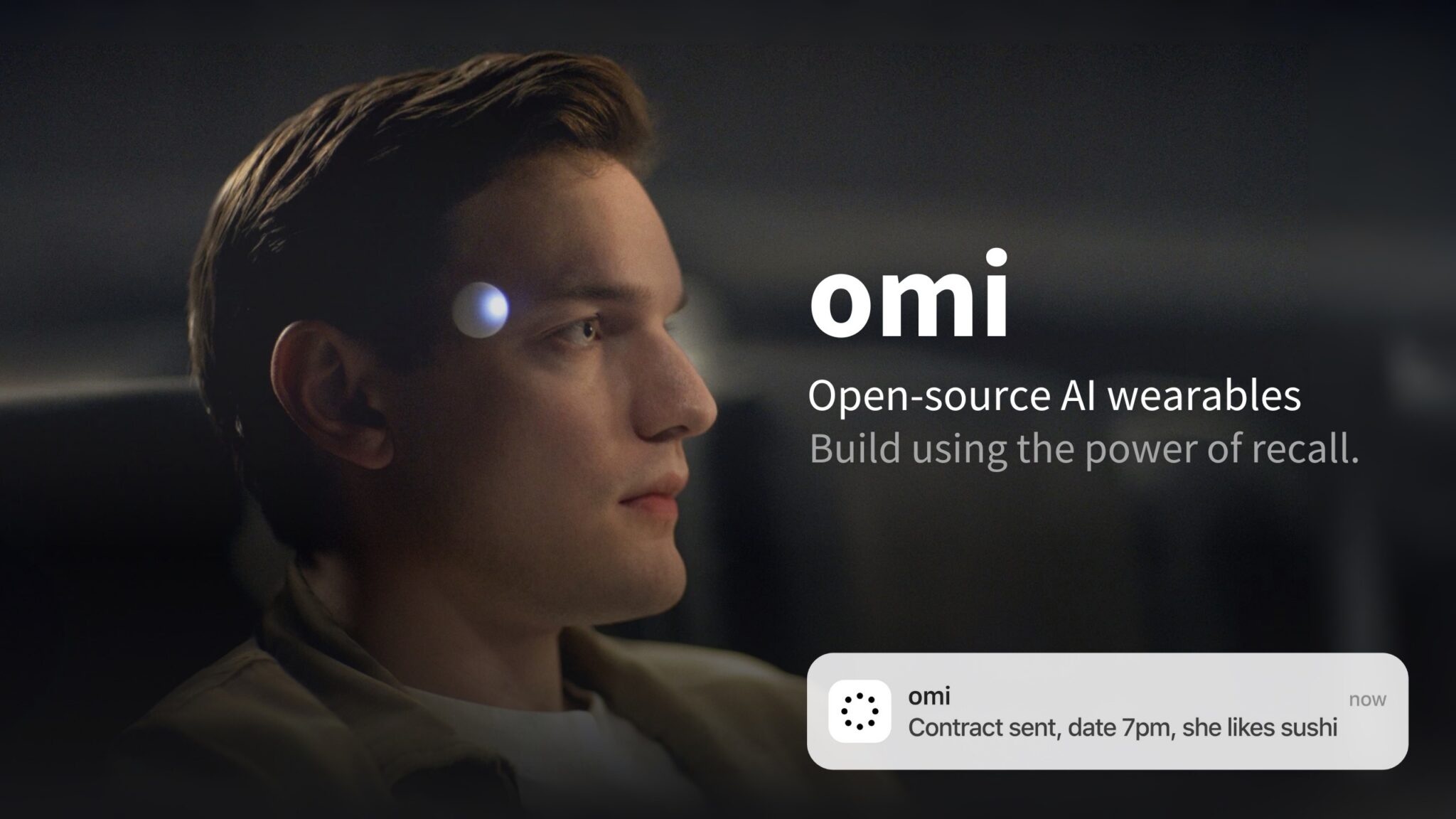

A $179 pendant that listens to every conversation you have sounds like a privacy nightmare. Yet that exact device is one of the most-starred open-source projects on GitHub right now, with more than 13,000 stars and a MIT license. The Omi AI wearable records what you hear, transcribes it in real time, and turns it into tasks you can actually use.
What Omi actually is
Omi is a small pendant you wear around your neck, made by a company called Based Hardware in San Francisco. It listens continuously, transcribes your conversations, and feeds everything into an app that summarizes your day and suggests action items. The company behind it describes the gadget as “a 2nd brain you trust more than your 1st.”
Here’s what separates it from the Meta Ray-Bans or the failed Friend pendant. The entire thing is open source. Hardware designs, mobile app, backend, you can inspect all of it on GitHub. As a result, you’re not trusting a black box with your conversations, because you can read exactly what the code does with your audio.
The Omi AI wearable does three jobs at once:
- Records and transcribes conversations as they happen
- Generates summaries and to-do items from what it heard
- Powers a chat that “remembers” what you’ve seen and heard, so you can ask it questions later
It also watches your screen if you run the desktop app, which turns it into something closer to a full-time assistant than a simple recorder. The company claims over 300,000 professionals use it. Take vendor numbers with a grain of salt, but the GitHub activity is real and heavy, with daily commits from a long list of contributors.
The price tag, in one table
Before you get excited, let’s talk money. The pendant itself is a one-time purchase. However, the useful features sit behind a subscription, and that’s where costs stack up.
| Product | What it is | Price |
|---|---|---|
| Omi pendant | The wearable itself | $179 one-time |
| Omi Wrist Band | Wear it on your wrist instead | $29.99 |
| Omi Unlimited (monthly) | Unlimited AI features, first month | $29.99 |
| Omi Unlimited (yearly) | Same, billed annually | $359.88 |
| Omi Unlimited yearly bundle | Pendant + year of service | $269.00 |
| Firmware Developer Kit | Build your own hardware | $59.99 |
So the honest all-in cost for a year is somewhere between $269 and $539, depending on which bundle you pick. That’s cheaper than a Meta Ray-Ban Display setup, yet the Omi AI wearable is not the “free open-source AI” that some Reddit threads imply. The open-source part matters most if you’re technical: you can self-host and skip the subscription entirely, but expect to spend a weekend getting there.
Setting it up without soldering
You don’t need to build anything to try this. The consumer path takes about 15 minutes.
- Order the pendant from omi.me (or skip hardware and run the app on your phone or desktop first)
- Install the Omi app on iOS or Android and pair the device over Bluetooth
- Pick your speech habits: the pendant transcribes everyone who talks, and the app labels speakers over time
- Turn on summaries so each conversation gets a recap plus action items in the app
- If you want the desktop experience, run the quick-start script from the GitHub repo, which builds the macOS app in one command
That last step is worth a pause. Most hardware startups would never ship a one-line build script for their desktop app. Omi does, because the whole point is that you can run everything yourself. Meanwhile, if you’d rather test-drive before spending $179, the mobile app works as a recorder on its own, no pendant required.
What it’s like after a week of meetings
The pitch sounds great. Does it hold up in practice? Based on what long-term users report, the transcription quality is solid in quiet rooms and noticeably worse in noisy cafés or group dinners. As with any always-listening mic, who’s talking matters as much as what’s said.
Where it genuinely shines is the “what did I promise?” problem. You leave a client call, and 20 minutes later the app has already drafted your follow-up list. For anyone who lives in meetings (consultants, freelancers, founders), that alone can recover an hour a week. It’s the same shift we described when looking at AI note-taking apps that listen to your meetings, except this one follows you out of the room. Students use it for lectures the same way.
The weaker spots are predictable. Battery life covers roughly a day, so it’s another thing to charge. And the app’s habit of summarizing every conversation means trivial chats produce noise you’ll want to prune. That said, you can adjust how much it captures.
The privacy trade-off
Let’s be honest about the awkward part. An Omi AI wearable records people who never consented to being recorded. Several US states have two-party consent laws, which means recording a private conversation without telling everyone involved can get you into legal trouble. Wearing one at work? Check your company’s policy first, because plenty of offices ban always-on recorders in meeting rooms.
This is exactly where the open-source angle stops being a geek detail and becomes the main feature. Because the code is public, independent developers have audited what gets uploaded and what stays local. You can run the stack on your own server if you want zero third parties involved. Compare that with closed wearables like Meta’s Muse, where you take the privacy policy on faith (we showed how to see and delete what Muse knows about you if you’re already wearing one).
Practical rules that keep you out of trouble:
- Tell people they’re being recorded. Every time.
- Skip it for medical, legal, or HR conversations unless everyone agrees in writing
- Delete transcripts you don’t need; the app makes this a one-tap job
- If your job touches confidential data, self-host instead of using the cloud backend
Who should skip it
If your days are mostly solo work, a $179 mic that follows you around is overkill. A $30 meeting-notes app does the same job for your Zoom calls. The pendant earns its price only when your most valuable information arrives through your ears: client meetings, sales calls, lectures, site visits.
On-device fans have cheaper paths anyway. Between self-hosting and running models locally (we walked through how to run a local LLM on your phone), a subscription-free setup is realistic in 2026. It just won’t be as hands-off as the pendant.
Also skip it if you hate subscriptions on principle. The core transcription works without paying Omi monthly if you self-host, but that’s a project, not a setting. For everyone else, the yearly bundle at $269 is the sane entry point, since it lands the hardware and a year of service in one purchase.
One more consideration: this category is moving fast. Meta, OpenAI-backed startups, and a wave of smaller players all want to be the memory layer for your life. Omi’s bet is that openness wins. Even if the company disappears, your device keeps working, because the software already lives on GitHub.
The takeaway
The Omi AI wearable is the most transparent option in the always-listening category, and the price is fair if your week is full of conversations worth remembering. Start with the free phone app to see if the habit sticks, then buy the pendant + yearly bundle if it does. And whatever you choose, tell the people around you what that little black disc around your neck actually does.