
That little app you vibe-coded last weekend is now one upload away from running on your actual Android phone. Google Play private apps went live on October 13: build something with AI, push it to the Play Store, and only you can see or install it. No developer account, no public listing, no $25 fee.
Why your app used to hit a wall
Vibe coding apps has exploded. Tools like Google AI Studio let you describe an app in plain English, and the AI writes the whole thing: interface, logic, the works. Millions of people have done exactly that.
But here’s the catch nobody solved until this week. Those AI-built apps ran in a browser tab. If you wanted one on your phone’s home screen as a real Android app, the only path was publishing it publicly on Google Play. That meant signing up as a developer and exposing your weekend project to the store’s roughly 3 billion users. Most people reasonably said no thanks and settled for web apps instead.
Google noticed the gap. Its fix: a private lane on the Play Store, built for apps with an audience of one.
What the new Google Play private apps feature does
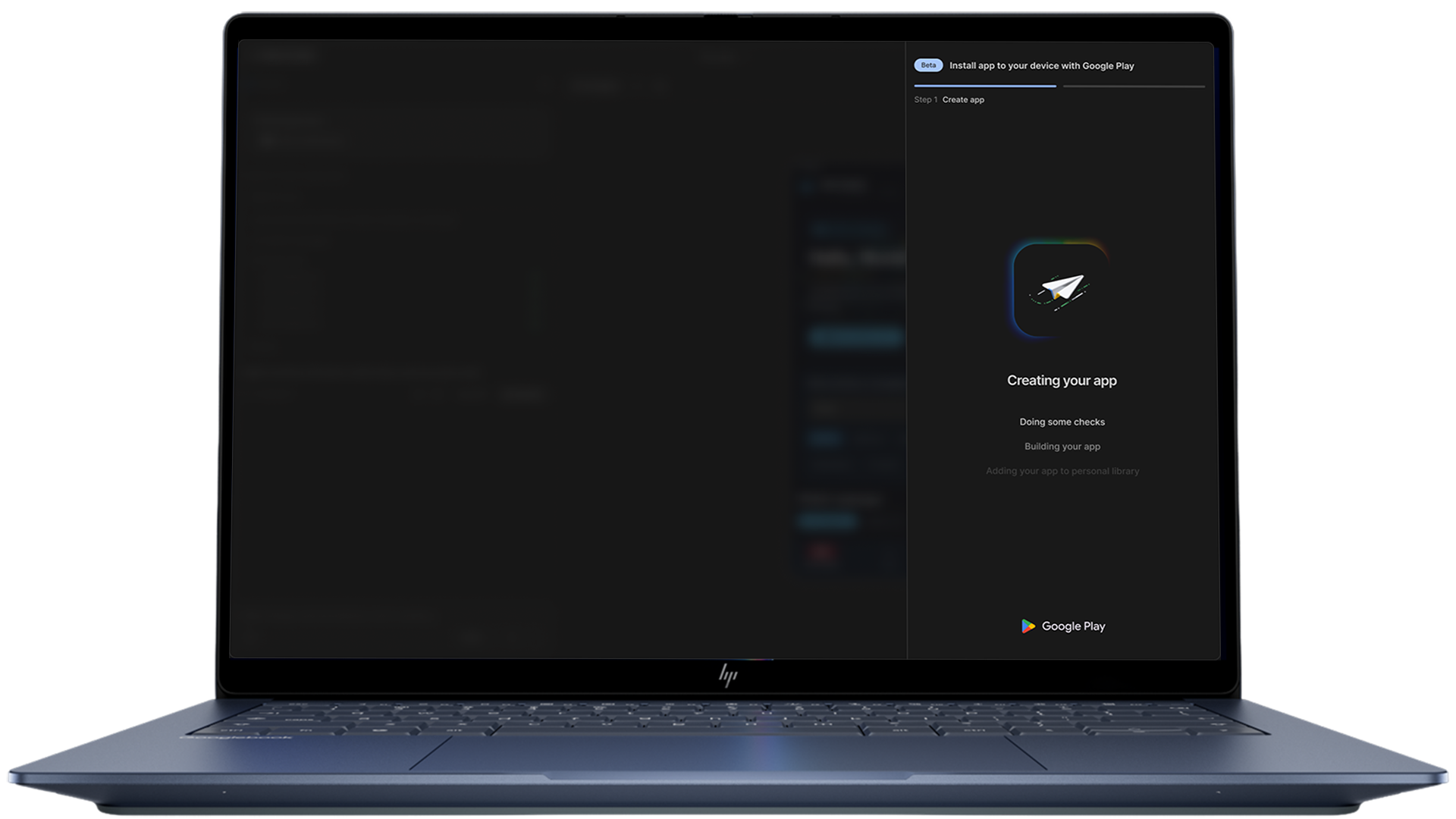
The mechanics are simple. You vibe-code an app in Google AI Studio, then launch it to Google Play under your normal Google account. It installs like any other app. The difference is privacy: private apps never appear in Play Store search or category listings, and nobody can download yours except you.
Sam Bright, Google’s VP and GM for Play, framed it as the store’s identity shift. The old pitch was “there’s an app for that.” His words on Tuesday: Play is moving to “there’s an app for me.”
A few rules matter before you get excited, so here they are up front.
| Rule | Detail |
|---|---|
| Who can publish | US users, 18 and older, at launch |
| Cost | Free, standard Google account, no dev account needed |
| Visibility | Invisible in search and listings; only the creator installs it |
| Review | Apps must still follow existing Play policies |
| Sharing | Trusted-friends sharing arrives in the coming months |
That age and region restriction is the big one for now. Google says more regions should follow, but if you’re outside the US, you’re watching from the sidelines this month.
How to publish your own app, step by step
The flow starts in Google AI Studio, which got native Android output back in August. Here’s the whole path.
1. Open Google AI Studio. It’s free with your Google account at aistudio.google.com. Find the Build tab. This is the vibe coding workspace where you describe what you want and Gemini builds it.
2. Describe your app, then pick Android. Type what you want: a habit tracker with confetti animations, a tip splitter for your serving shifts, an inventory logger for your vinyl collection, whatever. When you run the prompt, AI Studio generates the code and shows a live preview. Use the platform picker to choose a native Android app, which gets you Kotlin and Jetpack Compose under the hood.
3. Iterate until it feels right. Follow-up prompts fix what bugs you. The AI Studio docs recommend testing as you go, because small corrections now beat big rewrites later. You can also open the code view and edit directly; the agent keeps track and works with your changes.
4. Launch to Google Play. From the app options, push it to Play under your Google account. First time through, you’ll confirm your age and region, since the private-apps feature is US adults only at launch. The app installs on your device through Play, private and policy-checked, without ever hitting a public listing.
5. Keep it or grow it later. Google’s roadmap has two stages coming: trusted-friends sharing in the months ahead, and a way to convert a private app into a fully public one after passing the normal trust and safety reviews. So your family group chat app could become a real product if it catches on.
Google Play private apps vs sideloading and web apps
Android already had two workarounds for running your own software, so why bother with a third? Sideloading an APK works today: export the file, enable unknown sources, install manually. Web shortcuts avoid installation entirely. But both paths force trade-offs that Google Play private apps finally remove.
| Option | Install experience | Updates | Safety |
|---|---|---|---|
| Sideloading an APK | Security warnings, manual setup | Manual rebuild and reinstall | No store review at all |
| Home-screen web app | One tap, no install | Instant, but browser-dependent | Nothing installed, nothing reviewed |
| Google Play private apps | Normal Play install | Pushed through Play | Play policies still apply |
The install column is the one people underestimate. A real Play install means the app behaves like every other app on your phone: proper icon, proper permissions screen, updates through the store. That polish is exactly what sideloading never gives you.
What this unlocks for side hustlers
The obvious win is personal utility. Tools shaped exactly around your weird little workflow, running natively on the phone you already carry. Think of the coach tracking drills for one team, or the landlord logging property stuff between tenants.
The business angle is the staged path. Private app today, shared with a small group in a few months, public listing after review if it earns it. That’s a genuine launch funnel for micro-tools, the kind of thing people currently bolt together with spreadsheets. For a broader sense of how far prompt-built software has come, our vibe coding rules from the Linux kernel cover the craft, and the Lovable review shows the same idea outside Google’s ecosystem.
Just keep your expectations calibrated. A private listing isn’t distribution, and it isn’t revenue. It’s convenience and testing. Money comes later, if ever, and only after the public track.
The honest catches
Region lock is the first wall. US, 18-plus, and nothing official about when other countries get in. If you’re reading this from Europe or Asia, you’ll need patience.
Policy compliance still applies. Private doesn’t mean rule-free: your app has to pass the same Play policies as anything public. Content rules, permissions, the works.
And the review step for going public is a real gate, not a formality. Google didn’t publish turnaround times or rejection rates, so treat the public path as untested until more people walk it.
One more thing worth knowing. The Play Store update also rolled out gaming features, like a personalized Game Finder built on data from 1.2 billion players, plus community posts and 48-hour game challenges. Nice extras, but they don’t change the private apps story.
The takeaway
If you’re in the US and over 18, try the loop this week: open AI Studio, vibe-code something small you’d actually use, and push it to Play as a private app. It’s the fastest way yet to get a real Android app on your phone without learning Android development. Everyone else, the waiting list is basically “be patient,” and honestly that’s the whole cost.
Want to compare approaches? Our ChatGPT Sites walkthrough covers the web-app route, and the Google Playground guide shows what prompt-built games can do.
Sources: TechCrunch’s launch coverage, Google’s official Play announcement, and the official AI Studio Build mode docs.