
There’s a card that slides into the same slot as your graphics card, draws zero frames, and quietly runs AI models instead. It’s called an AI accelerator card, it nearly died as a product category, and the cheap ones are suddenly interesting again. If your “AI PC” dreams keep dying at the price of an RTX 5080, this is the hardware detour worth understanding.
What an AI accelerator card actually is
Picture a graphics card. Now delete the video outputs, the fan fare, and everything that makes games run. What’s left is a board packed with processors built for exactly two jobs: parallel processing and matrix multiplication, the math operations behind AI workloads.
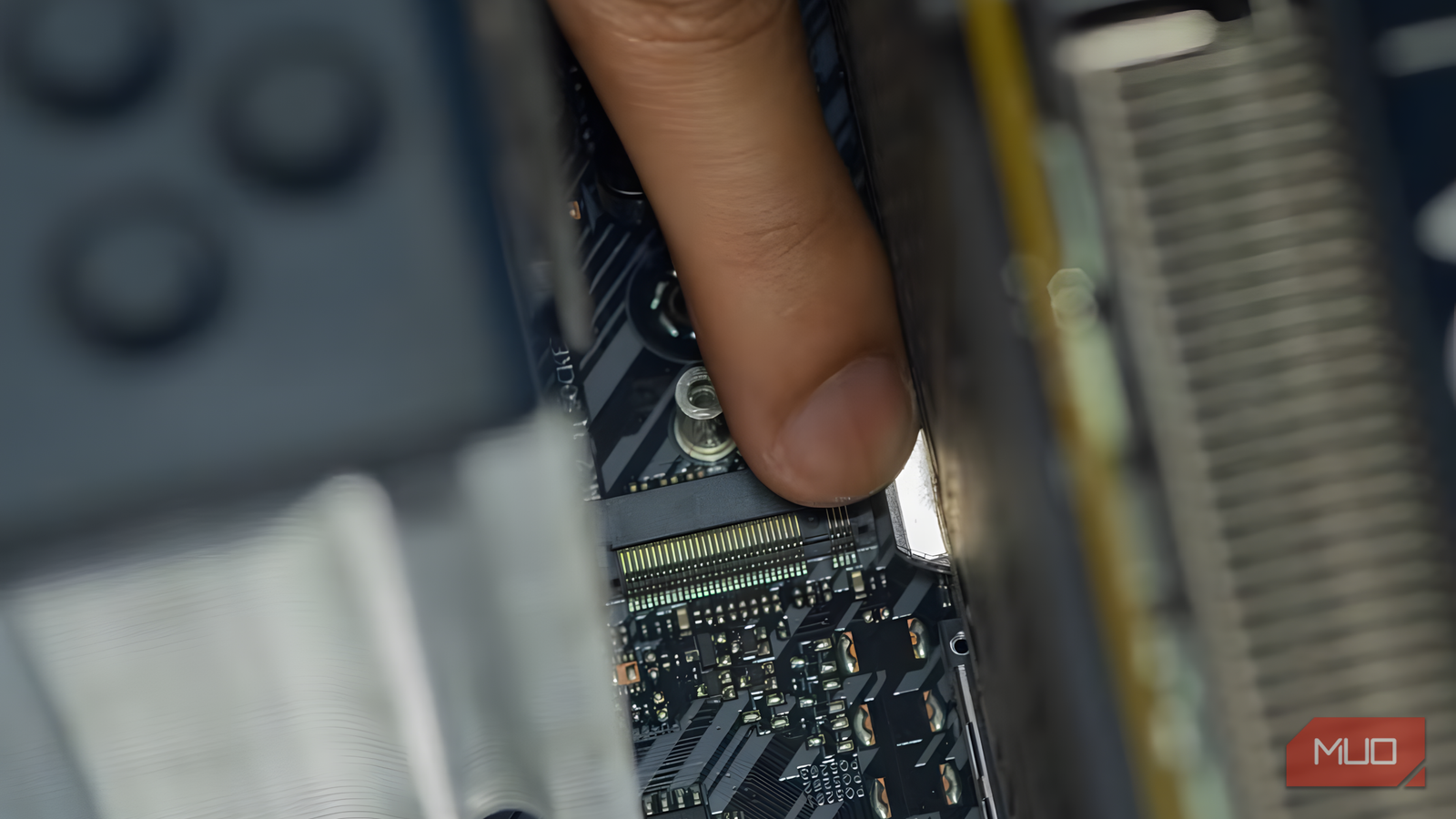
These cards come in two shapes. Some sit in a standard PCIe slot like a GPU, and others arrive as small M.2 sticks, the same format as your SSD. Either way, they carry onboard memory and their own chips, and they don’t replace your GPU. They work beside it, soaking up AI inference tasks while your graphics card keeps doing graphics.
One distinction saves a lot of confusion here. Modern RTX cards already contain Tensor Cores, and newer AMD cards have their own AI blocks, so technically today’s GPUs are AI accelerators too. When people say “AI accelerator” in the card sense, they mean the dedicated PCIe and M.2 boards whose entire existence is inference, nothing else. That’s the category this article covers, and it’s the one your PC builder friend has probably never installed.
What these cards are actually good at
Don’t expect to run giant chatbots on them. Most accelerator cards target lighter, repetitive workloads where efficiency beats raw power:
- Object detection on camera streams, like spotting people or packages in video
- Live transcription and speech-to-text
- Running small language models locally
- Image classification and sorting
- Smart home vision, like recognizing faces or license plates
The pitch is performance per watt. A card like Hailo’s M.2 module sips a few watts while pushing real-time detection across multiple camera streams. Your gaming GPU could do the same job, but it would burn ten times the electricity and sit mostly idle between frames. For an always-on task, that difference compounds on your power bill month after month. If you’ve ever run a local LLM on your phone, you’ve seen the same pattern in miniature: small models on modest silicon, huge models need real GPUs.
Why the first wave crashed
Here’s the awkward history. AI accelerator cards had a hype surge around 2023 and 2024, and then the market simply never formed. The cards were solving a gap that was already filled.
Three reasons keep coming up:
- The CUDA moat. Nvidia’s software ecosystem is enormous, and every AI tool chains to it. A separate inference chip means separate tools, and most developers won’t bother for hobby-scale workloads.
- GPUs got AI cores. Once Tensor Cores shipped in every mainstream RTX card, the “light AI sidequest” job had a home already. Buying extra silicon for it made less sense.
- No benchmarks, no buzz. There’s still no standard scoreboard for these cards, so shoppers can’t compare them the way they compare GPUs frame by frame.
Software support remains the wall. These cards need their own runtimes and model conversion steps, and Linux support is stronger than Windows across the board. That’s a hobbyist tax, and it never went away.
Hailo’s lineup: what an AI accelerator card costs
If you want to price this out, Hailo is the name that keeps surfacing, and its published specs show what real money buys. All figures below come straight from Hailo’s official product pages.
| Card | Form factor | AI performance | Power draw | Price |
|---|---|---|---|---|
| Hailo-8L | M.2 module | 13 TOPS | Very low, entry level | Budget tier |
| Hailo-8 | M.2 module | Up to 26 TOPS | A few watts | Around $200-250 street |
| Hailo-8 Century line | Full PCIe card | 52 to 208 TOPS | 15-75W depending on model | Starts at $249 |
| Mid-range GPU (for comparison) | PCIe, dual slot | Hundreds of TOPS equivalent | 150-300W | $500-1,000+ |
A few numbers deserve context. TOPS means trillions of operations per second, the standard bragging metric for AI chips. The Century cards claim 400 frames per second per watt on a common vision benchmark, which is the efficiency story in one figure. And the $249 entry price for a 52 TOPS PCIe card is the number that makes this category worth a fresh look, because that used to be unthinkable.
Supported frameworks cover TensorFlow, PyTorch, and ONNX on both Linux and Windows, so the software story is real now, not vaporware. It’s still not plug-and-play the way a gaming GPU is. You or a guide will be doing some model conversion.
Should your desktop get one
Honest answer: most readers don’t need this hardware yet. If your AI use is chatting in a browser, editing photos with cloud tools, or generating the occasional image, an AI accelerator card adds nothing. Spend the money on RAM or a better SSD.
The card starts making sense in narrower cases:
- You run an always-on computer vision project, cameras watching things 24/7
- Your GPU is busy or absent, like a home server with no graphics card at all
- Power costs matter, because the whole card draws less than a GPU idles at
- You tinker, and “local AI on weird hardware” is the hobby itself
That last group is small but real. For everyone else, your existing setup already runs local models on a gaming PC, and scaling that path beats bolting on a sidekick chip. The same logic applies to single-board and mini PC setups that run compact models locally, where an M.2 accelerator is often the only realistic upgrade.
There’s also a simple test before you spend anything. Write down the AI task you’d actually run, plus where it runs now. If the answer is “a chatbot in my browser,” close this tab and keep your money. If the answer involves cameras, a server in a closet, or a power meter, then a card priced at $249 starts looking like sensible engineering instead of shelf decoration.
The takeaway
AI accelerator cards are real, cheap at the entry point, and still a tinkerer’s game. Skip them for general use, and file them under “worth watching” until software support catches up to the hardware prices. If you run cameras or a headless server, Hailo’s $249 PCIe card is the first one that makes financial sense.