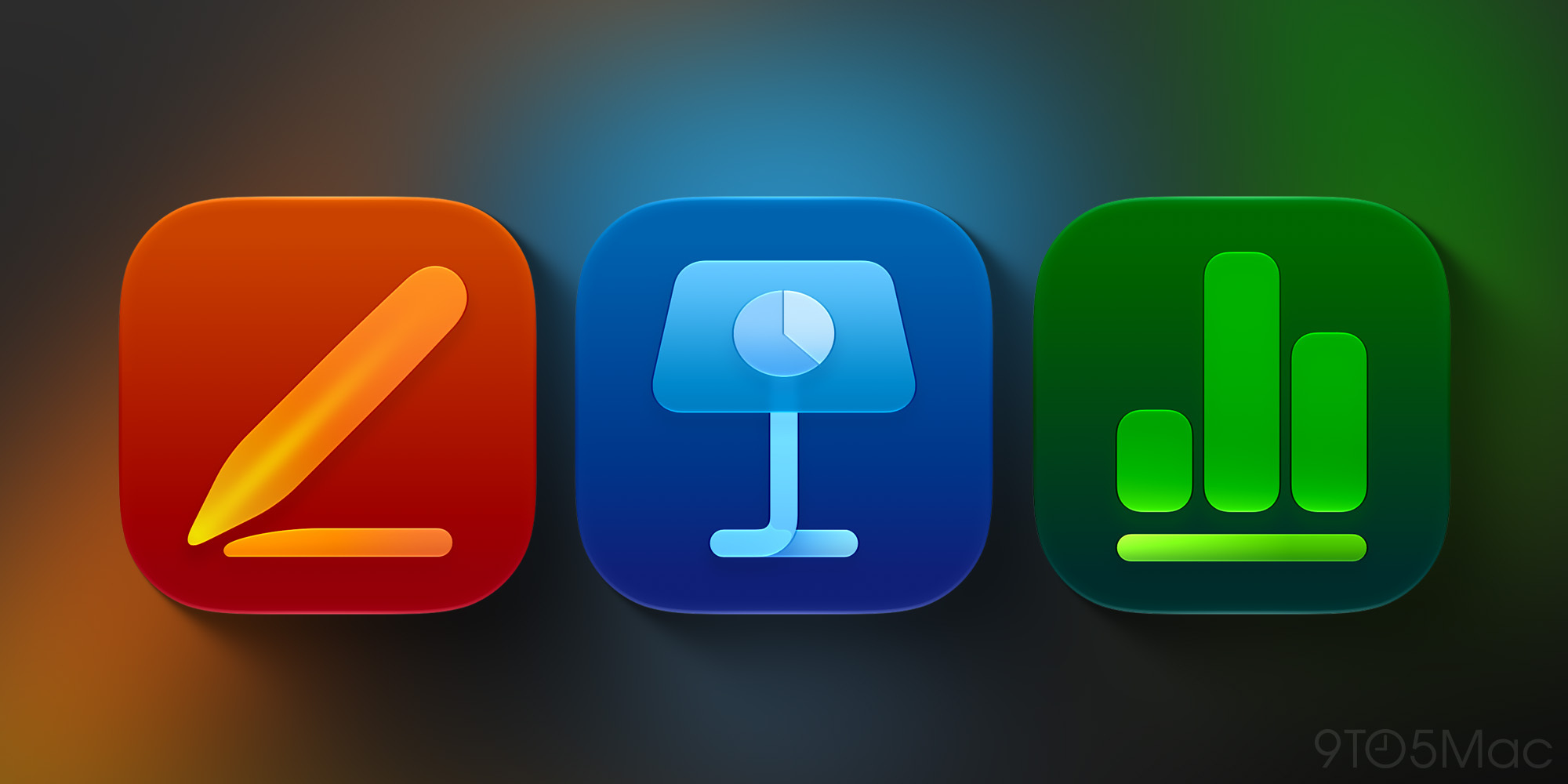

Apple has watched ChatGPT and Gemini soak up all the AI attention while Pages and Numbers sat quietly in the dock. That changed on October 22, when the iWork Intelligent Assistant landed inside Pages, Numbers, and Keynote. There’s a catch, of course: Apple gated it behind a subscription most people have never heard of.
What Apple shipped on October 22
The update rolled out to all three iWork apps as a beta. According to 9to5Mac’s walkthrough, the iWork Intelligent Assistant appears to be separate from Siri AI, and it behaves more like a document-aware collaborator than a voice helper. It’s US English only at launch and requires iOS 27 or later on iPhone, plus the matching versions on Mac and iPad.
The launch had some stumbles, though. Apple briefly pulled all three updated apps from the App Stores shortly after release, and early updaters couldn’t see the assistant at all, which suggests a server-side switch that wasn’t flipped for everyone. If you install the update today and find nothing, that may be why.
One genuinely useful change is free for everybody, no subscription needed: Keynote gained a new open file format called Interchange Format (.keyx) that makes exporting and editing presentations in other apps far less painful.
What the assistant does in each app
Apple’s release notes read like three different products, so here’s what the iWork Intelligent Assistant claims to do in each app.
In Pages, the assistant is a writing partner. It drafts first versions, rewrites sections for tone, generates images and shapes from a description, and can search the web for current information and work it into your document.
Keynote gets the presentation treatment. Describe the story you want and it generates slides, presenter notes, and visuals. It can also suggest animations, which is the kind of polish most of us never get around to.
Numbers might be the quiet winner here. The assistant builds complex formulas from plain English, suggests charts, generates tables, and claims to surface insights you’d miss in your own data. If you’ve ever stared at a spreadsheet knowing the answer is in there somewhere, that’s the pitch.
Where it beats copy-pasting
The obvious objection: ChatGPT already does most of this. Copy your doc into a chatbot, ask for a rewrite, paste it back. I’ve worked that way plenty, and it’s clunkier than it sounds. Formatting falls apart on the way out and again on the way back in. Images and charts have to be rebuilt by hand.
The iWork Intelligent Assistant edits in place instead. Ask for a tighter intro and the document rewrites itself, layout intact. Ask Keynote for presenter notes and they land on the right slides, not in a text file you shuffle from. That in-place part is the real product, more than the model underneath.
There’s also the context advantage. The assistant sees your whole document, so it knows the tone you’re using and the section you mean when you say “make this part clearer”. Chat windows forget, or need constant re-explaining.
Google users will recognize the shape of all this. Sheets Canvas already turns spreadsheets into mini-apps, and Gemini has been drafting inside Google Docs for a while. Apple is late. The question is whether deeper app integration makes up for the delay.
What you need before you can try it
The checklist is short but strict:
- An Apple Creator Studio subscription (pricing below)
- Device language set to US English
- iOS 27 or later on iPhone, matching versions on iPad and Mac
- Patience, because it’s a beta and activation appears to be server-side
If you tick every box and still see nothing, you’re not alone. Early testers reported exactly that, so give it a day before assuming you did something wrong.
What it costs
Apple Creator Studio isn’t an AI subscription. It’s Apple’s creative bundle, launched in January 2026, and the new iWork features ride along with it:
| Who’s subscribing | Monthly | Yearly |
|---|---|---|
| New subscribers | $12.99 | $129 |
| Students and educators | $2.99 | $29.99 |
Every new subscription starts with a one-month free trial, and a new Mac or qualifying iPad gets you three months free. The bundle also includes Final Cut Pro, Logic Pro, and Pixelmator Pro on Mac and iPad, plus Motion, Compressor, and MainStage on Mac. Full details sit on Apple’s Creator Studio page.
Is it worth $12.99 a month?
Here’s my honest take: if all you want is AI writing help, $12.99 a month is a hard sell when ChatGPT’s free tier or a Claude plan does more, across every app, not just Apple’s three. The iWork Intelligent Assistant only makes sense as a bundle decision.
Already paying for Final Cut or Logic? Then the assistant is effectively a free add-on, and a nice one. Student or educator at $2.99? That’s close to a no-brainer, since it undercuts every standalone AI subscription on the market.
Everyone else: start the free month, draft a real document in Pages, generate a real deck in Keynote, and see if the workflow sticks before paying a cent. Subscriptions are easy to start and annoying to remember to cancel.
There’s an iPhone angle too. If your computing life happens mostly on a phone, native integration beats copy-pasting between apps all day. Our iPhone Shortcuts with Apple Intelligence guide shows how much time the native route saves once it’s set up.
The free stuff everyone gets
Even without paying, this update matters. The .keyx format fixes a real problem for anyone who’s ever needed to hand a Keynote file to a Windows colleague. And iWork has carried free Apple Intelligence features for a while now: Writing Tools proofread, summarize, and rewrite text, while Image Playground generates images inside documents. They’re shallow compared to the new assistant, but they cost nothing.
Zoom out and Apple’s play is clear. The baseline keeps improving for free, and the genuinely powerful stuff sits behind the subscription. Between this and everything landing in the iOS 27.2 update, the ecosystem’s AI layer is filling in fast. Whether this particular assistant justifies $12.99 depends on how much of your life already lives in Pages, Numbers, and Keynote.
Troubleshooting and limits
Updated the apps and still see nothing? You’re probably fine. Early testers hit the same wall, and the apps were even pulled briefly from the App Stores on launch day. The assistant appears to activate server-side, so give it a day or two before assuming your setup is broken.
Language matters too. It’s US English only at launch, so if your device runs in another language the feature stays hidden even with an active subscription.
There’s no way around the subscription, either. The assistant sits behind Creator Studio, with two exceptions worth knowing: a new Mac or qualifying iPad includes three months free, and every account gets a one-month trial. That’s enough time to judge it properly.
One open question is where your data goes. Apple hasn’t detailed the pipeline, but the requirement for iOS 27 and an account-tied subscription means it’s not running purely on your device. If that matters for sensitive documents, treat it like any cloud AI tool and review Apple’s privacy terms before pasting in client work.
Try it before you decide
Update your iWork apps today regardless, because the free .keyx format alone is worth the tap. Then, if the iWork Intelligent Assistant intrigues you, start the one-month Creator Studio trial and run it through a real project, not a toy one. Just set a reminder to cancel if it doesn’t earn the $12.99.