
ChatGPT Slides just turned every conversation into a potential slide deck. The catch: the polished version only lives on OpenAI’s expensive plans, and the free workaround spits out something rougher than most people expect. Here’s what each tier really gets you, and when Google’s option still wins.
What ChatGPT Slides actually is
OpenAI has been quietly assembling an office suite inside its chatbot. ChatGPT Sites already builds and publishes whole websites, ChatGPT Pages handles documents for paid users, a spreadsheet app is on the way, and ChatGPT Slides is the presentation piece of that puzzle. Instead of exporting text and rebuilding slides by hand, you describe what you need and the tool builds the deck inside your conversation.
The feature rolled out over the past few weeks. Lifehacker tested it across tiers and found the full experience restricted to the Pro tier and above, which puts the entry point around $100 a month. Lower plans still make slides, just clunkier ones.
That split matters if you’re watching your budget. So let’s break down exactly what each tier delivers before you spend anything.
The free and Plus route: chat first, slides second
On the free plan or the $20-a-month Plus tier, you don’t get a Slides workspace. You work inside a normal chat instead.
The flow looks like this:
- Start a conversation about your topic. Ask ChatGPT to research a product’s specs and early reviews, for example.
- When the chat has enough material, say “build me a slideshow on the key features so far.”
- ChatGPT generates a deck based on that conversation.
- Download it as a PowerPoint file and open it wherever you need it.
A real prompt that works well: “Based on everything we discussed, make a 6-slide presentation for my team. Slide 1 should hook them, and include product photos where you can.” Specific slide counts and a stated audience go a long way. Vague requests get you vague decks.
Plus accounts also see a Presentations add-on in the menu next to the prompt box. It’s in flux right now, since the dedicated Slides tool is replacing parts of it. Either way, the Plus result holds up: Lifehacker’s test deck on Apple’s foldable iPhone was factually solid, with clean simple layouts and even an official product photo. You have to ask for photos specifically, though. Keep that in mind.
What you lose on these tiers is control. There’s no collaboration. You can’t click into a text box and rewrite it natively, and the exported file is more basic than what Pro users get. If you only occasionally need to turn a chat into rough slides, that’s honestly fine. Free covers it, and nothing about the workflow requires a subscription.
What the Pro tier unlocks
Pro subscribers get ChatGPT Slides as a dedicated workspace inside the app, part of a broader push to turn ChatGPT itself into the main interface for getting work done. You can start a blank presentation from scratch, drop in basic images and text, and drive the whole thing with prompts. Think of it as a very lightweight Google Slides with an AI prompt box bolted on.
The per-element editing is the real upgrade. Click any element, then resize, reposition, or restyle it directly. You can also just describe the change: “make this pop more” or “center all of this information” both work. Collaboration is built in too, which matters for teams already living inside ChatGPT’s ecosystem.
Lifehacker’s verdict on the Pro experience was mixed, though. Decks built from an existing chat came out longer and better organized than the Plus versions, complete with charts and official photography. But building from a blank canvas felt tedious, and some requests failed to complete during testing. Bugs happen when a product is this new.
Where ChatGPT Slides falls short
Honest take: the output feels machine-assembled at every tier. Slides don’t flow into each other particularly well, and information lands wherever the algorithm decided it should go. It reads like a decent first draft, never like a designer touched it.
Sound familiar? That’s been the tradeoff with AI slide makers since the beginning. You save the formatting time, then spend part of it back fixing pacing and visual hierarchy.
For quick internal decks, brainstorm dumps, or an assignment due tomorrow, the trade is worth it. For anything client-facing where polish actually matters, you’ll probably open PowerPoint or Google Slides afterward and clean things up anyway.
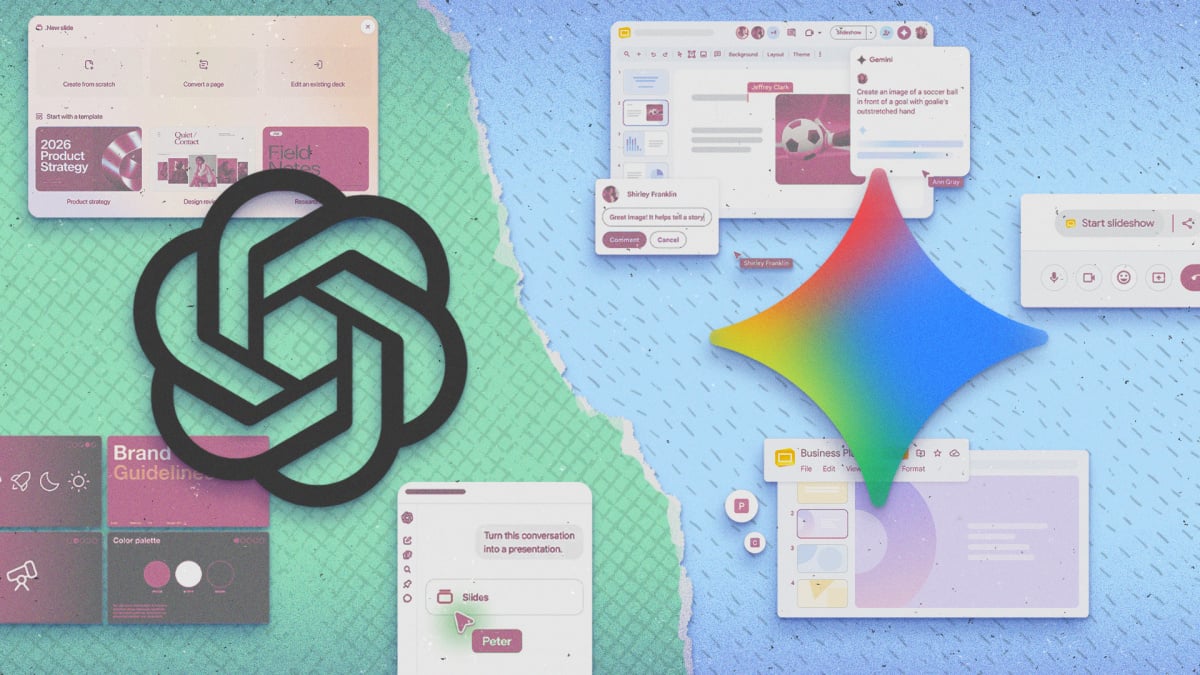
ChatGPT Slides vs Gemini in Google Slides
Google’s answer lives inside the tools you already know. Google’s AI already reaches Docs, Sheets, and video editing, and with a Google AI Pro subscription ($19.99 a month) or higher, Gemini shows up right inside Google Slides, the same playbook Claude now follows in Docs and Sheets to build decks with you.
Side-by-side testing surfaced real differences:
| ChatGPT Slides (Pro) | Gemini in Google Slides | |
|---|---|---|
| Price for the full tool | Pro tier, around $100+ per month | Google AI Pro, $19.99 per month |
| Where it lives | Dedicated workspace in the ChatGPT app | Inside the real Google Slides editor |
| Clarifying questions | Rarely asks | Asks about style, audience, key details |
| Layout quality | Functional, algorithmic | More human, better flow and colors |
| Image handling | Pulled official Apple photos | Invented a goofy two-iPhone graphic |
| Fact accuracy | Solid in testing | Got the screen brightness spec wrong |
| Element editing | Click and restyle individual elements | Edits go through the general prompt box |
| Collaboration | Built in | Full Google Slides sharing |
Gemini asked smarter questions up front. What visual style do you want? Who’s the audience? Which details deserve emphasis? ChatGPT skipped that step and just built. On the flip side, ChatGPT Slides handled real imagery better, sourcing official product shots from Apple’s website while Gemini fabricated a device that looked like two 2021 iPhones glued together.
Accuracy is a wash in practice. Both tools made mistakes, just different ones, so check every number before you present anything. That advice was true last year and it’s still true now.
So which one should you actually use
For most people, the winner is clear: Gemini inside Google Slides. It costs a fraction of ChatGPT Pro, it runs inside a mature editor with a decade of features, and Lifehacker’s tester flatly called it the better option for AI-assisted decks right now. OpenAI will likely close the gap, and ChatGPT Slides makes sense today if you already pay for Pro for other reasons.
If you’re on free or Plus, nothing here should push you into upgrading just for slides. Keep using the chat-to-PowerPoint route for casual stuff. And if presentations are a real part of your job, the $19.99 Google AI Pro plan puts AI where the actual work happens.
The takeaway
Try the free chat-to-PowerPoint route today with a topic you’ve already researched in a ChatGPT conversation. If you keep hitting its limits, Google AI Pro at $19.99 a month is the strongest AI slide workflow for the money right now. Skip the Pro upgrade until OpenAI brings Slides to cheaper tiers or irons out the bugs.